
AI Tool Guides
AI Tools for Content Creators: The Honest List
Some links in our roundups are affiliate links: if you buy through them we may earn a commission, at no extra cost to you. It never changes which tools we recommend or where they rank — we only list tools we would genuinely tell a friend to use.
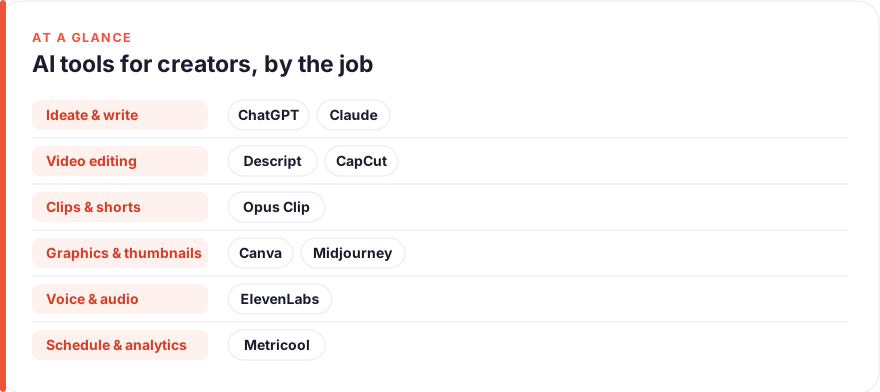
The short answer: For most creators in 2026, a realistic stack is one strong writing model (ChatGPT or Claude) for ideation and scripts, Descript or CapCut for editing, Opus Clip for turning long videos into short clips, Canva or Midjourney for thumbnails and graphics, ElevenLabs for voice, and Metricool for scheduling and analytics. You rarely need all of them at once. Start with the one tool that removes your biggest weekly bottleneck.
Every week brings a new “AI tool that will 10x your content”. Most of them are a thin wrapper around a model you could use directly, and a few are genuinely useful. This list is the honest version: tools that earn their place in a real creator’s workflow, grouped by the job they actually do, with the limits spelled out rather than hidden.
We have kept it to nine tools across seven jobs, because a bloated stack is its own problem. If a category does not apply to you, skip it. A newsletter writer does not need a voice cloner, and a faceless YouTube channel may not touch a thumbnail designer. Pick by bottleneck, not by hype.
- Group tools by job (ideation, writing, video, thumbnails, voice, clips, scheduling), not by brand name.
- A writing model plus one editor plus a scheduler covers most creators for well under $60/month.
- AI is strongest at drafts, variations and grunt work; it is weakest at taste, voice and originality.
- Clip and repurposing tools save the most time per dollar if you already publish long-form.
- Buy the tool that fixes your worst weekly bottleneck first, then add only when a new one appears.
How we picked these
We looked for tools that a working creator would keep paying for after the novelty wears off. That means three things: the tool does one job well, the free or cheap tier is genuinely usable, and the output does not obviously scream “made by AI” in a way that costs you trust with your audience.
We are not sponsored by anyone on this list, and we do not earn commissions from these picks. You can read more about how this site works on our about page and our disclosure page. Where we mention a limitation, it is because we hit it ourselves or it is widely reported by creators using the tool.
Prices are a July 2026 snapshot and are deliberately hedged with tildes, because AI pricing changes often and most of these tools run frequent promotions and tier reshuffles. Treat the numbers as “roughly this much”, check the current page before you buy, and remember that annual billing usually shaves a chunk off the monthly figure.
The shortlist
ChatGPT
Best for: ideation, scripts and fast draftsFree · Plus ~$20/mo
The default starting point for most creators, and for good reason. ChatGPT is excellent for spinning up ten title options, roughing out a script structure, or turning a messy voice memo into a clean outline. The catch is that its unedited voice is recognisably bland, so treat it as a first-draft engine rather than a ghostwriter. Feed it your own examples and it improves sharply.
Pros
- Fast, versatile and good at brainstorming angles
- Strong ecosystem of custom instructions and voice mode
- Handles outlines, hooks and rewrites in seconds
Cons
- Default output can sound generic without heavy prompting
- Will confidently invent facts you must check
/assets/screenshots/chatgpt.png Claude
Best for: longer scripts and voice-matched writingFree · Pro ~$20/mo
Claude is the one we reach for when the job is longer or the voice matters more, such as a full newsletter issue or a script that needs to sound like a person rather than a press release. It is strong at working from a transcript or a pile of notes and shaping them without flattening your tone. If you already pay for ChatGPT, you do not strictly need both, but many writers keep one of each for different moods of work.
Pros
- Handles long documents and transcripts well
- Tends to write in a more natural, less hyped tone
- Good at editing to a brief and keeping your voice
Cons
- Smaller plugin and integration ecosystem than ChatGPT
- Also needs guardrails on any factual claims
/assets/screenshots/claude.png Descript
Best for: podcast and video editing by textFree · paid from ~$16/mo
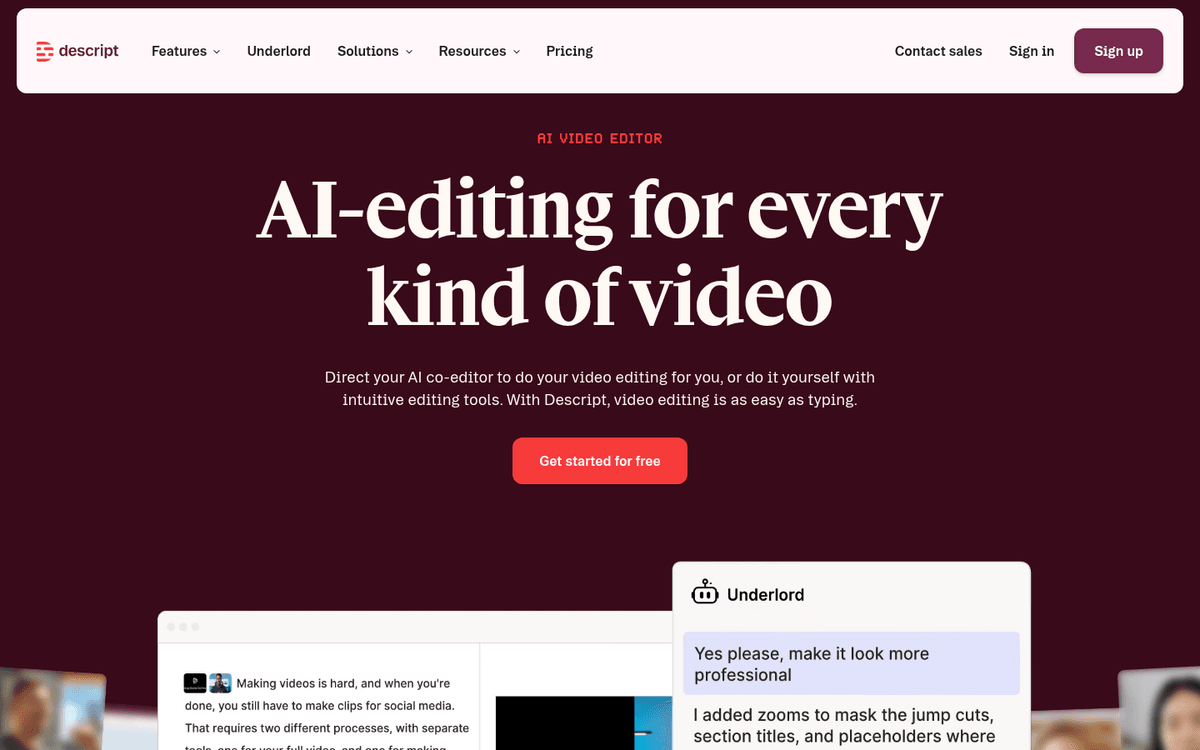
Descript’s core trick still feels like magic: it transcribes your recording, and you edit the media by editing the words. Delete a sentence in the transcript and it disappears from the video. For talking-head creators and podcasters, this collapses hours of scrubbing into minutes. It is not a full replacement for a timeline editor on heavily produced work, but for interview and explainer content it is hard to beat.
Pros
- Edit audio and video by editing the transcript
- Removes filler words and awkward pauses in one click
- Decent screen recording and overdub features
Cons
- Complex projects can get sluggish
- Overdub voice quality varies by source audio
/assets/screenshots/descript.png Opus Clip
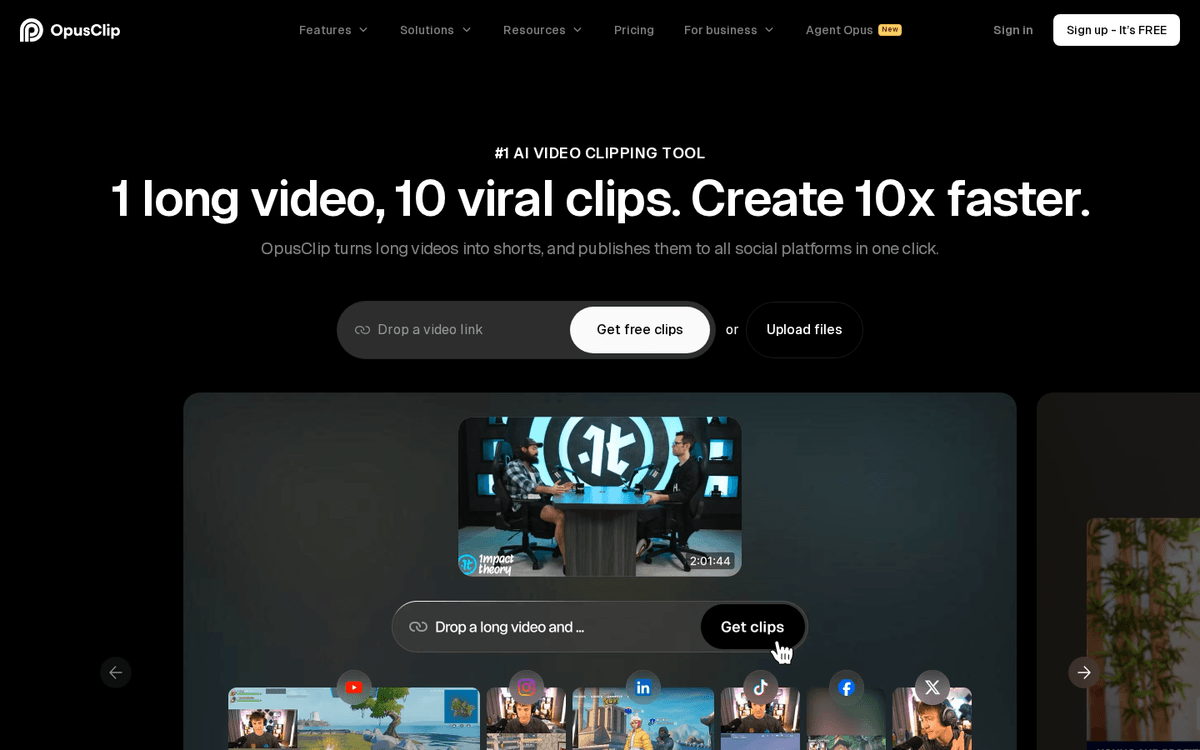
Best for: turning long videos into short clipsFree tier · paid from ~$15/mo
If you publish long videos or podcasts, Opus Clip is one of the highest-return tools here. Point it at a long recording and it hands back a batch of vertical clips with captions and suggested hooks. The quality is uneven, so treat it as a shortlist generator rather than an autopilot, but even keeping one clip in three is a huge win. It pairs naturally with a scheduler, and fits the broader case for automating repetitive tasks in your workflow.
Pros
- Finds and cuts the most clippable moments automatically
- Adds captions, reframing and a virality score
- Massive time-saver if you already publish long-form
Cons
- The virality score is a rough guide, not gospel
- Still needs a human to reject the weak clips
/assets/screenshots/opus-clip.png Canva
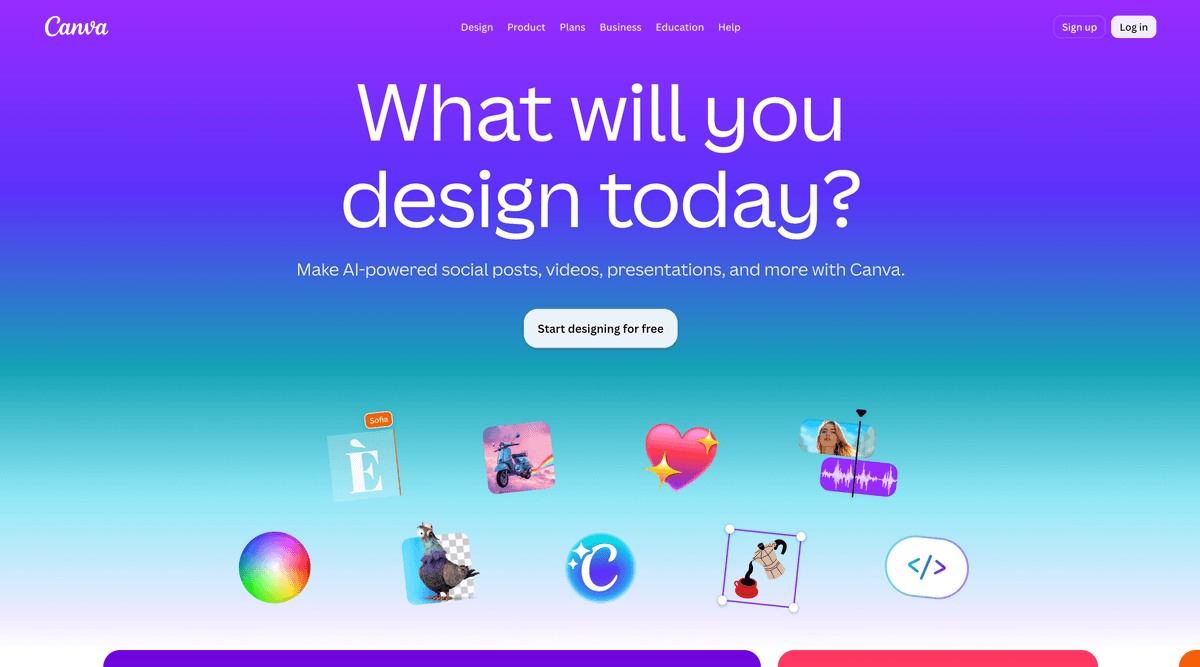
Best for: thumbnails, graphics and templatesFree · Pro ~$13/mo
Canva is the practical default for thumbnails, carousels, quote graphics and channel art. Its AI features (background removal, one-click resizing across formats, text-to-image) are woven into a tool most creators already know. The honest caveat is that leaning too hard on stock templates makes your channel blend in. Use it as scaffolding and then push the design somewhere that looks like you.
Pros
- Enormous template library for every platform
- AI background remover, resize and Magic tools built in
- Genuinely usable free tier
Cons
- Templates can make your brand look like everyone else's
- AI image generation is fine, not best in class
/assets/screenshots/canva.png ElevenLabs
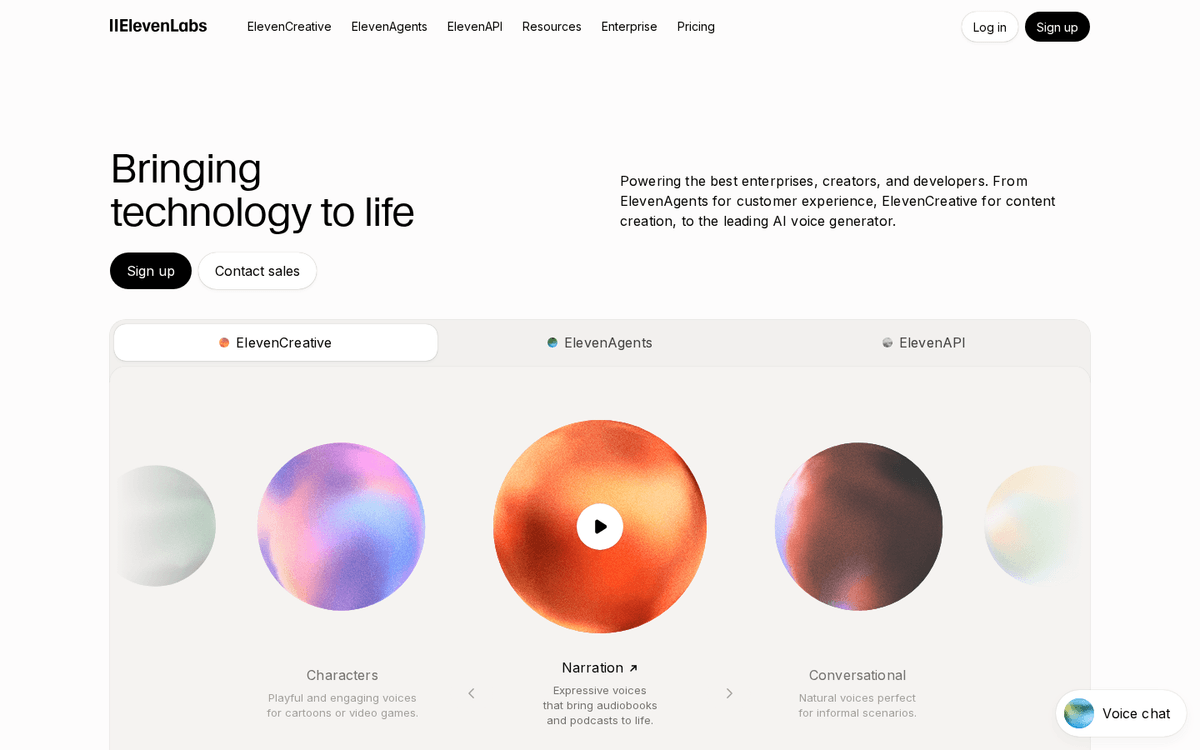
Best for: AI voiceover and narrationFree tier · paid from ~$5/mo
For faceless channels, narrated shorts, or turning an article into audio, ElevenLabs sets the bar for naturalness. You can clone your own voice to scale narration or use a stock voice to stay anonymous. Two honesty notes: quality still slips on unusual names and long passages, so you will proof-listen, and if you clone a voice, be clear with your audience about what is synthetic. Trust is harder to rebuild than it is to keep.
Pros
- The most natural-sounding AI voices available
- Voice cloning and multilingual narration
- Good for faceless channels and audiograms
Cons
- Cloning your own voice raises disclosure questions
- Long-form narration can still drift or mispronounce
/assets/screenshots/elevenlabs.png CapCut
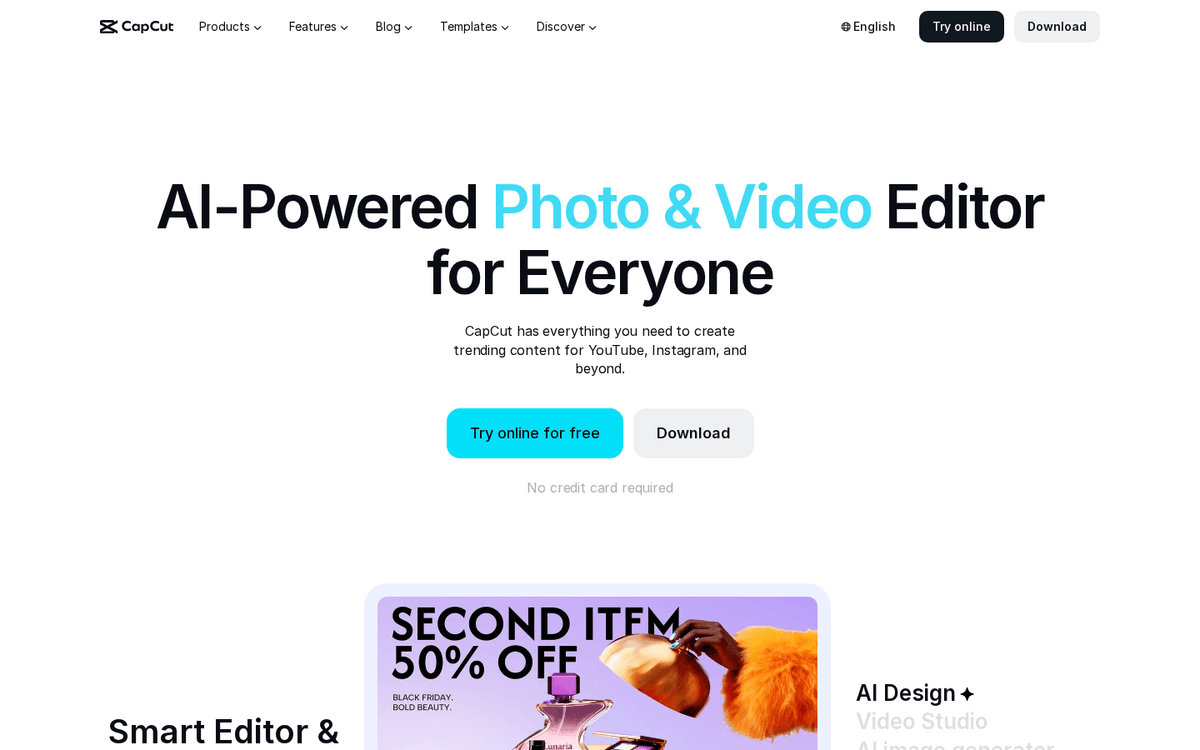
Best for: fast mobile and short-form editingFree · Pro ~$10/mo
CapCut remains the workhorse for short-form editing, especially on mobile. Auto-captions, trending effects, and quick templates make it fast to produce TikToks, Reels and Shorts. It overlaps with Opus Clip on captions, so you rarely need both for the same task. Keep an eye on its terms, which have changed before, and avoid leaning entirely on trending templates if you want a recognisable style.
Pros
- Free tier is remarkably capable
- Auto-captions, effects and templates built for short-form
- Works well on mobile and desktop
Cons
- Feature and export terms have shifted before
- Template-heavy edits look same-y across creators
/assets/screenshots/capcut.png Midjourney
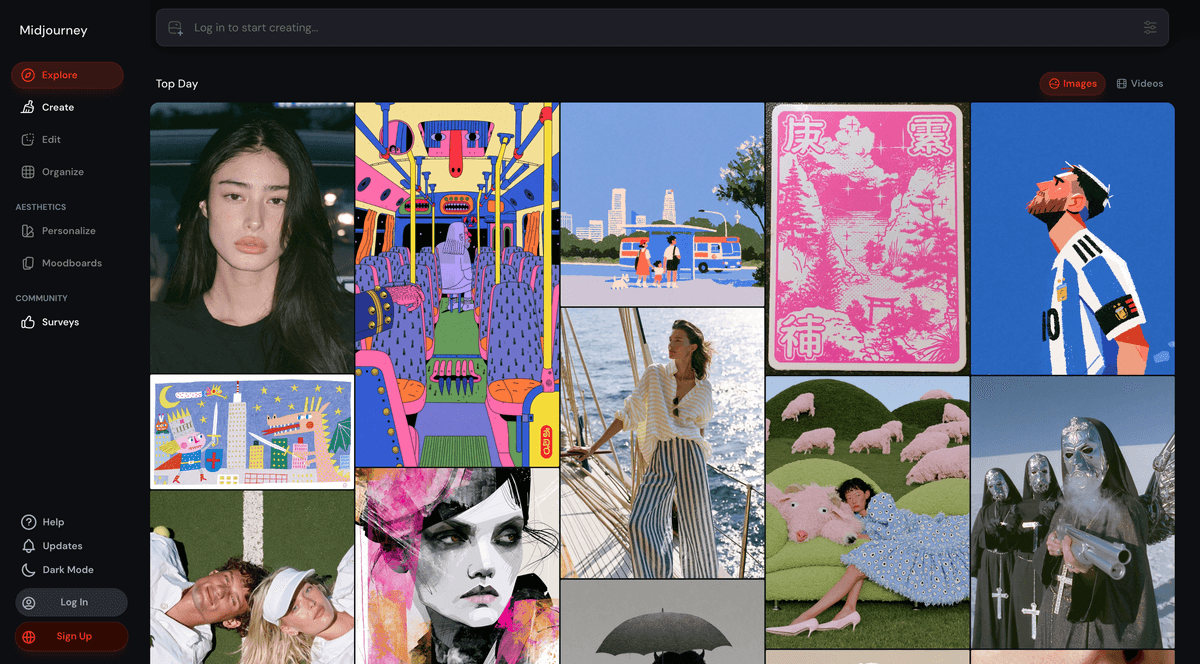
Best for: distinctive thumbnails and original imageryPaid from ~$10/mo
When a Canva template will not cut it and you want a thumbnail or cover image with real visual punch, Midjourney is the strongest generator on this list. The trade-off is a learning curve and no free tier, so it suits creators for whom visuals are a differentiator. Generate in Midjourney, then bring the result into Canva to add text and framing. That combination gives you distinctive imagery without wrestling type inside an image model.
Pros
- Best-in-class image quality and style control
- Great for standout thumbnails and cover art
- Improving text and consistency features
Cons
- Steeper learning curve than Canva's generator
- No free tier, and results need curation
/assets/screenshots/midjourney.png Metricool
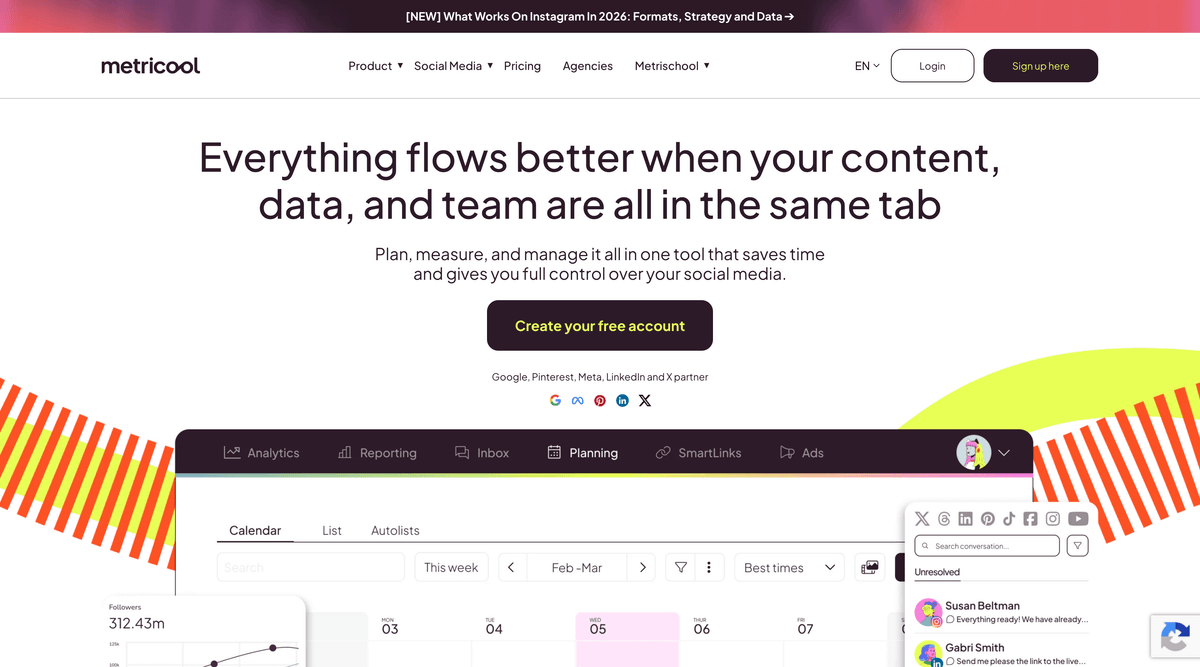
Best for: scheduling and cross-platform analyticsFree · paid from ~$18/mo
The unglamorous but essential job: getting content out on a schedule and seeing what worked. Metricool covers scheduling and analytics across the major platforms from a single dashboard, which saves the daily context-switching that quietly eats a creator’s week. Buffer is a fine alternative if you want something simpler. Either way, a scheduler is what turns a pile of finished clips into a consistent posting habit.
Pros
- Schedule across most major platforms in one place
- Unified analytics and best-time-to-post suggestions
- Reasonable free tier for a solo creator
Cons
- Some platform integrations are steadier than others
- Analytics are directional, not a substitute for native data
/assets/screenshots/metricool.png Which should a creator buy first?
The right first purchase depends on where your week actually gets stuck, not on which tool is most talked about.
If writing is your bottleneck, start with one model, either ChatGPT or Claude, and nothing else. A single $20 subscription will speed up ideation, scripting and repurposing more than any other single spend. You do not need both to begin with.
If editing eats your week, buy the editor that matches your format. Descript for talking-head video and podcasts, CapCut for short-form. Pair it with Opus Clip only once you have long-form content worth slicing up.
If you already publish long videos, the highest-return add-on is Opus Clip plus a scheduler like Metricool. That combination turns one recording into a week of short-form posts with the least manual effort, which is exactly the kind of leverage we cover in our guide to the best AI tools for entrepreneurs.
FAQ
What is the cheapest useful AI stack for a creator?
Around $20 a month gets you a long way: one writing model (ChatGPT or Claude at roughly $20/mo) plus the free tiers of Canva, CapCut and Metricool. That covers writing, basic graphics, short-form editing and scheduling. You only need to spend more when a specific job, such as high-volume clipping or professional voiceover, becomes a genuine bottleneck.
Do I need both ChatGPT and Claude?
No. For most creators one strong writing model is plenty. Some writers keep both because they prefer ChatGPT for fast brainstorming and Claude for longer, voice-sensitive writing, but that is a preference, not a requirement. Start with one, learn to prompt it well with your own examples, and only add the second if you keep wishing the first behaved differently.
Will using AI tools hurt my content’s authenticity or originality?
It can, if you let the tool do the thinking. AI is genuinely good at drafts, variations and grunt work, and genuinely weak at taste, lived experience and a distinctive point of view, which are the things audiences actually follow you for. Used as a first-draft engine and an editor, it frees you to spend more time on ideas and delivery. Used as a full ghostwriter on autopilot, it produces the flat, interchangeable content that erodes trust. Keep your judgement in the loop, always add something only you could say, and be honest with your audience when a voice or image is synthetic.
Are these tools safe to rely on for a business?
Rely on the workflow, not any single tool. AI pricing, features and terms change often, and tools occasionally shift what their free tier includes. Keep your source files (scripts, recordings, raw footage) under your own control, avoid building a process that only works inside one proprietary app, and be ready to swap a tool out. The jobs on this list are stable even when the specific products are not.
How accurate are AI virality scores and best-time-to-post suggestions?
Treat them as directional, not predictive. A virality score in Opus Clip or a best-time suggestion in Metricool is a reasonable starting guess based on patterns, but neither knows your specific audience. Use them to prioritise and to break ties, then trust your own published results over the tool’s forecast once you have a few weeks of real data.
Should I disclose that I use AI in my content?
For most writing and editing help, no formal disclosure is expected, in the same way you would not credit spellcheck. But when AI produces something the audience would reasonably assume is human, such as a cloned voice narrating as you or an AI-generated image presented as a photo, being upfront is the safer and more honest choice. Norms and platform rules on this are still settling, so when in doubt, err towards transparency.