
AI Tool Guides
AI Tools for Product Managers, Ranked
Some links in our roundups are affiliate links: if you buy through them we may earn a commission, at no extra cost to you. It never changes which tools we recommend or where they rank — we only list tools we would genuinely tell a friend to use.
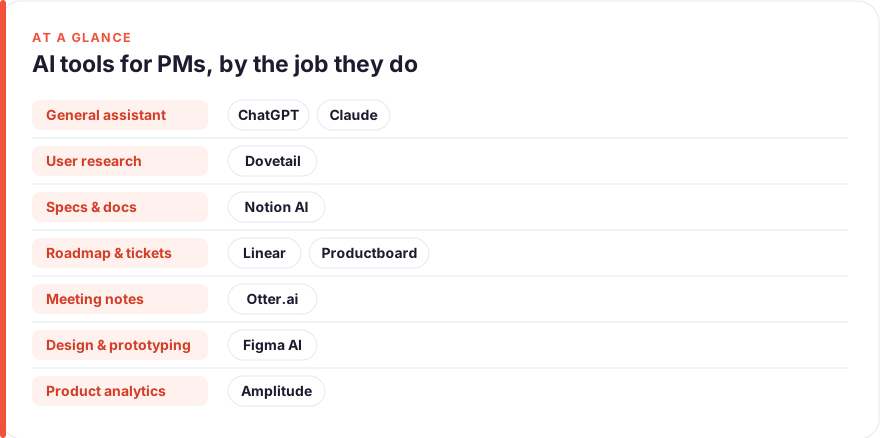
The short answer: For most product managers in 2026, start with a general reasoning assistant (ChatGPT or Claude) for specs, synthesis and stuck-thinking, add Notion AI where your docs already live, and only pay for a specialist like Dovetail, Productboard or Amplitude once one job is eating your week. Ranked by impact on a PM’s week: ChatGPT, Claude, Notion AI, Dovetail, Linear, Productboard, Otter.ai, Figma AI, Amplitude.
Product management is a job made almost entirely of language and judgement: turning fuzzy signals into a written argument, then getting a room to agree on it. That is exactly the shape of work AI is now good at. The catch is that most PMs bolt five overlapping tools onto their stack, pay for all of them, and feel no faster.
This guide ranks nine tools by how much time they realistically give back in a normal PM week, grouped by the job they do best: research and synthesis, PRD and spec writing, roadmapping and tickets, feedback analysis, prototyping, analytics questions, and meeting notes. The ranking is opinionated on purpose. If you only adopt the top three, you have covered most of the leverage.
- A general assistant (ChatGPT or Claude) is the highest-impact single purchase for a PM; it touches every writing and thinking task you do.
- Specialist tools (Dovetail, Productboard, Amplitude) earn their price only when that specific job is heavy and repeated. Don’t pay for a research tool if you run two interviews a quarter.
- Notion AI and Linear’s AI features are near-free leverage if your team already lives in those tools; switch them on before buying anything new.
- Meeting-notes AI (Otter.ai and the built-in note-takers) is cheap, reliable, and saves the most predictable slice of time each week.
How we picked these
We ranked on one question: how much time and mental load does this tool remove from a typical PM’s week, accounting for what it costs and how likely you are to actually use it. A tool that saves two hours but only during a quarterly research sprint ranks below one that shaves twenty minutes off every day.
Three things counted heavily. First, breadth: does it help with one job or many. Second, fit: does it slot into where your work already happens, or does it demand a new habit. Third, honest value: whether the paid tier is worth it over the free tier or a cheaper alternative you already own.
Prices are a July 2026 snapshot and change often, especially as AI features get bundled into existing seats. Treat every figure as “roughly, per user, before annual discounts and enterprise pricing” and check the vendor before you buy. We have no affiliate relationships with any tool here; see our disclosure and more on how we test tools.
The shortlist
ChatGPT
Best for: Specs, synthesis and thinking out loudFree · Plus ~$20/mo · Team ~$25–30/user/mo
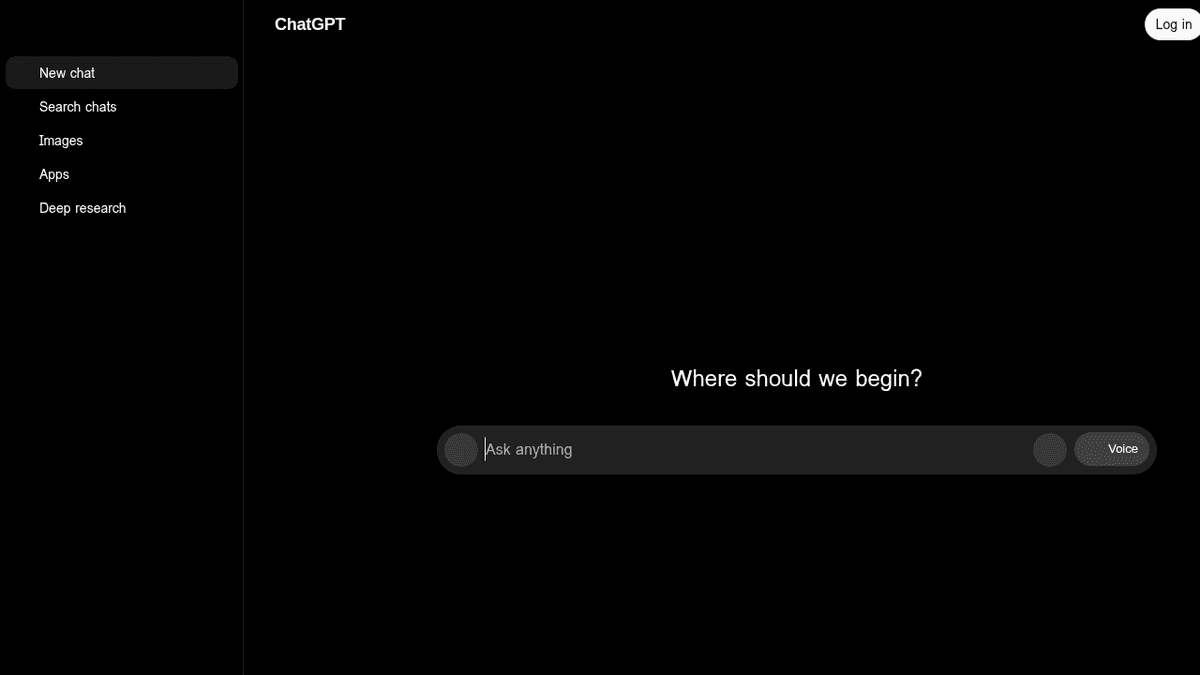
The single highest-leverage tool for a PM because it touches every job on this list at least a little. Use it to draft a PRD skeleton from bullet points, pressure-test your reasoning before a review, or summarise a competitor’s launch. The free tier is genuinely useful; Plus mainly buys you speed, longer context and better models. If you buy one AI subscription, buy this or the next one.Pros
- Handles almost every PM writing task: PRDs, user stories, competitive summaries, stakeholder emails
- Strong at turning messy notes into a structured argument
- Voice and image input make it a fast scratchpad
Cons
- Will confidently invent numbers if you let it; you must verify
- Not connected to your product data unless you wire it up
/assets/screenshots/chatgpt.png Claude
Best for: Long-document synthesis and careful writingFree · Pro ~$20/mo · Team ~$25–30/user/mo
A close peer to ChatGPT rather than a rival, and many PMs keep both. Claude shines when the input is large and the output must stay faithful to it: synthesising a stack of research, redlining a long spec, or drafting a nuanced narrative for leadership. Pick based on which voice you prefer and where your team already has seats. Either one covers the writing and synthesis jobs that eat most of your week.Pros
- Excellent with long inputs: paste 40 pages of interview notes and ask for themes
- Tends toward measured, less hype-y prose that suits PM writing
- Holds a nuanced brief without flattening it
Cons
- Same verification burden as any assistant
- Ecosystem of plugins and integrations is narrower than ChatGPT's
/assets/screenshots/claude.png Notion AI
Best for: AI where your docs and wiki already liveBundled in most Notion plans; AI add-on ~$8–10/user/mo
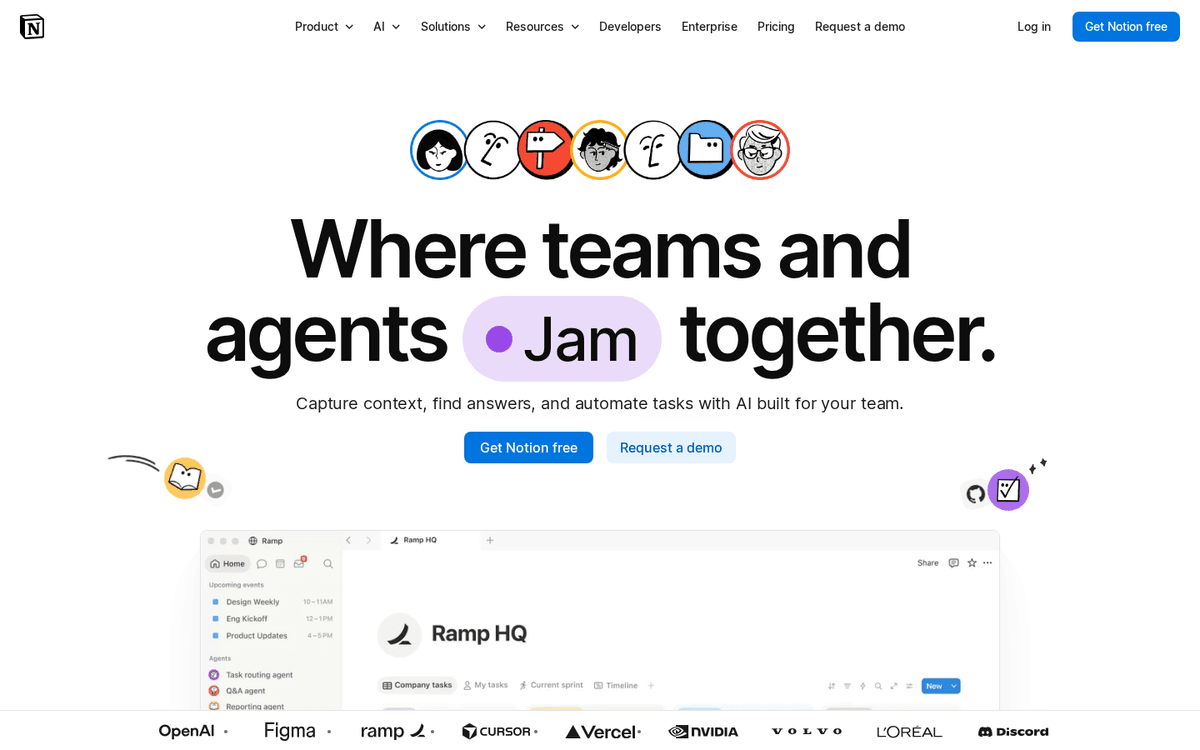
If your product docs live in Notion, this is nearly free leverage. It summarises long pages, drafts in place, and answers questions across your workspace so you stop digging for that decision from three months ago. Don’t adopt Notion for the AI, but if you’re already there, switch it on before buying anything new. Pair it with a general assistant for the heavier drafting and reasoning.Pros
- Works inside the PRDs, roadmaps and notes you already keep in Notion
- Q&A across your workspace finds decisions you half-remember
- Low adoption cost: no new tab, no new habit
Cons
- Weaker as a standalone reasoning engine than ChatGPT or Claude
- Value collapses if your team doesn't already use Notion
/assets/screenshots/notion.png Dovetail
Best for: User research and interview synthesis at scaleFree tier · paid from ~$30–40/user/mo, higher for research teams
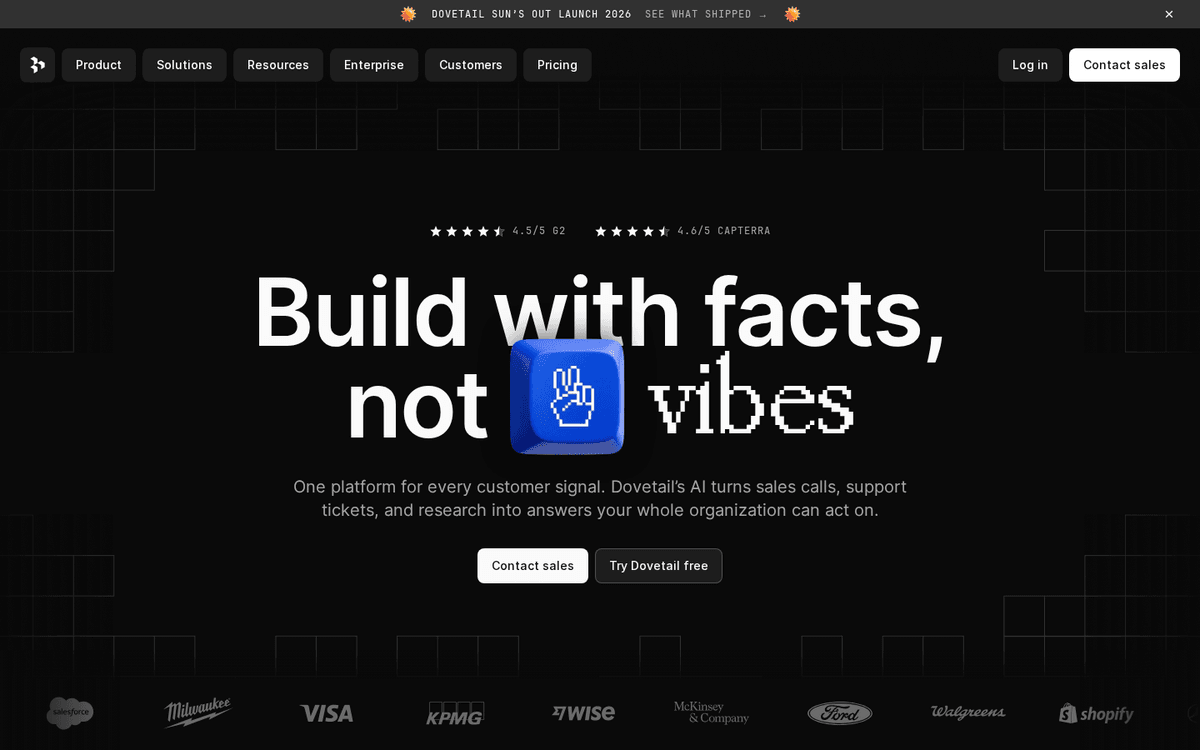
The specialist that earns its place when research is a genuine, repeated part of your job. Dovetail’s AI transcribes, tags and clusters interviews into themes far faster than manual coding, and the insights stay traceable to the raw quote. If you run continuous discovery, it’s transformative. If you interview a handful of users a quarter, a general assistant plus a transcript will do much the same for free.Pros
- Auto-transcribes and tags interviews, then surfaces themes across studies
- Keeps quotes linked to source so insights stay defensible
- Turns weeks of research into a searchable, reusable library
Cons
- Overkill and pricey if you run only occasional interviews
- Best value assumes a real research cadence and a team
/assets/screenshots/dovetail.png Linear
Best for: Roadmapping, tickets and status hygieneFree tier · Standard ~$8–14/user/mo · AI features vary by plan
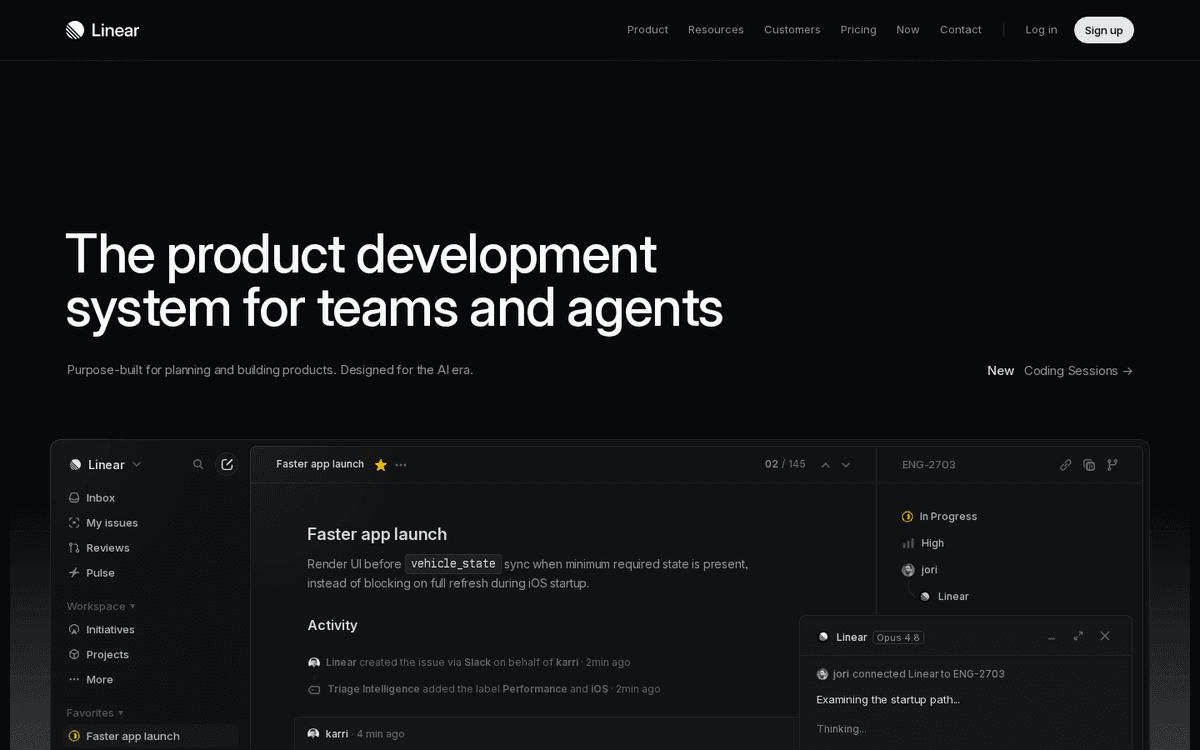
Where roadmapping meets execution. Linear’s AI helps you write clearer issues, catch duplicates, and generate status summaries so your Monday update nearly writes itself. Like Notion AI, it’s leverage you likely already own rather than a new purchase. If your team runs on Linear, lean on its AI for backlog hygiene and let a general assistant handle the strategy narrative around the roadmap.Pros
- AI drafts and de-duplicates issues, and summarises project status
- Fast, opinionated workflow that keeps the backlog honest
- Ties tickets to cycles and projects so roadmaps stay live
Cons
- Engineering-centric; less suited to non-technical stakeholders
- AI is an accelerant, not a reason to switch tools
/assets/screenshots/linear.png Productboard
Best for: Prioritising and closing the feedback loopTypically ~$20–50+/user/mo depending on tier
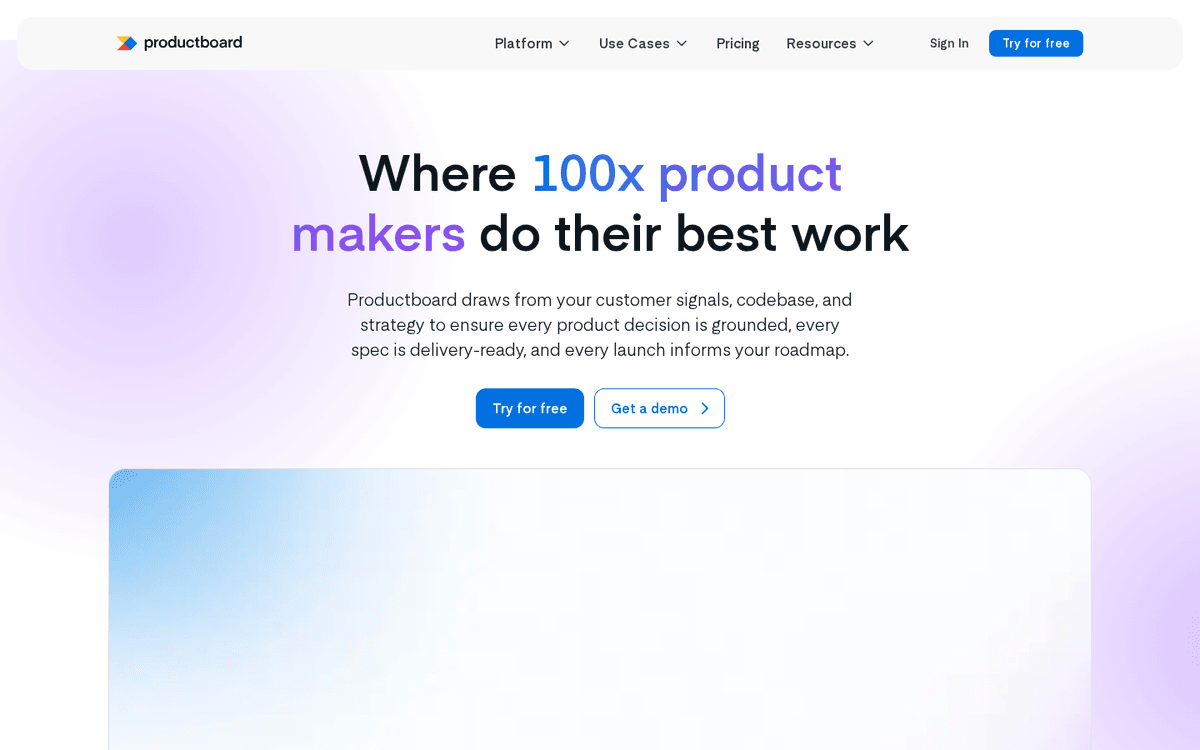
A heavier prioritisation platform for teams drowning in inbound feedback from sales, support and users. Its AI groups similar requests and helps you connect signal to roadmap so prioritisation calls hold up in a room. Valuable at scale; hard to justify for a small team where a well-kept spreadsheet and an assistant to summarise it cover the same ground. Buy it when the volume of feedback is the actual bottleneck.Pros
- Centralises feedback from many channels and links it to features
- AI clusters incoming requests and drafts release notes
- Gives a defensible, shareable prioritisation story
Cons
- Real cost and setup effort; not a light adoption
- Redundant for small teams a spreadsheet still serves
/assets/screenshots/productboard.png Otter.ai
Best for: Meeting notes, action items and recallFree tier · Pro ~$8–17/user/mo
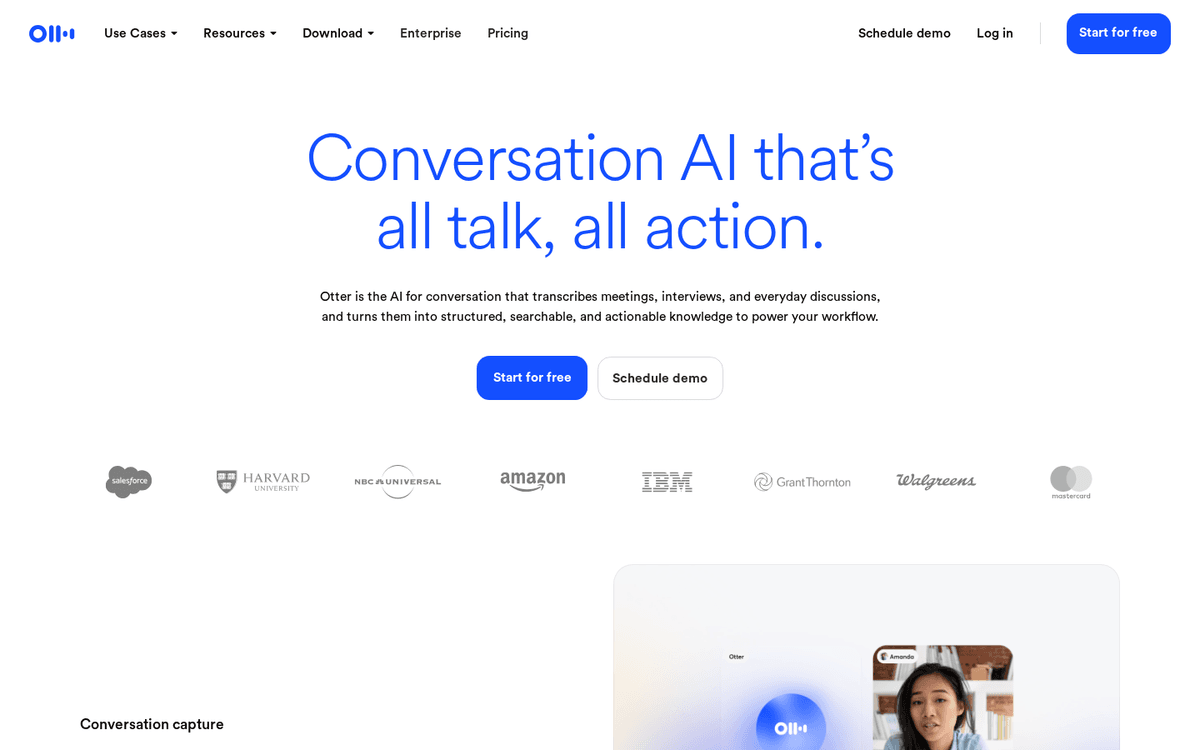
The most predictable time-saver on this list. Otter records, transcribes and summarises meetings so you stop half-listening while scribbling. The catch in 2026 is that Zoom, Meet and Teams now ship capable note-takers of their own, so check what you already have before paying. Either way, automating meeting notes removes a small, daily tax; see our guide to automating repetitive tasks for the wider pattern.Pros
- Reliable live transcription and searchable meeting archive
- Auto-extracts action items and summaries you can paste into tickets
- Cheap and near-zero learning curve
Cons
- Increasingly overlaps with note-takers built into your video tool
- Transcription quality dips with crosstalk and heavy accents
/assets/screenshots/otter-ai.png Figma AI
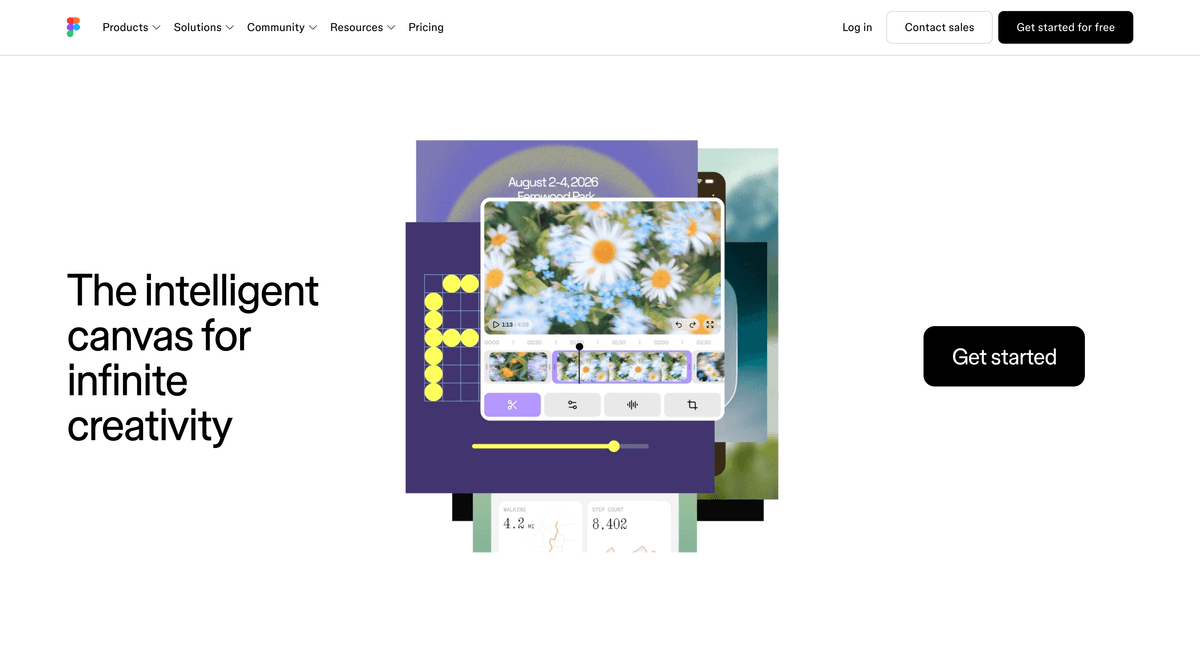
Best for: Fast prototyping and design explorationBundled in Figma seats; ~$12–20+/editor/mo depending on plan
For PMs who prototype, Figma’s AI turns a rough idea into something clickable fast enough to test a concept in a meeting. It’s genuinely useful for exploring options and unblocking conversations that would otherwise wait on design capacity. It ranks lower only because prototyping isn’t a daily job for most PMs. If it is part of yours, it’s a strong accelerant on work you already do in Figma.Pros
- Generates first-pass layouts and variations to react to
- Lets a PM mock a flow without waiting on a designer
- Speeds up design reviews and early alignment
Cons
- A thinking aid, not a substitute for real design craft
- Only relevant if you're already working in Figma
/assets/screenshots/figma.png Amplitude
Best for: Answering data questions without SQLFree tier · paid scales with usage/seats, often enterprise-quoted
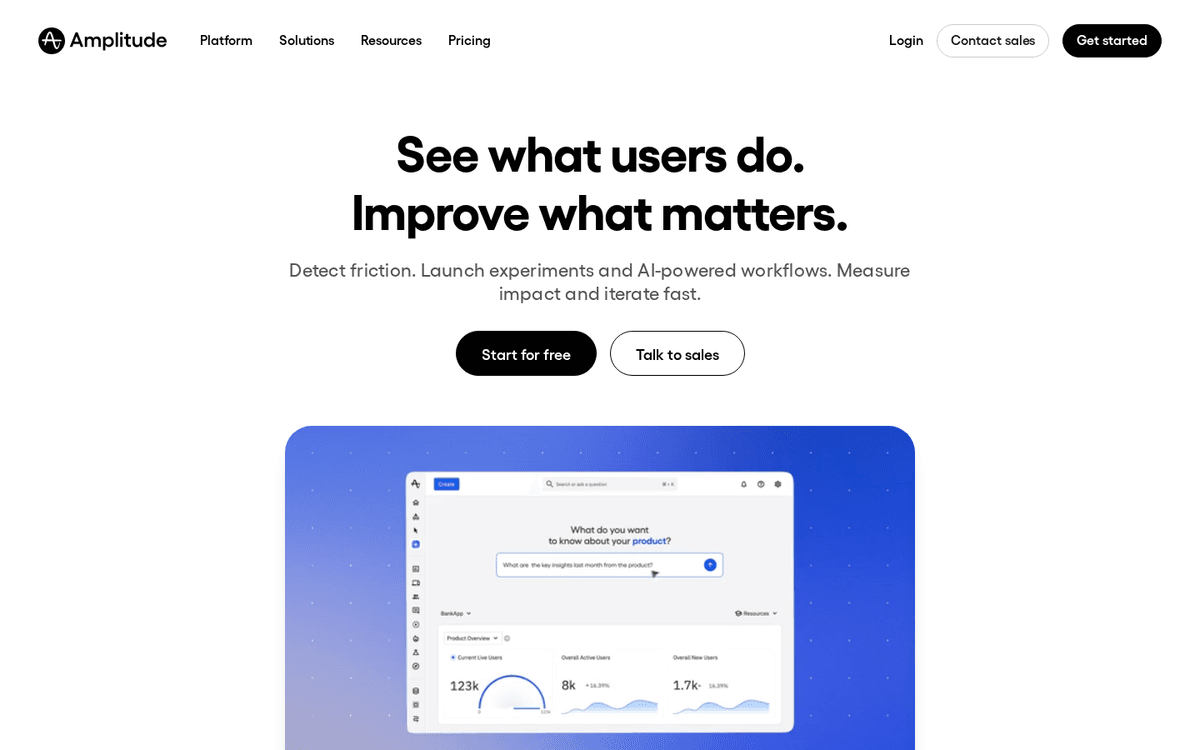
The data copilot for PMs who want to answer “did that feature move retention” without filing a ticket to analytics. Amplitude’s AI translates plain-English questions into funnels and charts, which is a real unlock if your events are well instrumented. It ranks last not because it’s weak but because its value depends entirely on clean tracking most teams don’t yet have. When your data is trustworthy, it’s a fast path to answers.Pros
- Ask product questions in plain English and get a chart back
- Cuts the wait on the data team for routine funnel questions
- Sits on the analytics data you already collect
Cons
- Only as good as your instrumentation and event hygiene
- Answers still need a human sanity check before decisions
/assets/screenshots/amplitude.png Which should a product manager buy first?
Work in layers rather than buying the whole list.
Layer one, this week. Pick one general assistant, ChatGPT or Claude, and use it for everything: PRD drafts, synthesis, stuck-thinking, stakeholder emails. Turn on the AI already bundled in tools you own, Notion and Linear. This layer costs at most one subscription and covers the majority of the leverage.
Layer two, when a job gets heavy. Add exactly one specialist for whichever job is currently eating your week. Drowning in interviews, buy Dovetail. Drowning in feedback, buy Productboard. Blocked on data, trial Amplitude’s AI. Resist buying all three “to be safe” — you’ll pay for three and master none.
Layer three, the cheap wins. Meeting-notes AI is low cost and reliably useful, so add Otter.ai or lean on your video tool’s built-in note-taker. Add Figma AI only if prototyping is genuinely part of your role.
The mistake to avoid is buying by category instead of by pain. A tool that solves a problem you don’t have is just another tab and another invoice.
FAQ
What is the single best AI tool for a product manager?
For most PMs it’s a general reasoning assistant, ChatGPT or Claude, because it helps with nearly every job you do: writing specs, synthesising research, drafting updates and pressure-testing your thinking. Specialist tools beat it only within their narrow lane, and only when that lane is a big part of your week.
Do I need to pay, or is the free tier enough?
Often the free tier is plenty to start. Free ChatGPT and Claude handle most everyday writing and synthesis; Notion and Linear bundle useful AI into existing plans. Pay when you hit a real limit, usually speed, longer context, or a specialist capability like interview synthesis or in-app analytics that free tools can’t match.
Are these prices accurate?
They’re a rough July 2026 snapshot, quoted per user before annual discounts and enterprise deals. AI pricing shifts constantly, and features are increasingly bundled into seats you already pay for. Always confirm the current figure on the vendor’s site, and check whether the AI you need is already included in your plan.
Will AI tools replace product managers?
No. These tools remove the mechanical parts of the job — drafting, transcribing, tagging, summarising — so you spend more time on judgement, prioritisation and persuasion, which is where PMs add value. The skill that matters more now is directing the tools well and verifying what they produce.
How do I stop AI from inventing facts in my specs?
Treat every assistant as a fast, confident intern: brilliant at structure, unreliable on specifics. Never let it state a metric, date or customer quote you haven’t checked against a source. Give it the real data as input rather than asking it to recall numbers, and keep research tools like Dovetail linked back to original quotes so insights stay traceable.
Should I use one tool or several?
Start with one general assistant and the AI already built into your existing tools. Add a specialist only when a specific job — research, feedback, or analytics — becomes a repeated bottleneck. Most PMs are better served by mastering two or three tools than by subscribing to nine and using each of them shallowly.