
AI Tool Guides
Best AI Tools for Entrepreneurs in 2026
Some links in our roundups are affiliate links: if you buy through them we may earn a commission, at no extra cost to you. It never changes which tools we recommend or where they rank — we only list tools we would genuinely tell a friend to use.
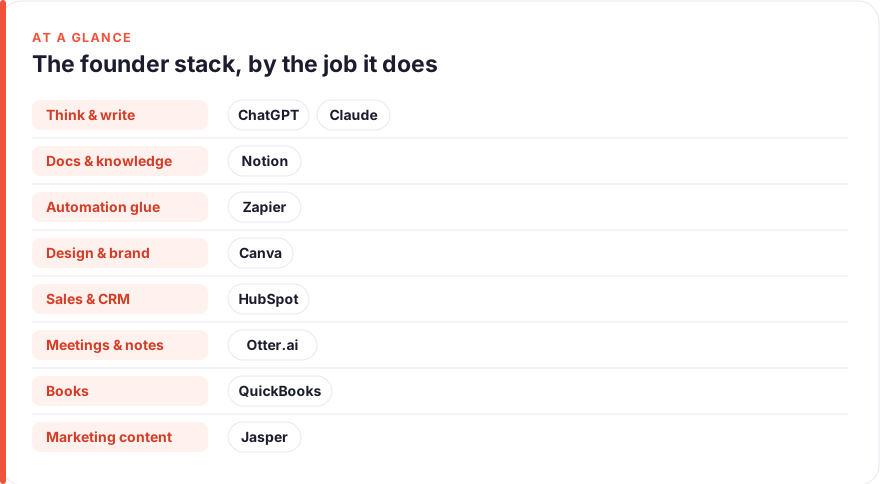
The short answer: The highest-leverage AI tool for most entrepreneurs is a strong general assistant — ChatGPT or Claude — because one subscription covers thinking, research, drafting and problem-solving across the whole business. From there, add tools by job: Notion for your operating brain, Zapier to glue everything together, Canva for design, HubSpot for sales and CRM, Otter.ai for meeting notes, QuickBooks for the books, and a dedicated writer like Jasper if content is a core channel. Start with one general assistant, prove the value on free tiers, and only pay for the tools that clearly buy back your time.
As a founder or solopreneur, your scarcest resource isn’t money — it’s you. You’re the strategist, the marketer, the salesperson, the bookkeeper and the support desk, often before lunch. AI won’t replace the judgement that makes those calls, but it will take the mechanical weight off each one: the first draft, the research pass, the data entry, the follow-up. Used well, it’s the closest thing a small team has to hiring three people it can’t yet afford.
This is a shortlist, not a catalogue. Every tool below earns its place by doing one real founder job genuinely well, and we’ve ranked them by leverage per dollar — how much time and money each buys back for a small team — rather than by feature count. The goal is a stack of three or four tools you use properly, not nine subscriptions you half-configure and forget.
- Buy the general assistant first. ChatGPT or Claude covers the widest range of work — thinking, research, drafting, analysis — for the lowest spend. Most founders need one, not both.
- Then add tools by job, not by hype. Notion for operations, Zapier for automation, Canva for design, HubSpot for sales, Otter.ai for notes, QuickBooks for the books.
- Lean on free tiers. Most of these have a genuinely useful free plan. Prove the value before you pay, and only upgrade the tools that clearly save you hours.
- Automation is where the leverage compounds. The real win isn’t any single tool — it’s wiring them together so work flows between them without you.
- Ranked by leverage per dollar for a small team. See how we test and rank tools.
How we picked these
We started from the founder’s actual week — not a feature comparison — and grouped tools by the jobs that fill it: general thinking and research, writing and content, design and brand, automation, sales and CRM, meeting notes, and bookkeeping. Each tool below was used hands-on, and pricing was read from the vendor’s own page as a July 2026 snapshot. Prices change often and vary by plan, seats and region, so treat every figure as approximate and check the live page before you buy. For the full method see our editorial standards; for how affiliate links work here, our disclosure.
The shortlist
ChatGPT
Best for: Everyday thinking, research & draftingFree · Plus ~$20/mo · Team ~$25–30/user/mo
If you buy one AI tool, buy a general assistant, and ChatGPT is the default. A founder’s day is a stream of small thinking tasks: sharpen this pitch, summarise this contract, draft the job ad, pressure-test this pricing. Set custom instructions once with what your business does and who it serves, and every answer starts closer to useful. It’s a thinking partner that’s awake at 11pm — just keep a human check on any number or claim before it leaves the building.
Pros
- Covers research, drafting, analysis and problem-solving in one place
- Custom instructions and projects hold your business context
- Cheapest way to cover the widest range of founder tasks
Cons
- General-purpose — not wired into your other tools by default
- Can be confidently wrong, so verify anything factual
/assets/screenshots/chatgpt.png Claude
Best for: Long documents & careful writingFree · Pro ~$20/mo · Team ~$25–30/user/mo
Claude is the natural alternative to ChatGPT, and plenty of founders keep it as their primary. Its strength is long, careful work: drop in a full supplier contract, a stack of customer interviews or a messy spreadsheet export and ask for the throughline. The writing tends to come out calm and well-structured, which suits anything a customer or investor will read. Try both free tiers on your own real tasks and keep whichever thinks the way you do.
Pros
- Strong with long, dense inputs — whole contracts or reports
- Measured, structured writing that suits client-facing prose
- Projects keep business context in one place
Cons
- Same category as ChatGPT — most founders need one, not both
- Still requires you to verify facts and figures
/assets/screenshots/claude.png Notion
Best for: Your operating brain & lightweight CRMFree · Plus ~$10/user/mo · AI add-on extra
Every business needs one reliable place for how things get done — processes, meeting notes, project plans, a light customer list. Notion is that place, and its built-in AI can summarise a long doc or draft a brief without you leaving the page. Start from a template so you don’t lose your first week building the perfect workspace instead of running the company. As you hire, it becomes the thing that lets a new person get up to speed without asking you everything.
Pros
- One flexible home for docs, SOPs, projects and a simple CRM
- Built-in AI summarises and drafts inside the page
- Templates for almost every founder workflow
Cons
- Blank-canvas freedom can become a time sink
- Some AI features cost extra on top of the base plan
/assets/screenshots/notion.png Zapier
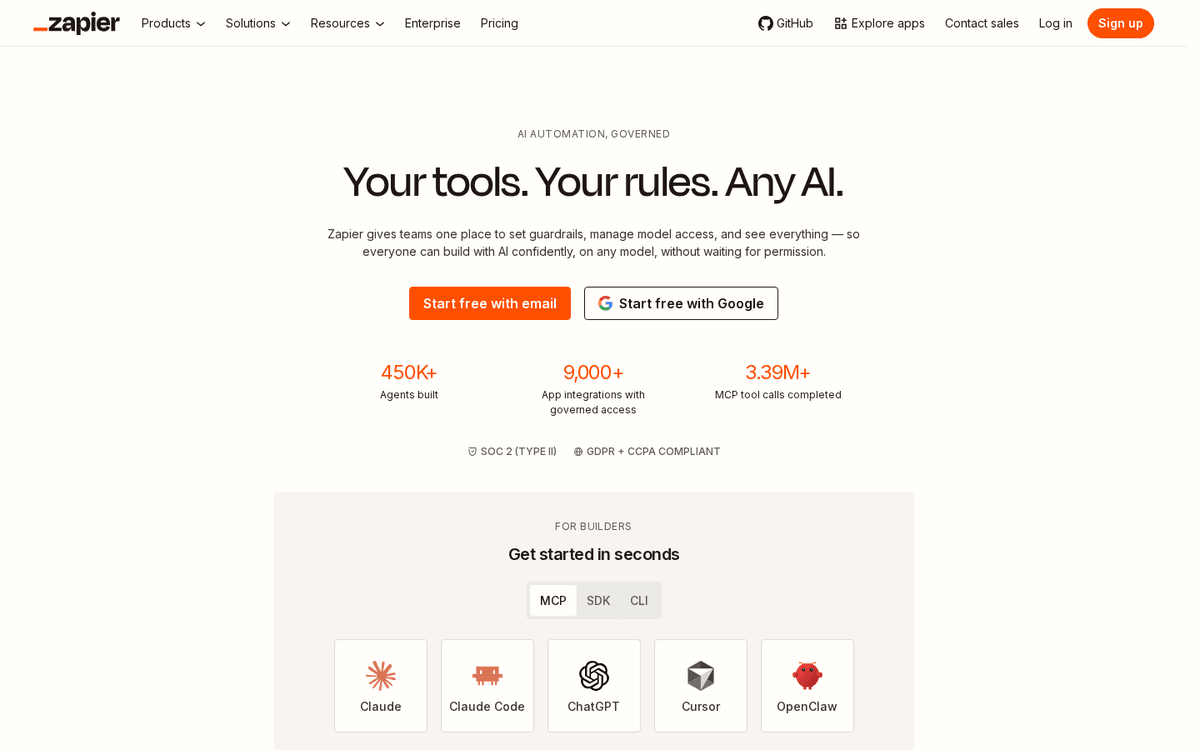
Best for: Wiring your whole stack togetherFree · paid from ~$20–30/mo
The tools on this list each save time alone, but the compounding leverage comes from making them hand off automatically. Zapier is the glue: a new lead creates a CRM record and a welcome email, a paid invoice posts to your books, a form submission starts a project. If two apps you use hold data that should flow between them, Zapier probably connects them. Make is a capable, often cheaper alternative if you want more visual control. Our guide to automating repetitive tasks without code is the place to start.
Pros
- Connects thousands of apps with no code
- Automates handoffs so work flows between tools
- AI steps can classify, draft and route inside a workflow
Cons
- Task-based pricing climbs as volume grows
- Someone has to design and maintain the workflows
/assets/screenshots/zapier.png Canva
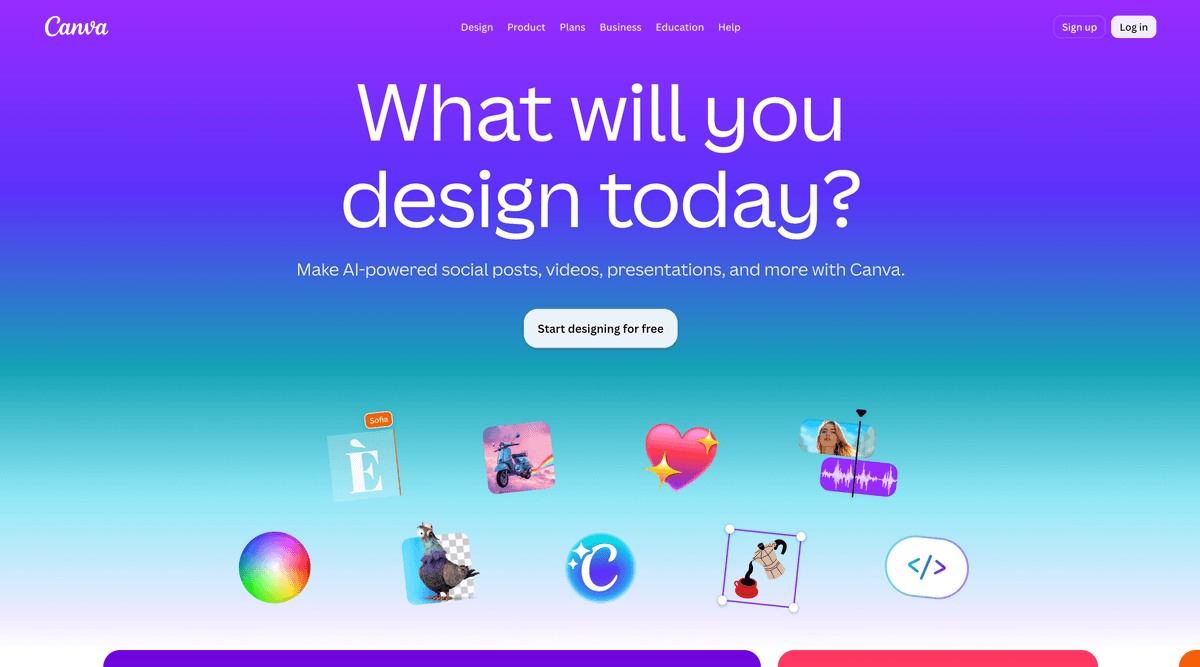
Best for: Design & brand without a designerFree · Pro ~$13–15/user/mo
Before you can afford a designer, Canva is how a small team looks professional. Its AI tools — text-to-image, background removal, one-click resizing, first-draft layouts — turn a rough idea into a usable social post, pitch deck or ad in minutes. Set up your Brand Kit once and everything you make stays consistent. It won’t design your identity from scratch, but for the day-to-day graphics a founder churns through, it saves both the fees and the fiddling.
Pros
- Templates and AI make on-brand graphics fast
- Covers social posts, decks, logos, ads and one-pagers
- Brand Kit keeps colours and fonts consistent
Cons
- AI-generated visuals can look generic without tweaking
- Not a substitute for a designer on high-stakes brand work
/assets/screenshots/canva.png HubSpot
Best for: Sales pipeline & CRMFree CRM · paid tiers from ~$15–20/user/mo
Once you have more prospects than your memory can hold, you need a CRM — and HubSpot’s free tier is the easiest place to start. It tracks contacts, deals and email in one view, and its AI can draft follow-ups and summarise where a deal stands. The trap is buying more than you need too early; the free plan carries most small teams a long way. If your business runs on inbound, pair it with our walkthrough on how to automate lead generation so leads land in the pipeline without manual entry.
Pros
- Genuinely useful free CRM to track deals and contacts
- AI drafts emails and summarises deal activity
- Marketing, sales and support in one platform as you grow
Cons
- Paid tiers get expensive quickly at scale
- More platform than a very early solo founder may need

/assets/screenshots/hubspot.png Otter.ai
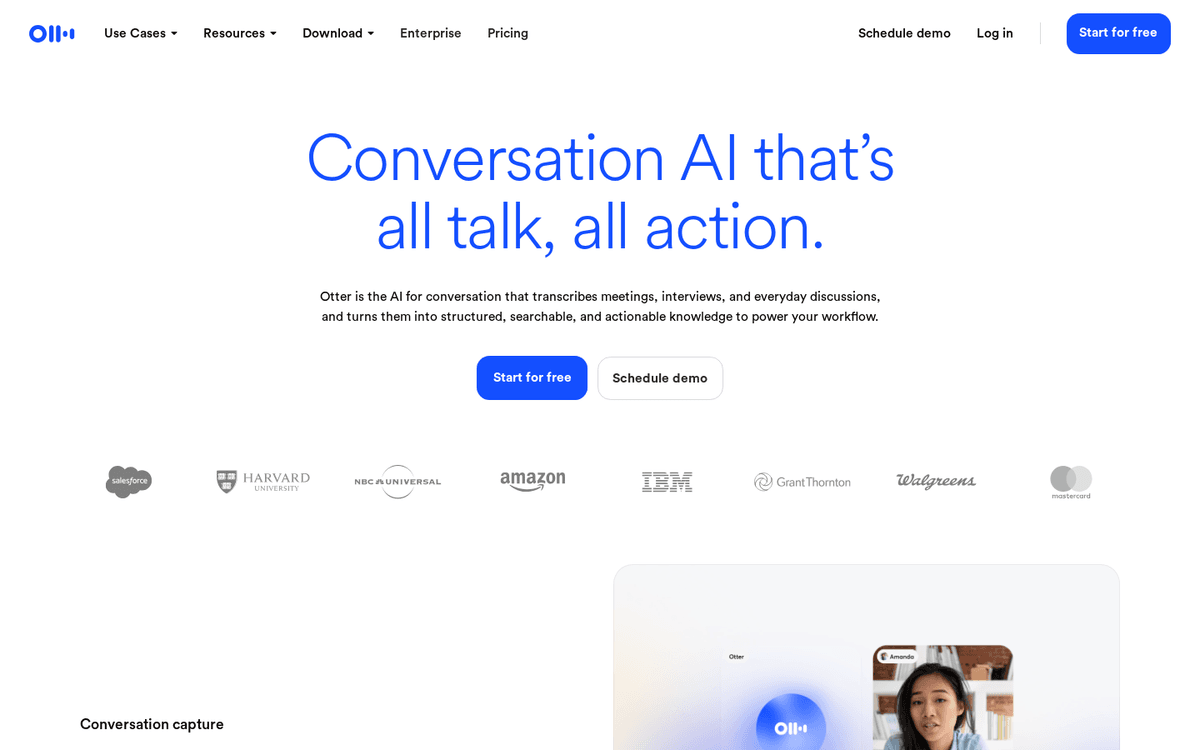
Best for: Meeting notes & action itemsFree · paid from ~$10–20/user/mo
Stop half-listening while you scribble. Otter.ai joins your calls, transcribes them and hands back a clean summary with action items, so a sales call, an advisor chat or a supplier negotiation all leave a usable record. For a founder running back-to-back meetings, the automatic recap is the whole point — paste it into a follow-up email or your project tracker and move on. Fathom is a strong alternative if you prefer its interface. Always tell people they’re being recorded before you start.
Pros
- Joins calls to record, transcribe and summarise automatically
- Auto-captured action items you can act on later
- Searchable archive of every conversation
Cons
- Accuracy dips with heavy crosstalk or strong accents
- Recording others requires their consent — always ask
/assets/screenshots/otter-ai.png QuickBooks
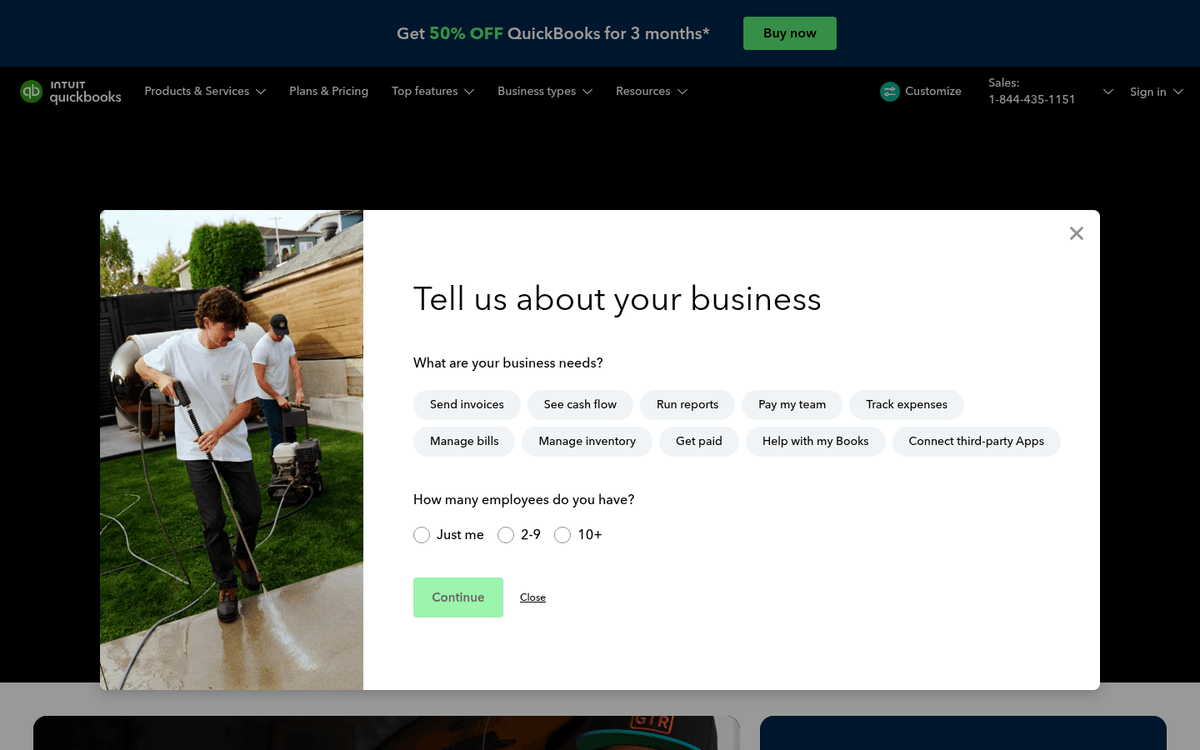
Best for: Bookkeeping & getting paidPaid from ~$17–35/mo (frequent intro discounts)
The books are where founders procrastinate until it hurts. QuickBooks uses AI to categorise transactions, match receipts and flag things that look off, turning bookkeeping from a dreaded weekend into a quick weekly review. It handles invoicing and expenses too, so getting paid and staying compliant live in one place. Xero is an excellent alternative, and Wave is worth a look if you’re very early and cost-sensitive. To go further, see how to automate your accounting.
Pros
- AI categorises transactions and flags anomalies
- Invoicing, expenses and tax prep in one place
- Widely supported by accountants and integrations
Cons
- No meaningful free tier — it's a paid essential
- Xero or Wave may suit some businesses better
/assets/screenshots/quickbooks.png Jasper
Best for: High-volume marketing contentPaid from ~$39–49/user/mo
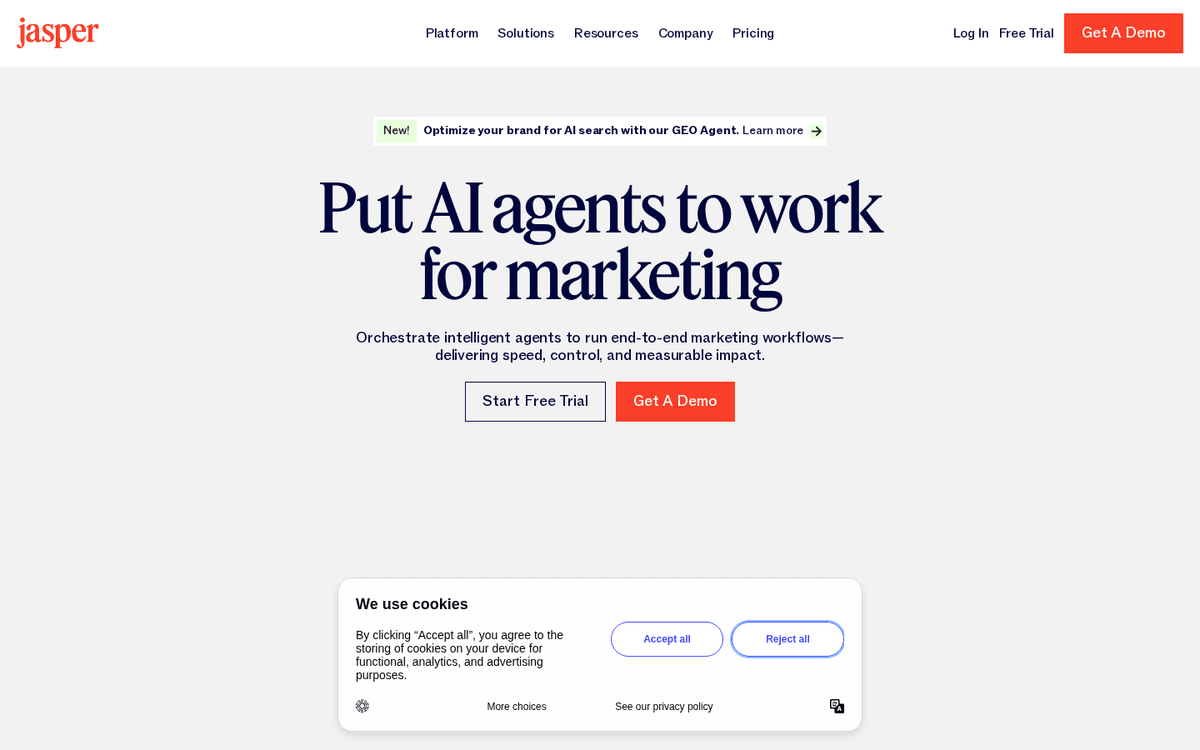
Jasper earns its slot only if content marketing is a real growth channel for you — a steady drum of blog posts, ad variations, email sequences and social copy. It’s purpose-built for that: brand-voice settings and campaign templates keep a high volume of output consistent. The honest caveat is that ChatGPT or Claude already write well for a fraction of the price, so most founders don’t need Jasper on day one. Reach for it when content volume outgrows what a general assistant comfortably handles. Copy.ai is a lighter, cheaper alternative worth comparing.
Pros
- Built for on-brand marketing copy at volume
- Brand voice and templates for ads, emails and posts
- Campaign workflows aimed at marketing teams
Cons
- Pricier than a general assistant that also writes well
- Overkill unless content is a core channel for you
/assets/screenshots/jasper.png Which should an entrepreneur buy first?
You don’t need all nine — and buying them all at once is the surest way to waste money. Layer them by where your week actually loses hours:
- Everyone starts here: one general assistant (ChatGPT or Claude) and a Notion workspace. Between them they cover thinking, research, writing and staying organised — the widest surface area for the lowest spend.
- If you’re selling: add HubSpot’s free CRM so deals stop falling through the cracks, and Otter.ai so calls capture themselves.
- If you’re marketing: Canva for the visuals, and only add Jasper once content volume genuinely outgrows what your general assistant handles.
- If admin and finance are eating your evenings: QuickBooks for the books, then Zapier to automate the handoffs between everything else.
Once your core tools are in place, the biggest remaining win is connection: making them hand work to each other so you stop being the copy-paste layer between them. That’s what turns a good stack into a system that runs a little of the business for you. If you also do client work, our AI tools for consultants roundup covers the delivery side; if content is your channel, the AI tools for content creators picks go deeper than a general assistant can; and once you start hiring, the AI tools for HR guide covers sourcing, screening and onboarding.
FAQ
What are the best AI tools for entrepreneurs in 2026?
The best AI tools for most entrepreneurs are a general assistant — ChatGPT or Claude — for thinking, research and drafting, plus Notion to organise the business, Zapier to automate the handoffs, Canva for design, HubSpot for sales and CRM, Otter.ai for meeting notes and QuickBooks for the books. Add a dedicated writer like Jasper only if content marketing is a core channel. Start with one general assistant, since it covers the widest range of work for the lowest cost, then add the others as specific parts of the business start to hurt.
How much should a solopreneur expect to spend on AI tools?
A capable solo stack usually lands somewhere around $40–90 per month once you’re past the free tiers: roughly $20 for a general assistant, a paid Notion or Canva seat if you need one, QuickBooks for the books, and free plans covering CRM (HubSpot) and notes (Otter.ai) to start. Prove the value on free tiers first and upgrade only the tools that clearly save you billable or sellable hours. Because most of these price per seat or per usage, the total rises as your team and volume grow.
Which AI tool should I get first as a founder?
Get a general assistant first — ChatGPT or Claude. It’s the single tool that touches the most of your week: research, writing, analysis, planning, problem-solving and drafting all live in one subscription. Use the free tier on your own real tasks for a week, upgrade to the ~$20/month plan once it’s clearly paying for itself, and only then start adding job-specific tools like a CRM or a design app. Buying specialised tools before you have a good assistant tends to be money spent in the wrong order.
Are the free tiers of these AI tools good enough for a small business?
Often, yes — for a while. ChatGPT, Claude, Notion, Canva, HubSpot, Zapier and Otter.ai all have genuinely useful free plans that can carry an early-stage business for months. The free tiers are the right way to test whether a tool fits before you commit money. You’ll usually hit a real limit — usage caps, seats, advanced features — right around the point the tool is clearly earning its keep, which is exactly when upgrading makes sense. QuickBooks is the main exception; bookkeeping is a paid essential.
Is it safe to put business information into AI tools?
Treat it like any vendor decision. Check each tool’s data-handling and retention policy, prefer business or enterprise tiers that offer data-processing agreements and let you turn off model training on your content, and avoid pasting genuinely sensitive data — customer records, credentials, unfiled financials — into consumer free tiers. Anonymise where you can, and keep a human review step before anything AI-generated goes to a customer. A few minutes reading the privacy settings up front saves a lot of worry later.
Can AI actually run parts of my business for me?
It can run the repeatable, rules-based parts — not the judgement. Wired together with automation, these tools can sort your inbox, log leads, chase invoices, summarise meetings and post content on a schedule without you touching them. What they can’t do is decide strategy, own a customer relationship or be accountable for a call. The founders who get the most from AI treat it as leverage on the mechanical work so they can spend their own hours on the decisions and relationships that only they can handle. Our guide to automating repetitive tasks shows how to start.