
AI Tool Guides
AI Tools for Executive Assistants: The 2026 Shortlist
Some links in our roundups are affiliate links: if you buy through them we may earn a commission, at no extra cost to you. It never changes which tools we recommend or where they rank — we only list tools we would genuinely tell a friend to use.
The short answer: The AI tools that save an executive assistant the most time in 2026 are ChatGPT as your general drafting brain, Fyxer AI or Superhuman for inbox triage and replies, Motion and Reclaim.ai for scheduling and calendar defence, Otter.ai for meeting notes, Notion for prep and briefing packs, Calendly for booking without the back-and-forth, and TravelPerk for travel. Most EAs get the biggest win from one general assistant plus one inbox tool — the rest you layer on as the day demands. Which specific tools fit depends heavily on whether your principal lives in Google Workspace or Microsoft 365.
Being an executive assistant is really four jobs wearing one badge: you triage the inbox, you defend the calendar, you capture what happened in meetings, and you prep everything before it’s needed. AI can genuinely take a slice off all four — draft the reply, find the meeting slot, summarise the call, assemble the briefing — without ever making the judgement calls that make you good at the role. The trick is knowing which tool to point at which job, and not buying nine subscriptions to do the work of two.
This is a shortlist, not a catalogue. Every tool here earns its place by doing one EA job well, and we’ve flagged who each is actually for — including the Google-versus-Microsoft question that quietly decides half of them.
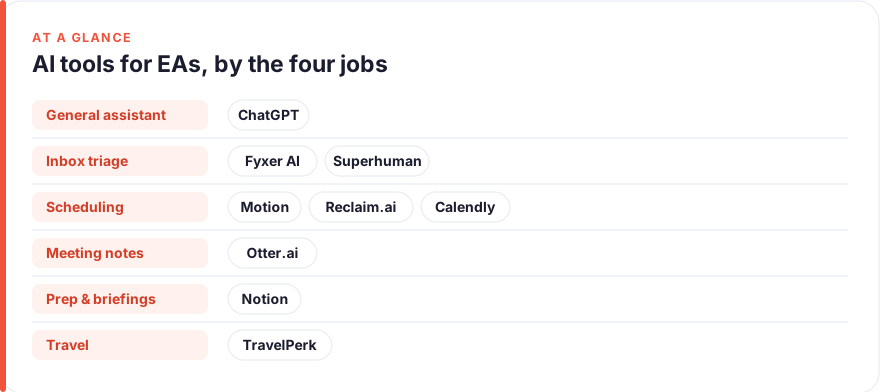
TL;DR — the shortlist at a glance
- Start with one general assistant. ChatGPT drafts emails, agendas, briefings and awkward replies — the widest coverage for the lowest spend.
- Automate the inbox first. Fyxer AI sorts and drafts replies in your existing mailbox; Superhuman is the faster choice if you live in Gmail or Outlook all day.
- Let software hold the calendar. Motion auto-schedules tasks and meetings; Reclaim.ai protects focus time and books recurring 1:1s around real availability.
- Stop typing in meetings. Otter.ai records, transcribes and summarises so you can actually listen.
- Kill the scheduling ping-pong. Calendly hands out booking links so external people pick a slot without a single “does Tuesday work?” email.
- Mind your stack. Google Workspace and Microsoft 365 change which tools fit — we’ve noted it on each. See how we test and rank tools.
How we picked these
We started from the EA’s day, not a feature checklist, and grouped tools by the four jobs that eat it: inbox triage, scheduling, meeting notes, and travel and prep — plus one general assistant that touches all four. Each tool below is a real, established product, and pricing was read from the vendor’s own page at the time of writing (July 2026). Software pricing moves constantly and most of these vendors quote per-seat or “contact us” for anything beyond a small team, so treat every figure as a July 2026 snapshot and confirm on the live page before you buy. We rank by fit for the job, not by price — the cheapest tool that half-does the work isn’t a saving. For the full method see our editorial standards; for how affiliate links work here, our disclosure.
The shortlist
ChatGPT
Best for: Drafting, summarising & the awkward replyFree · Plus ~$20/mo · Team ~$25–30/user/mo
If you buy one tool, buy this one. So much of the EA day is writing under pressure — turn these notes into an agenda, rewrite this decline so it stays warm, summarise this 40-message thread, draft a briefing on the people in tomorrow’s meeting. A general assistant does all of it, and custom instructions let you bake in your principal’s voice once so replies sound like them, not like a robot. Keep it to drafting on general inputs, use a business tier with training switched off for anything work-related, and treat it as a first draft you always read before it goes out.
Pros
- Drafts emails, agendas, briefings and meeting prep in one place
- Custom instructions let it match your principal's tone
- Cheapest way to cover the widest range of EA writing tasks
Cons
- General-purpose — not wired into your calendar or inbox by default
- Never paste confidential board or personal data into a consumer account
/assets/screenshots/chatgpt.png Fyxer AI
Best for: Inbox triage inside your existing mailbox~$30–50/user/mo (free trial)
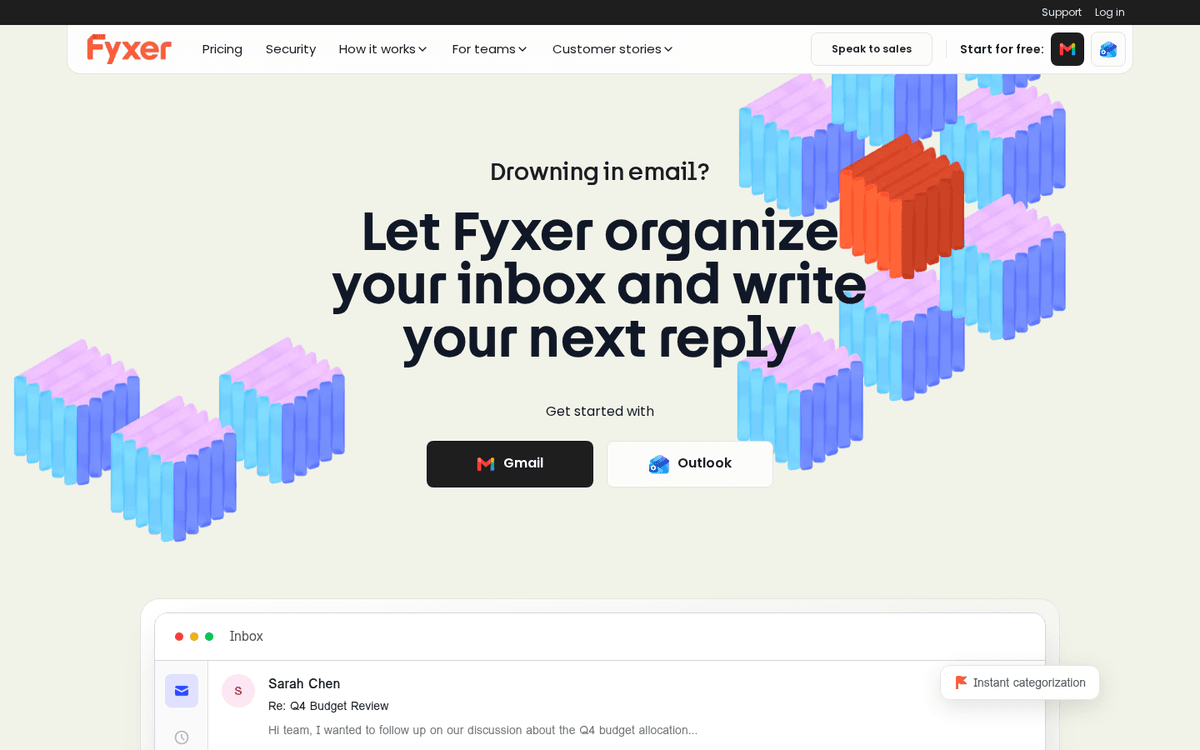
Inbox triage is the job that quietly runs the EA day, and Fyxer aims straight at it. It sits on top of your existing Gmail or Outlook, sorts incoming mail into sensible categories, and pre-drafts replies that sound like you rather than a template. For an EA managing a principal’s overflowing inbox that’s the exact leverage point — you spend your time approving and adjusting, not writing every reply from a blank line. If you’re on Outlook, pair the thinking here with our guide to automating emails in Outlook. Always read a draft before it sends; the tool is fast, but you’re still accountable for what leaves the mailbox.
Pros
- Sorts your inbox into categories and drafts replies in your voice
- Works on top of Gmail and Outlook — no new inbox to learn
- Learns your tone from how you actually write
Cons
- Reply drafts still need a human read before sending
- Per-seat cost adds up if you manage several inboxes
/assets/screenshots/fyxer.png Superhuman
Best for: High-volume inboxes you live in all day~$30/user/mo (annual) · higher month-to-month
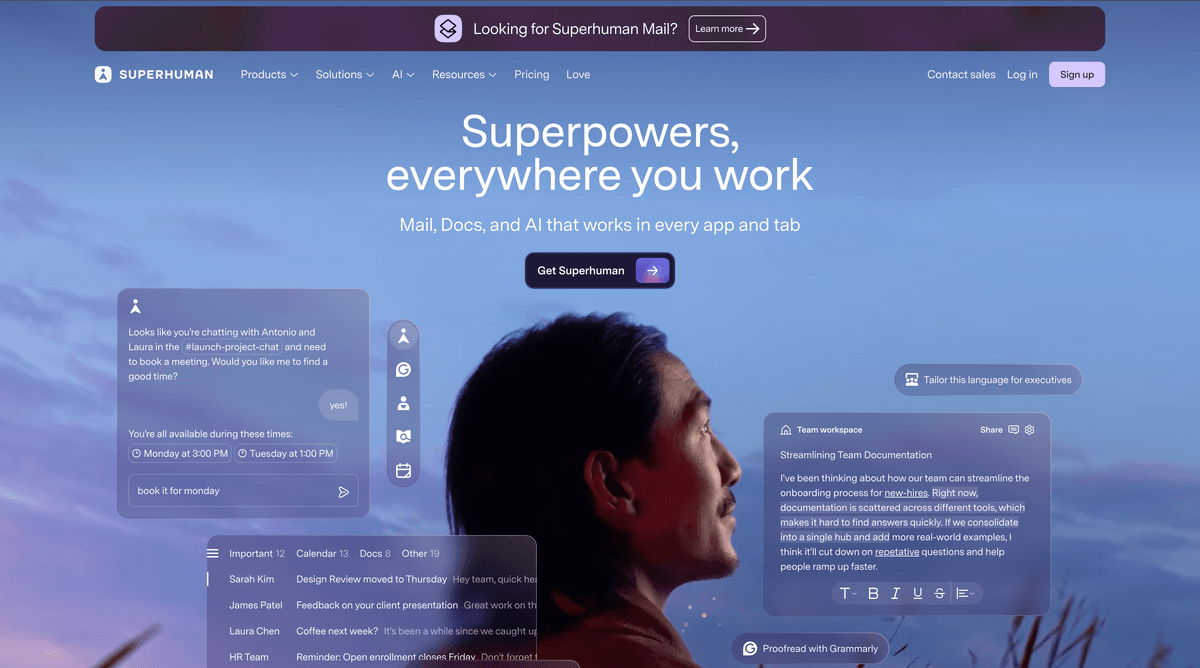
Where Fyxer automates the sorting, Superhuman rethinks the whole inbox around speed. It’s a keyboard-first client with AI baked in — draft a reply from a one-line instruction, triage with shortcuts, split your attention across your principal’s account and your own. For an EA who genuinely lives in email for hours a day, the time back is real; for someone who dips in a few times a day, it’s a lot to pay for a faster mailbox. Choose Fyxer if you want automation on top of the inbox you have, Superhuman if the inbox itself is where you want the upgrade.
Pros
- Blisteringly fast keyboard-first inbox with AI reply drafting
- Built-in triage, snippets, scheduling and send-later
- Works across Gmail and Outlook accounts
Cons
- Premium price for what is still an email client
- The speed only pays off if email is most of your day
/assets/screenshots/superhuman.png Motion
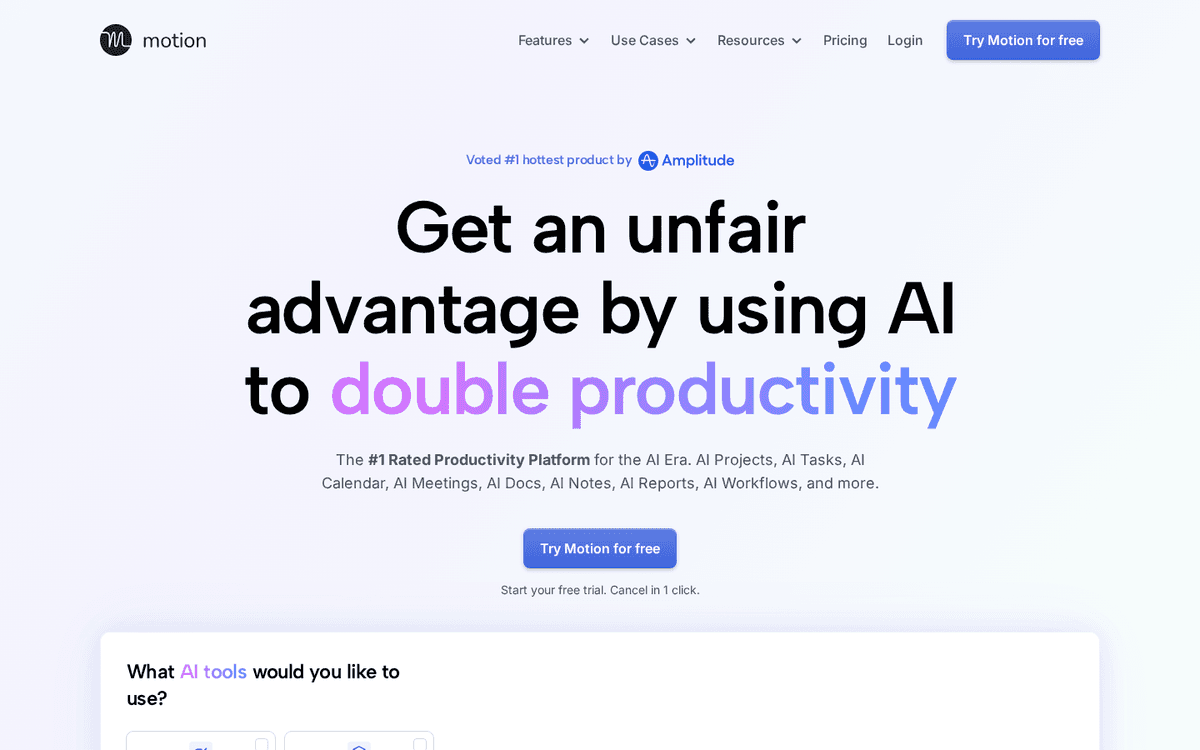
Best for: Auto-scheduling tasks and meetings~$20–35/user/mo (annual billing)
Motion treats the calendar as something to be solved, not just displayed. You feed it tasks and priorities and it schedules them into real open slots, then reshuffles automatically when a meeting gets dropped in. For an EA juggling a principal’s commitments plus your own task list, that automatic re-planning is the appeal — the day rebuilds itself instead of you rebuilding it by hand. It rewards a week or two of trust before it feels natural. If you’re leaning into this kind of workflow, our piece on automating repetitive tasks pairs well with it.
Pros
- Automatically slots tasks and meetings into open calendar time
- Rebuilds the day when something urgent lands
- Combines calendar, tasks and project planning in one place
Cons
- Automatic rescheduling takes trust and a settling-in period
- More tool than you need if your calendar is fairly stable
/assets/screenshots/motion.png Reclaim.ai
Best for: Defending focus time on Google CalendarFree tier · paid ~$8–16/user/mo
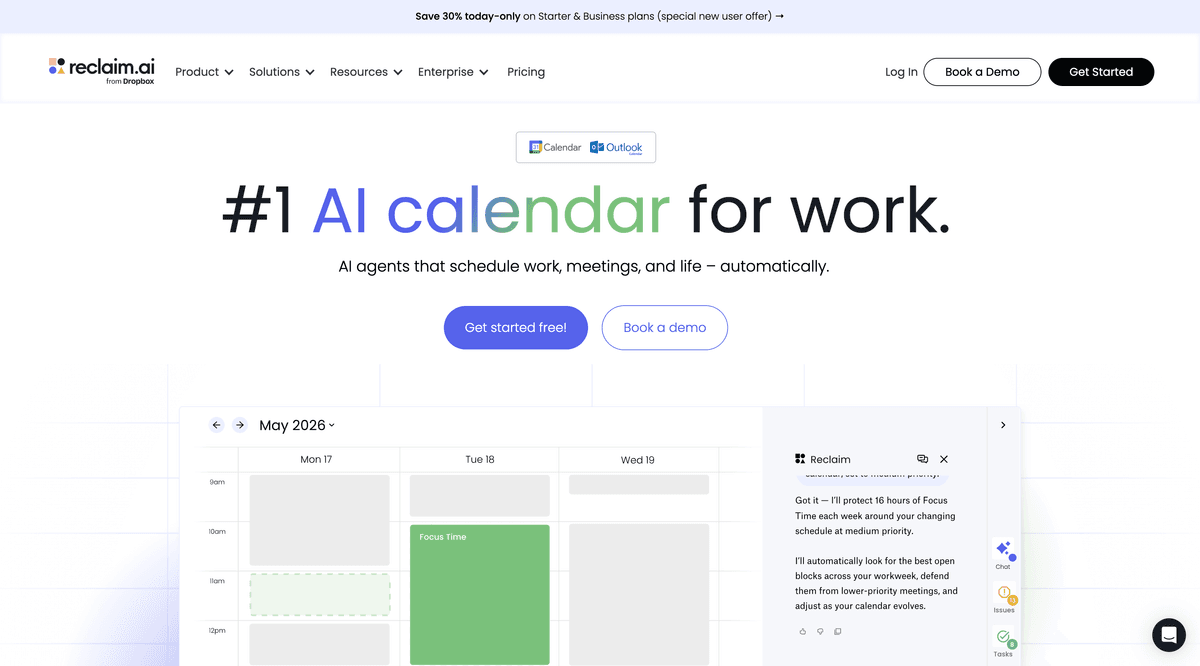
Reclaim is the calendar defender. It protects focus blocks, auto-schedules recurring commitments like weekly 1:1s, and negotiates meeting times around everyone’s genuine availability instead of the first open box. It’s tuned for Google Workspace, so it shines for EAs whose principal lives in Google Calendar and gets thinner on a Microsoft stack. It overlaps meaningfully with Motion — pick Motion if you want full task-and-project auto-scheduling, Reclaim if you mainly want to guard time and smooth recurring meetings, and don’t pay for both.
Pros
- Auto-schedules habits, focus blocks and recurring 1:1s
- Finds meeting times across calendars around real availability
- Generous free tier to test the fit
Cons
- Deepest features assume a Google Calendar stack
- Overlaps with Motion — you rarely need both
/assets/screenshots/reclaim.png Otter.ai
Best for: Meeting notes without typingFree tier · Pro ~$17/mo · Business ~$30/user/mo
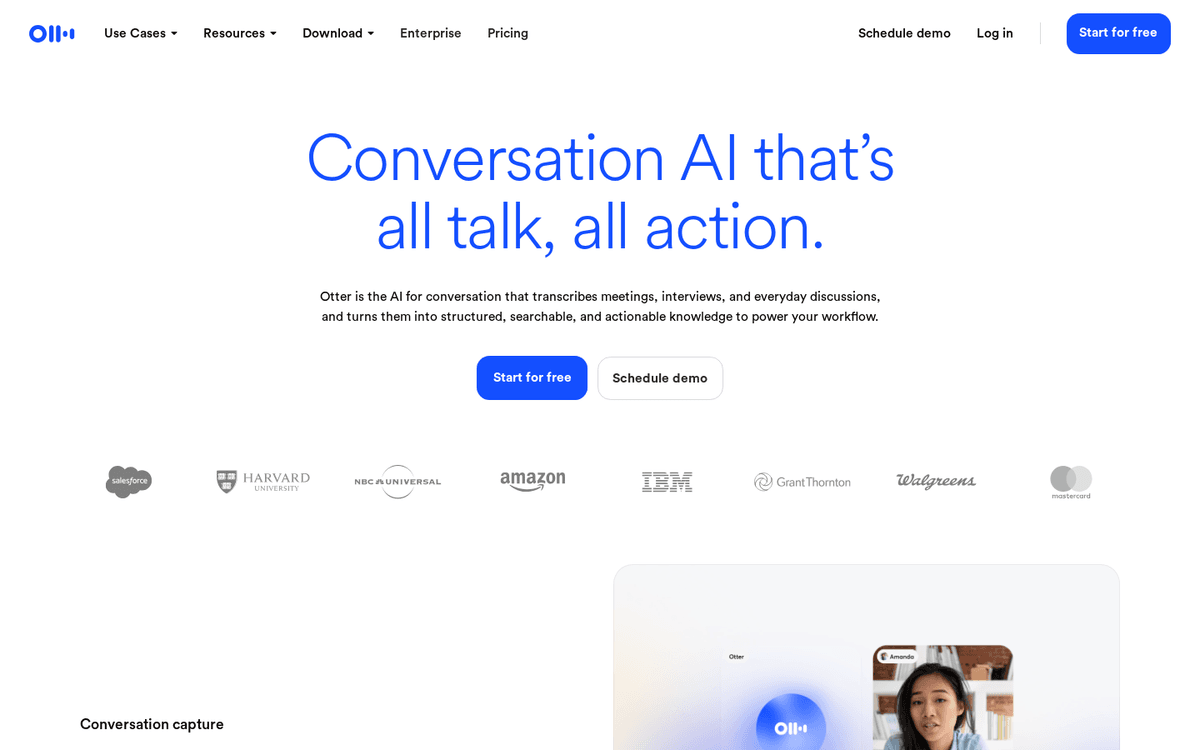
Meeting notes are where good EAs quietly earn their keep, and Otter takes the typing out of it. It joins the call, transcribes what’s said, and produces a summary with action items you can turn into follow-ups — so you can actually follow the conversation instead of scrambling to capture it. That said, recording carries obligations: get clear consent from everyone on the call, every time, and read the summary before you send it, because auto-generated notes get names, numbers and nuance wrong just often enough to matter.
Pros
- Records, transcribes and summarises meetings live
- Auto-joins Zoom, Meet and Teams calls
- Pulls out action items you can circulate afterward
Cons
- Consent to record is non-negotiable — flag it every time
- Summaries need a human check before they're circulated
/assets/screenshots/otter-ai.png Notion
Best for: Briefing packs, SOPs & the single source of truthFree · Plus ~$10/user/mo · AI add-on extra
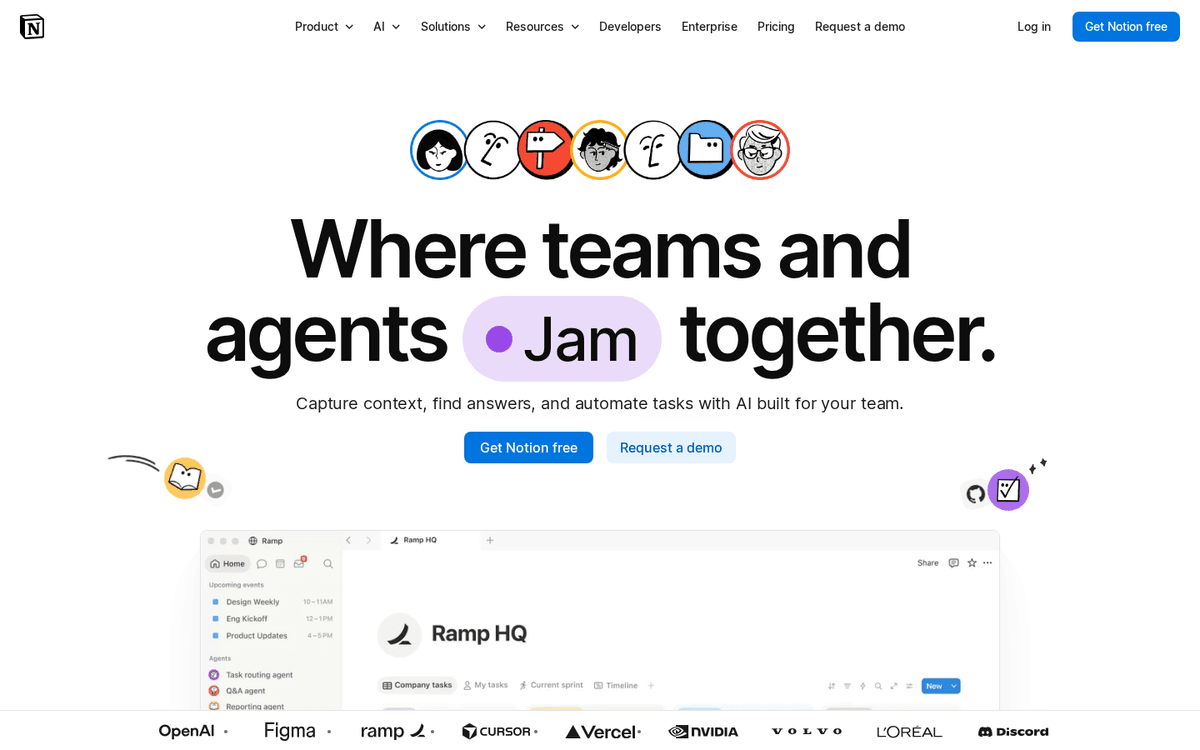
Prep is the fourth job, and Notion is where it lives. Build the pre-meeting briefing pack, the travel itinerary template, the contacts and preferences database, the standard procedure for onboarding a new report — then let Notion’s built-in AI draft and summarise inside the page. For an EA, the real value is turning the knowledge in your head into something repeatable, so a colleague could cover you and nothing falls over. The freedom is also the trap: it’s easy to spend an afternoon building the perfect system, so start from a template and resist the tinkering.
Pros
- Flexible home for briefing docs, trackers and standard procedures
- Built-in AI drafts and summarises inside the page
- Templates for almost any EA workflow
Cons
- Blank-canvas freedom can become a time sink
- AI features cost extra on top of the base plan
/assets/screenshots/notion.png Calendly
Best for: External scheduling without the back-and-forthFree · paid ~$10–16/user/mo
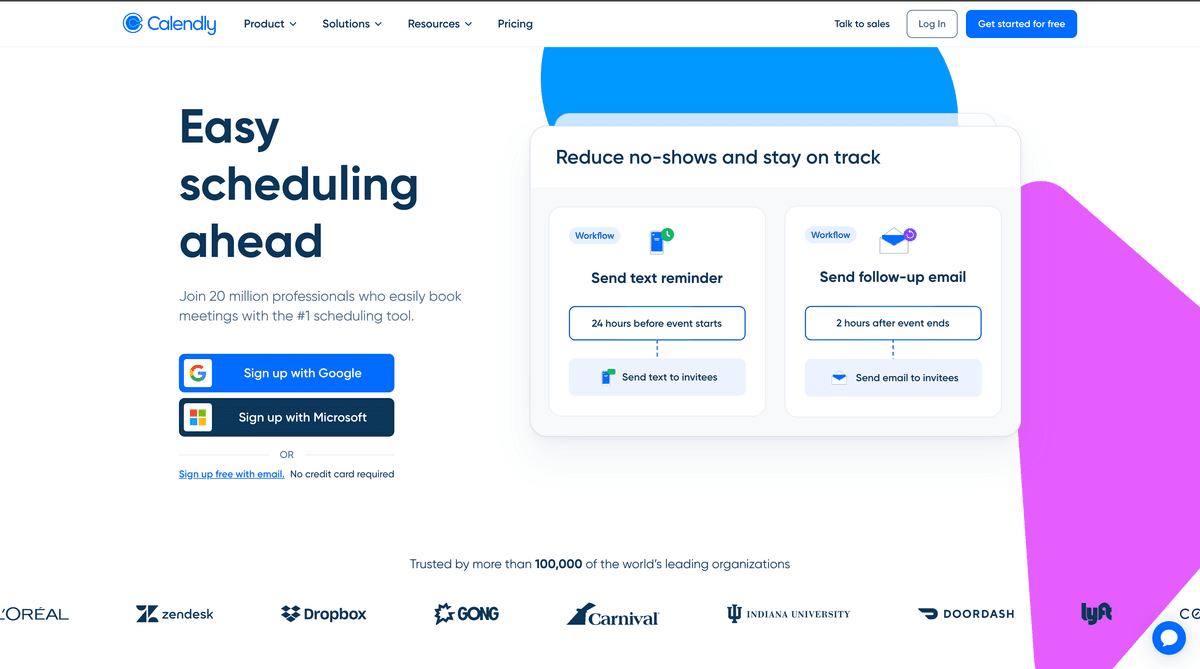
The “does Tuesday at three work for you?” email chain is a tax on every EA’s week, and Calendly removes it for external meetings. You share a link, the other side picks from slots you’ve pre-approved, and it lands on the calendar with buffers and time zones handled. It works across both Google and Microsoft stacks, which makes it a safe pick regardless of your principal’s setup. It earns its place for outward-facing scheduling — booking with clients, candidates, partners — rather than internal juggling, where Motion or Reclaim do more.
Pros
- Share a link and let people book from real availability
- Handles time zones, buffers and round-robins automatically
- Integrates with Google, Outlook and Zoom
Cons
- Less useful for internal-only scheduling
- Free tier is limited to a single event type
/assets/screenshots/calendly.png TravelPerk
Best for: Booking and managing business travelFree to start · fee per trip booked
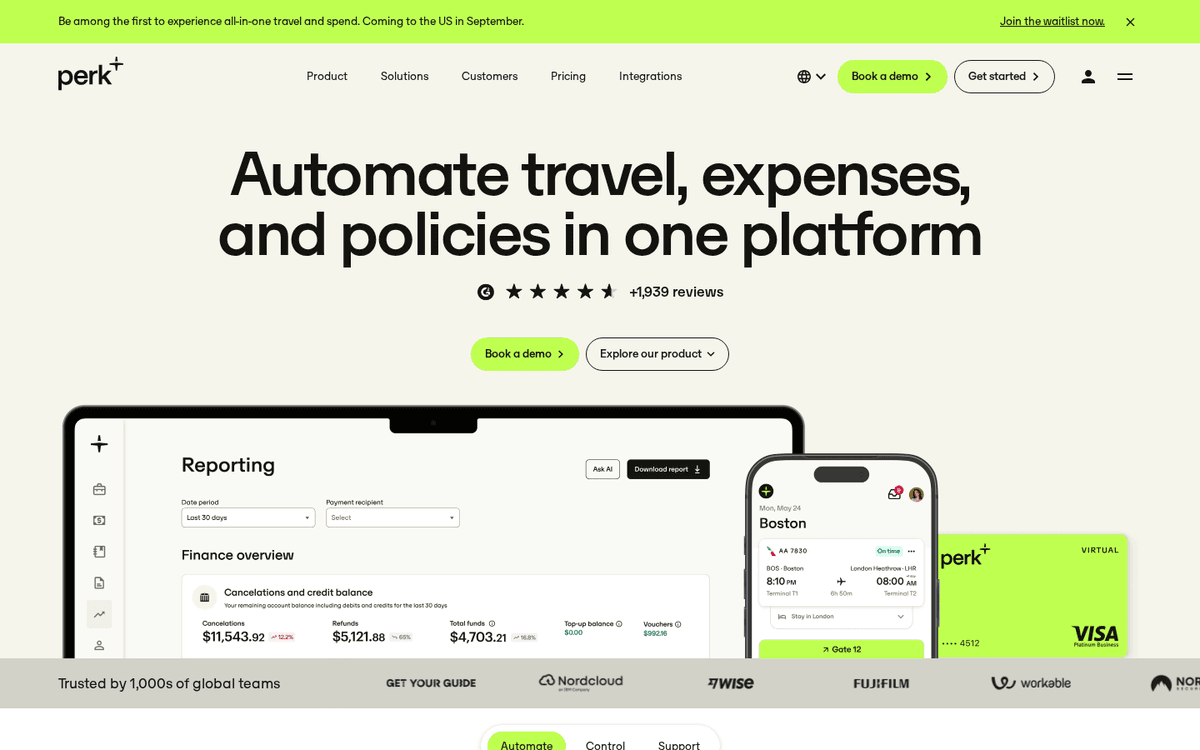
Travel is the job that turns urgent at the worst moment, and a booking platform beats fifteen browser tabs. TravelPerk pulls flights, hotels and rail into one place, keeps invoicing and policy central so finance stops chasing you, and gives you real support when a flight moves at 6am. It’s built for organisations that travel with any regularity — if your principal flies a handful of times a year, a good assistant plus direct booking is fine, but once travel is a recurring part of the role, having it in one managed system saves the frantic hours.
Pros
- Books flights, hotels and rail in one place with real inventory
- Central invoicing and policy controls for finance
- Flexible tickets and support when plans change mid-trip
Cons
- Per-trip fees suit regular travel, not the occasional trip
- More platform than a solo occasional traveller needs
/assets/screenshots/travelperk.png Which should an executive assistant actually buy first?
Work outward from the job that hurts most, and don’t buy the whole list on day one.
If you buy one thing, buy a general assistant. ChatGPT covers the widest range of EA writing — replies, agendas, briefings, the diplomatic decline — for the least money. It won’t touch your calendar, but it takes the blank-page tax off almost everything else, and custom instructions let it write in your principal’s voice.
If you buy two, add an inbox tool. Triage is the job running underneath all the others. Choose Fyxer AI if you want automation layered onto the Gmail or Outlook you already use; choose Superhuman if email is genuinely most of your day and a faster, sharper inbox would pay for itself.
If you buy three, look at your stack and pick a calendar tool. On Google Workspace, Reclaim.ai is the natural fit — it’s built around Google Calendar and has a free tier to test. If you want full task-and-project auto-scheduling regardless of stack, Motion does more. Add Calendly whenever external booking is a regular part of the role, because it works cleanly on both Google and Microsoft.
Beyond that, buy by frequency. Otter.ai earns its place the moment you’re in more meetings than you can write up. Notion pays off when you need prep and procedures to be repeatable, not stuck in your head. TravelPerk makes sense once travel is recurring rather than occasional. If none of those describes your week yet, don’t buy them yet. For a wider view of the assistant landscape, our best AI tools for entrepreneurs roundup covers adjacent ground, and if your remit stretches into people operations, the AI tools for HR guide covers hiring and onboarding.
FAQ
Will AI tools replace executive assistants?
No — and the framing misses what the role actually is. AI is good at the repeatable half of the EA job: drafting, transcribing, summarising, sorting, finding a slot. It’s poor at the half that makes an EA valuable — reading a room, knowing which meeting your principal will secretly want moved, handling a delicate relationship, exercising judgement about what matters this week. The realistic 2026 picture is an EA who uses these tools doing the work of a larger team, not an EA replaced by software. The task that gets automated is the typing; the trust doesn’t.
How do I keep confidential data safe when using these tools?
Assume everything an EA handles — board papers, personal details, salary information, travel documents — is sensitive, and treat the tools accordingly. Never paste confidential data into a free or consumer chatbot account; use a business or enterprise tier where you can turn off training on your data, and check the vendor’s data-handling and retention terms before you commit. For meeting recorders like Otter, get explicit consent every time, because recording someone without it can be a legal problem, not just an etiquette one. When in doubt, keep the truly sensitive material out of the AI entirely and use the tool on a redacted or general version.
Does it matter whether my principal uses Google or Microsoft?
It matters a lot, and it’s the first thing to check. Some tools are stack-specific: Reclaim.ai is built around Google Calendar and is thinner on Microsoft 365, for instance. Others — ChatGPT, Calendly, Otter, Notion, TravelPerk — are broadly stack-agnostic and work either way. Before you pay for anything calendar- or inbox-related, confirm it supports your principal’s actual setup rather than assuming, because a tool that half-integrates with the wrong stack creates more work than it saves.
What’s the most cost-effective AI setup for a solo EA?
A general assistant plus one inbox tool covers most of the day for a modest monthly spend — roughly the cost of a couple of streaming subscriptions. Start there, run it for a month, and only add a calendar, meeting or travel tool once you can point to the specific hours it would give back. Several tools here — Reclaim, Otter, Calendly, Notion — have free tiers worth trialling before you commit, so you can test fit without spending.
Can these tools manage more than one person’s calendar and inbox?
Most support delegate or multi-account access, which is exactly the EA use case, but the details vary — some charge per seat, some handle shared inboxes better than others, and permission models differ. If you support several principals, check specifically how each tool handles delegated access and whether you’re paying one seat or several before you scale it up. This is where the per-seat pricing on tools like Fyxer and Superhuman starts to matter.
How much time will this actually save?
Honestly, it depends on how much of your week is the repeatable work these tools target. An EA drowning in email triage and meeting write-ups will feel it fastest; one whose value is mostly relationship and judgement will see a thinner margin. Rather than chase a headline number, pick the single most repetitive part of your week, point one tool at it, and measure the hours back yourself over a fortnight. That real figure beats any promise on a pricing page.