
AI Tool Guides
AI Tools for Consultants: What's Actually Worth It
Some links in our roundups are affiliate links: if you buy through them we may earn a commission, at no extra cost to you. It never changes which tools we recommend or where they rank — we only list tools we would genuinely tell a friend to use.
The short answer: For independent consultants and boutique firms in 2026, the AI tools worth paying for are, ranked by billable hours saved: ChatGPT or Claude as your everyday research-and-analysis assistant, Perplexity for sourced desk research, Fathom for meeting notes and recaps, Gamma for first-draft decks and reports, Notion as your knowledge base, HubSpot for proposals and pipeline, and Reclaim.ai to defend your calendar. Buy one general assistant first, add the rest as the work demands, and check every tool’s data terms before a client’s name goes near it.
Consulting has always been a business of selling hours you’d rather not spend. Clients pay for judgement, but the week fills up with the scaffolding around it: reading the market, turning notes into a deck, chasing a proposal, writing up a call you already sat through. AI doesn’t do the thinking a client hires you for. It clears the scaffolding, so more of your day goes to the part only you can bill for.
This is a shortlist, not a catalogue. Every tool here earns its place by doing one consulting job genuinely well, and we’ve flagged where client confidentiality needs real care — because “I pasted the board pack into a chatbot” is not a sentence you want to explain to a client later.
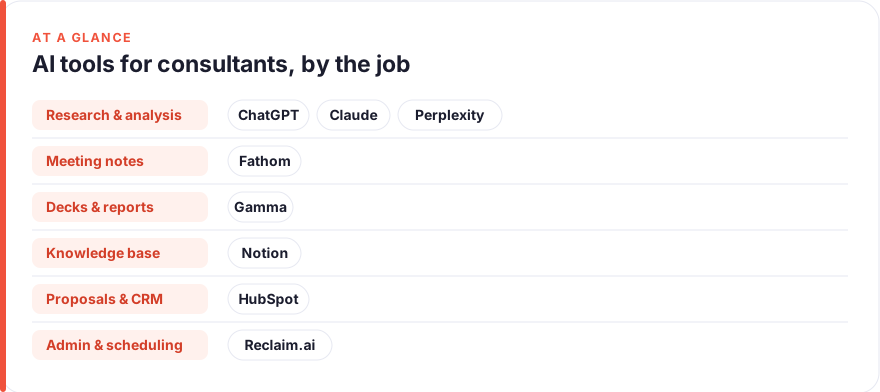
TL;DR — the shortlist at a glance
- Start with one general assistant. ChatGPT or Claude covers research, analysis, drafting and rewrites — the widest coverage for the lowest spend, and the single biggest hours-saver on this list.
- Give research a sourced home. Perplexity answers with citations you can actually check before you put a claim in front of a client.
- Stop taking notes in meetings. Fathom records, transcribes and recaps calls so you can listen instead of scribble — then sends the action items automatically.
- First-draft your decks. Gamma turns an outline into a passable deck or report in minutes; you spend your time sharpening, not formatting.
- Confidentiality is a setting, not an afterthought. Turn off training on your data, and never paste identifiable client material into a free consumer tier. See how affiliate links work here.
- Ranked by hours saved, not price. The right stack depends on whether your week is research-heavy, delivery-heavy or sales-heavy.
How we picked these
We started from the consultant’s actual week — not a feature list — and grouped tools by the jobs that eat it: research and analysis, deck and report writing, meeting notes and recaps, proposals and CRM, knowledge management, and admin and scheduling. Each tool below is one we’ve used hands-on or watched independent consultants and small firms run in earnest. Pricing was read from each vendor’s own page at the time of writing (July 2026) — treat every figure as a snapshot, because plan names and prices move fast, and check the live page before you buy. For the full method, see our editorial standards; for how affiliate links work, our disclosure.
One thread runs through all of it: client confidentiality. As a consultant you’re often handling material under an NDA, and most AI tools offer a business tier that excludes your inputs from model training and gives you tighter data controls. Use those tiers for client work, and read the “confidentiality” note on each card below.
The shortlist
ChatGPT
Best for: Everyday research, analysis & draftingFree · Plus ~$20/mo · Team ~$25–30/user/mo
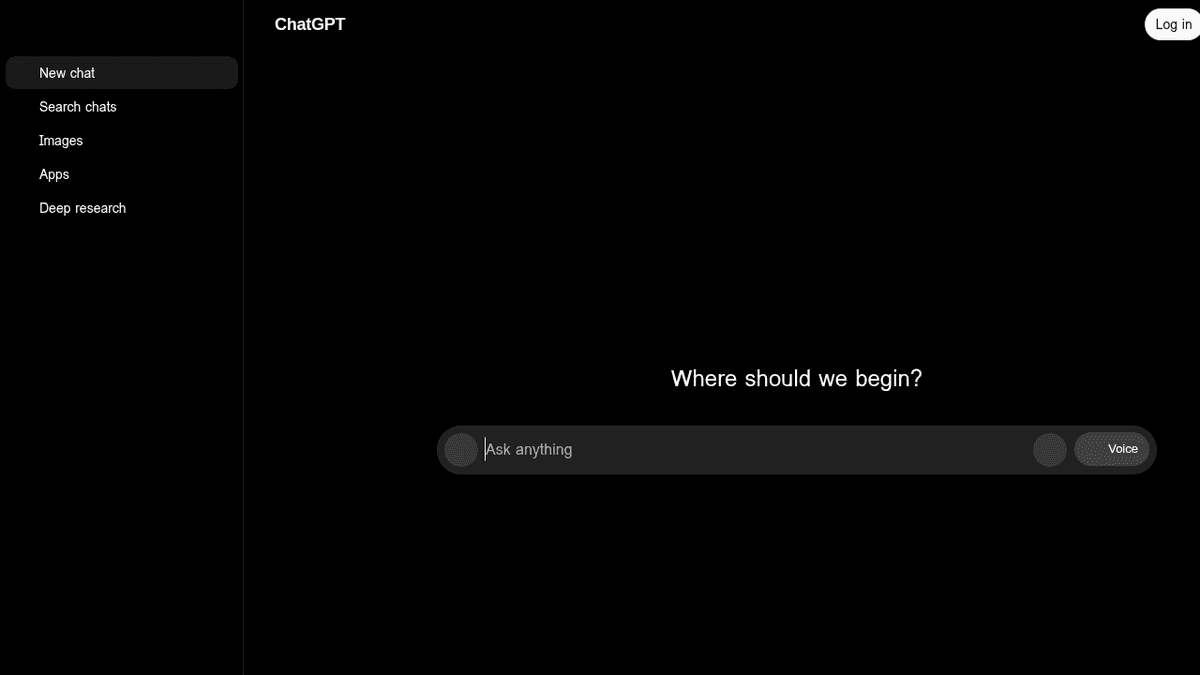
If you buy one tool, buy this one. A consultant’s week is full of small thinking-and-writing jobs — structure this analysis, summarise this report, draft three options for the client, turn my notes into an exec summary — and a general assistant does all of them. Upload a data file and it will reason over the figures; give it your framework once and every draft starts closer to done. On confidentiality: a paid Team or Enterprise plan excludes your data from training and is the minimum for anything client-identifiable.
Pros
- Handles research, analysis, first drafts and rewrites in one place
- Can read spreadsheets and documents and reason over the numbers
- Cheapest way to cover the widest range of consulting tasks
Cons
- General-purpose — not wired into your CRM or calendar by default
- Free tier trains on your inputs; use a paid Team/Enterprise plan for client work
/assets/screenshots/chatgpt.png Claude
Best for: Deep analysis of long documentsFree · Pro ~$20/mo · Team ~$25–30/user/mo
Claude is the other half of the “general assistant” decision, and it earns its rank when the input is long: drop in a 90-page market report, a stack of interview transcripts and last year’s strategy doc, and ask it to find the throughline. It’s also candid — ask it to poke holes in your recommendation and it will. Many consultants keep both ChatGPT and Claude and use whichever suits the task; if you’re picking one, choose on the work you do most. For a wider view of how these two assistants differ, our best AI tools for entrepreneurs roundup goes deeper.
Pros
- Large context window digests whole reports, contracts and data rooms at once
- Strong at structured reasoning and honest 'here's the weakness' critique
- Projects keep an engagement's context on hand across chats
Cons
- Same general-purpose caveat — it drafts and analyses, it doesn't own a workflow
- Two assistant subscriptions is redundant for most solo consultants
/assets/screenshots/claude.png Perplexity
Best for: Sourced desk researchFree · Pro ~$20/mo
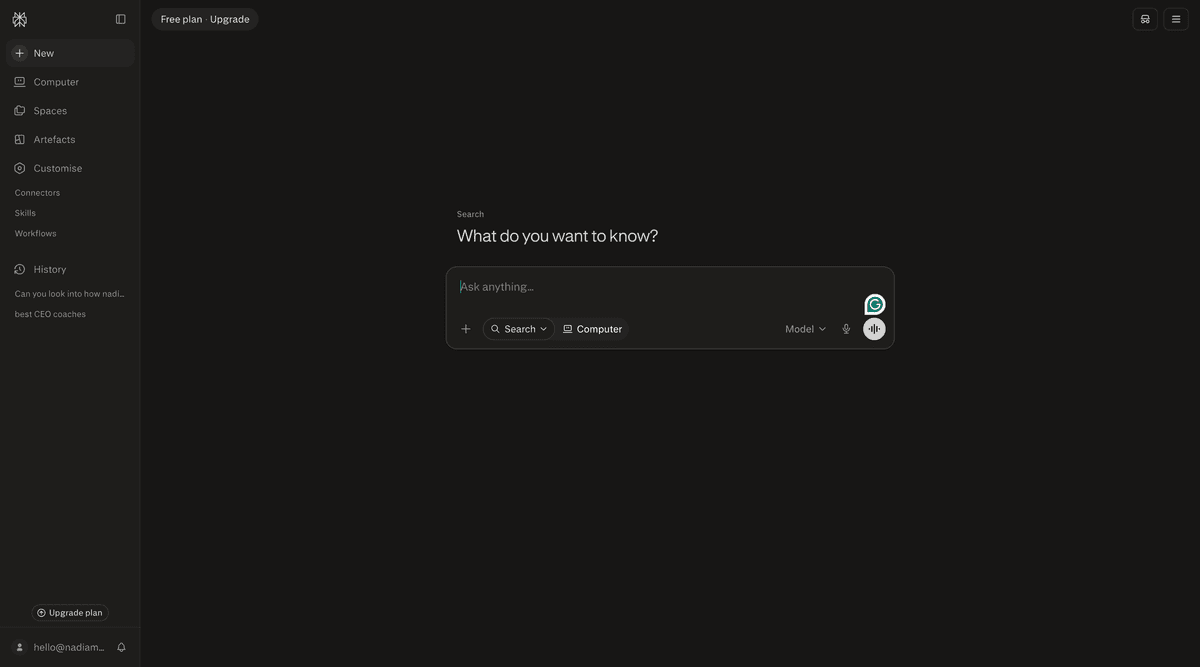
Research is where consultants quietly lose hours, and Perplexity compresses the first pass. Ask it a market or competitor question and it returns an answer with the sources cited inline, so you can click through and confirm before anything lands in a client deliverable. That verifiability is the point — an assistant that invents a plausible statistic is worse than useless when your name is on the report. Use it to get to the credible sources fast, then read them yourself for anything you’ll be held to.
Pros
- Answers with linked citations you can verify before quoting
- Fast market scans, competitor snapshots and 'what's the latest on X'
- Pro search digs across more sources for meatier questions
Cons
- Still needs a human to check the sources actually say what's claimed
- Overlaps with the general assistants for lighter questions
/assets/screenshots/perplexity.png Fathom
Best for: Meeting notes & recapsFree · paid from ~$15–20/user/mo
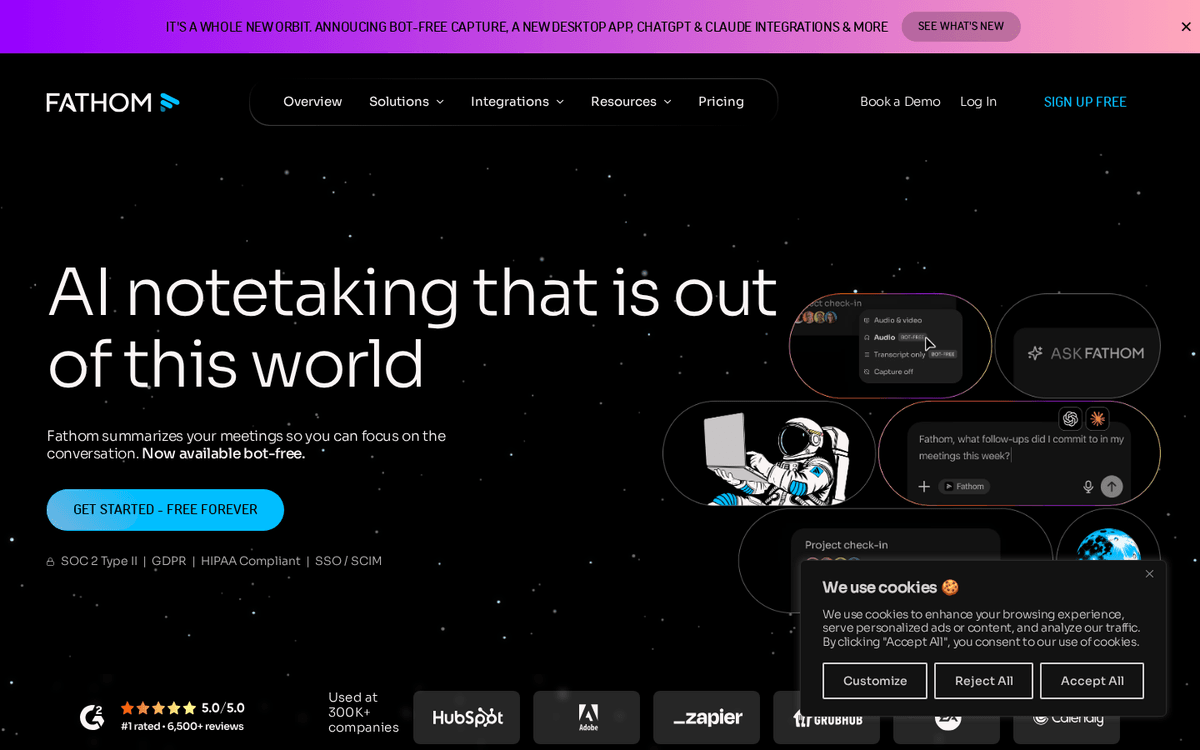
Note-taking in a client meeting is a false economy — you either listen or you write, rarely both. Fathom joins the call, transcribes it, and produces a clean recap with the decisions and next steps, so you leave with a shareable summary instead of half-legible notes. Fireflies and Otter do much the same job; pick on price and which meeting platform you live in. One rule that isn’t optional: tell clients they’re being recorded and get their agreement — it’s both good manners and, in many places, the law.
Pros
- Records, transcribes and auto-summarises calls with action items
- A generous free tier that covers a solo consultant's needs
- Lets you actually listen to the client instead of scribbling
Cons
- Recording clients requires their consent — never a silent default
- Cloud transcripts of sensitive calls need a confidentiality check
/assets/screenshots/fathom.png Gamma
Best for: First-draft decks & reportsFree · Plus/Pro ~$10–20/mo
The blank slide is where deck-building time goes to die. Gamma takes an outline — or a prompt describing the story you want to tell — and returns a structured, formatted draft you can react to, which is a far faster starting point than fighting slide masters. For internal reports, board updates and first-pass client decks it’s a genuine hours-saver. Treat the output as a scaffold: sharpen the narrative, drop in the real numbers, and give it a final polish before it goes to a client.
Pros
- Turns an outline or prompt into a formatted deck in minutes
- Handles the layout so you spend time on the argument, not alignment
- Exports to slides and docs for final polishing
Cons
- AI-generated design still needs a human pass to look truly client-ready
- Not a match for a bespoke, brand-perfect deck built by a designer
/assets/screenshots/gamma.png Notion
Best for: Knowledge managementFree · Plus ~$10/user/mo · Business ~$15–20/user/mo (AI included)
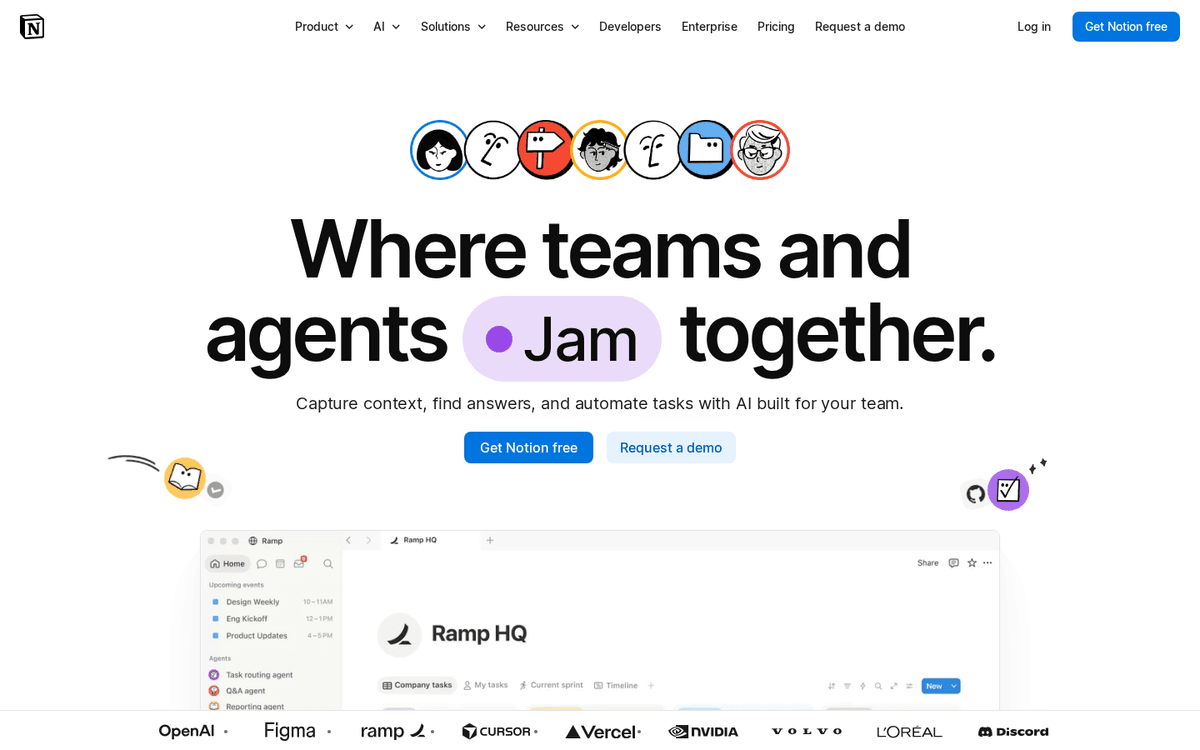
Every consultant accumulates reusable value — frameworks, proposal templates, past analyses, playbooks — and most of it rots in scattered files. Notion is where it becomes a queryable practice wiki, and its built-in AI can summarise a long doc or answer “what did we recommend for a client like this?” from your own material. Start from a template so you don’t over-build the setup. Keep client-identifiable material in access-controlled spaces, not an open team workspace.
Pros
- One flexible home for methods, templates, client notes and deliverables
- Built-in AI summarises and answers questions from your own workspace
- Databases turn scattered docs into a searchable practice wiki
Cons
- Blank-canvas freedom can become an organisation time sink
- Client data in a shared workspace needs deliberate access controls
/assets/screenshots/notion.png HubSpot
Best for: Proposals & pipelineFree CRM · paid tiers from ~$15–20/user/mo
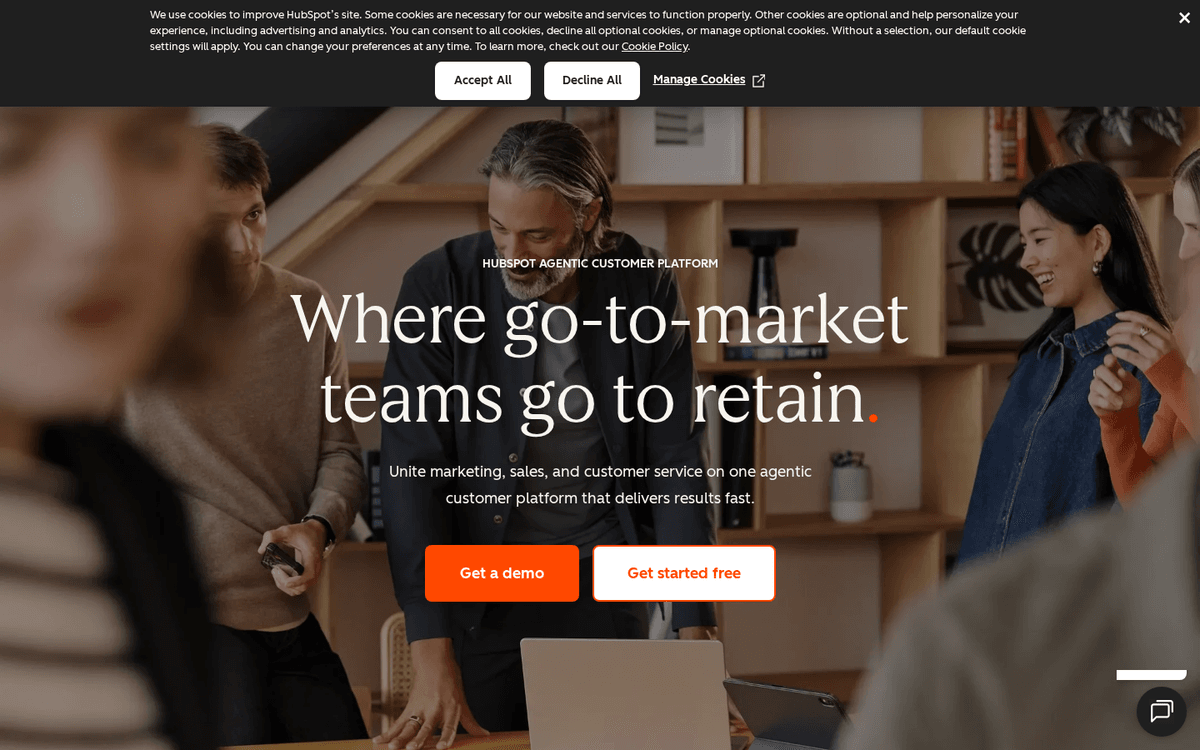
Consulting revenue lives and dies on follow-up, and a CRM stops warm leads going cold. HubSpot’s free tier tracks contacts, deals and proposals, and its AI can draft the follow-up email or first-pass proposal you’ve been putting off. Pipedrive is the leaner alternative if you want pipeline and little else; HubSpot wins if you also want marketing and email in one place. Once your pipeline is set up, our guide to automating lead generation shows how to keep it filling without manual data entry.
Pros
- Free CRM tier is genuinely usable for a solo consulting pipeline
- AI drafts follow-ups, proposals and email sequences
- Keeps leads, deals and documents in one tracked place
Cons
- The full suite is more than most independents need — start on free
- Paid tiers scale up quickly as you add hubs and contacts
/assets/screenshots/hubspot.png Reclaim.ai
Best for: Scheduling & calendar defenceFree · paid from ~$8–10/user/mo
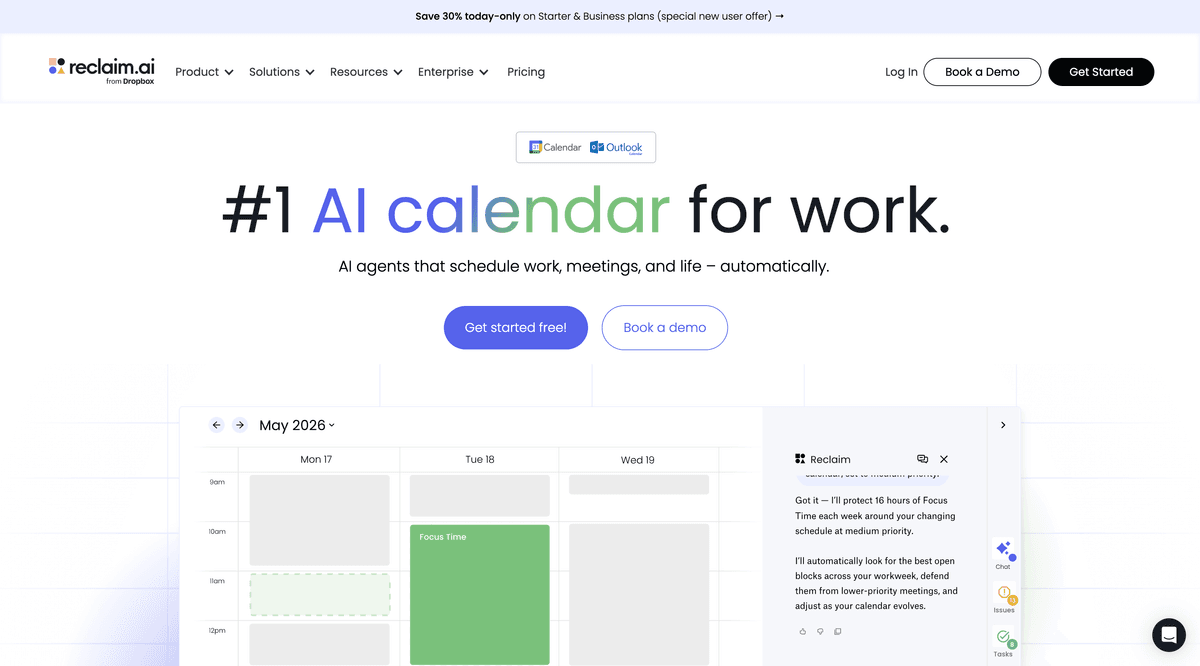
Admin is the least billable thing you do, and scheduling is the worst of it. Reclaim sits on your calendar and defends it — booking focus time around meetings, slotting in recurring tasks, and keeping personal and client calendars from colliding. It’s the smallest hours-saver on this list, which is why it ranks last, but for a consultant whose week is a wall of calls it quietly hands back the deep-work blocks that were getting eaten. A scheduling-link tool like Calendly pairs well if clients book you directly.
Pros
- Auto-schedules tasks and focus time around your meetings
- Protects blocks for deep work so admin doesn't swallow the week
- Syncs across calendars to prevent double-booking
Cons
- Most valuable once your calendar is genuinely busy and contested
- Another tool to configure — overkill for a light meeting load
/assets/screenshots/reclaim.png Which should a consultant buy first?
You don’t need all eight. Layer them by where your week actually goes:
- If you’re solo and just starting: ChatGPT or Claude, plus HubSpot’s free CRM. That covers thinking, drafting and pipeline for roughly the price of one subscription.
- If your week is research-heavy: add Perplexity so your desk research comes with sources you can defend.
- If you’re in back-to-back client calls: add Fathom so meetings produce recaps and action items on their own.
- If you live in decks and reports: Gamma to kill the blank-slide problem, with Notion holding your reusable templates.
- If sales is the bottleneck: lean into HubSpot and automate the follow-up; add Reclaim only once your calendar is genuinely contested.
Once your tools are chosen, the next win is wiring them together so they hand off automatically — a booked call flowing into your CRM, a recap posting to your knowledge base. That’s where no-code automation earns its keep, and our guide to automating lead generation is a good place to start. If you also advise on product work, the AI tools for product managers roundup covers an adjacent stack worth knowing.
FAQ
What are the best AI tools for consultants?
The best AI tools for independent consultants are ChatGPT or Claude as an everyday research-and-analysis assistant, Perplexity for sourced desk research, Fathom for meeting notes and recaps, Gamma for first-draft decks and reports, Notion for knowledge management, HubSpot for proposals and CRM, and Reclaim.ai for scheduling. For most consultants the top pick is a general assistant — ChatGPT or Claude — because it covers the widest range of thinking and writing tasks for the lowest spend. Add the specialists as your week demands them.
What is the single best AI tool for a consultant?
There isn’t one, because consulting has several distinct jobs. For the widest coverage at the lowest cost, a general assistant — ChatGPT or Claude — is the best first buy: it researches, analyses data, drafts deliverables and rewrites for different audiences. From there, add Perplexity for sourced research, Fathom for meetings, Gamma for decks, HubSpot for pipeline and Reclaim for your calendar, in whatever order matches where your hours actually go. The right combination depends on whether your week is research-heavy, delivery-heavy or sales-heavy.
How do I keep client data confidential when using AI tools?
Treat confidentiality as a setting you switch on before any client work, not an afterthought. Three rules cover most of it. First, use a paid business or enterprise tier — on the major assistants, these exclude your inputs from model training and add tighter data controls, whereas free consumer tiers often do not. Second, strip or anonymise identifying details where you can; the tool rarely needs the real client name to do the analysis. Third, check your NDA and the vendor’s data-processing terms before uploading anything sensitive, and never paste a confidential board pack into a free chatbot. For recorded meetings, get explicit consent and store transcripts somewhere access-controlled.
How much should a consultant expect to spend on AI tools?
A solid solo stack often lands around $40–80 per month: roughly $20–30 for a general assistant on a business tier, a Perplexity or Fathom subscription if research or meetings dominate your week, and free tiers for the rest to begin with. HubSpot’s CRM, Fathom and Notion all have genuinely usable free plans, so you can prove the value before upgrading. Treat these as July 2026 snapshots and check live pricing — plans and prices change often.
Can AI tools write a client deliverable for me?
They can write a strong first draft, and that’s how to use them. Feed an assistant your framework, your findings and the client’s context, and it will produce a structured deck, report or memo far faster than a blank page allows. But a deliverable carries your professional judgement and your name, so treat the output as a draft to sharpen — verify every figure, pressure-test the logic, and make the recommendation yours. The analysis and typing can be assisted; the accountability can’t be outsourced.
Will AI replace consultants?
No. AI automates the mechanical parts of consulting — desk research, first-draft decks, meeting recaps, follow-up emails — but not the judgement, the client relationships, and the hard recommendations that clients actually pay for. In practice, consultants who adopt these tools become more valuable, because they hand back the hours lost to scaffolding and spend them on the diagnosis and advice only an experienced person can give. The tools change what a billable hour contains; they don’t remove the need for one.