
AI Tool Guides
9 n8n Alternatives Worth Switching To
Some links in our roundups are affiliate links: if you buy through them we may earn a commission, at no extra cost to you. It never changes which tools we recommend or where they rank — we only list tools we would genuinely tell a friend to use.
The short answer: Most people leave n8n for one of three reasons — they’re tired of babysitting a self-hosted server, the node-and-expression learning curve is steep, or a specific integration they need isn’t there. Match the fix to the reason: Make or Zapier if you want the maintenance to disappear, Activepieces if you liked the open-source ethos but want a gentler tool, Windmill or Pipedream if you’d rather write code than drag nodes, Automatisch for self-hosted data privacy, Power Automate for Microsoft shops, and Workato or Tray.ai when enterprise governance is the real requirement.
n8n is a genuinely good tool, and for a lot of teams the honest answer is to stay on it — we’ve written before about whether n8n is really free once you count hosting and your own time. But “good” and “good for you” aren’t the same thing. People don’t usually go looking for an alternative because n8n is bad; they go looking because a specific friction has worn them down, and they want that one friction gone.
So this isn’t a ranked “best to worst” list where number one wins for everybody. It’s nine alternatives mapped to the three reasons people actually leave, with a one-line verdict on who each is genuinely for. Read the reasons first, find the one that sounds like you, then jump to the tools that fix it. Prices are an August 2026 snapshot and shift constantly — treat every figure as “roughly, before annual discounts and enterprise deals,” and check the vendor before you commit.
- Pick your alternative by the friction that’s pushing you out, not by a leaderboard. The best tool for a maintenance problem is the wrong tool for a missing-node problem.
- If the pain is self-hosting upkeep, a hosted tool (Make, Zapier) removes it entirely — you trade a server for a subscription.
- If you liked that n8n is open source and want to keep self-hosting, Activepieces and Automatisch are the closest spiritual replacements.
- If n8n felt too clicky, code-first tools like Windmill and Pipedream flip the model: scripts with a UI on top, not a canvas with code bolted in.
- Enterprise governance (Workato, Tray.ai) is a different purchase entirely, priced accordingly — don’t reach for it to solve a hobbyist’s frustration.
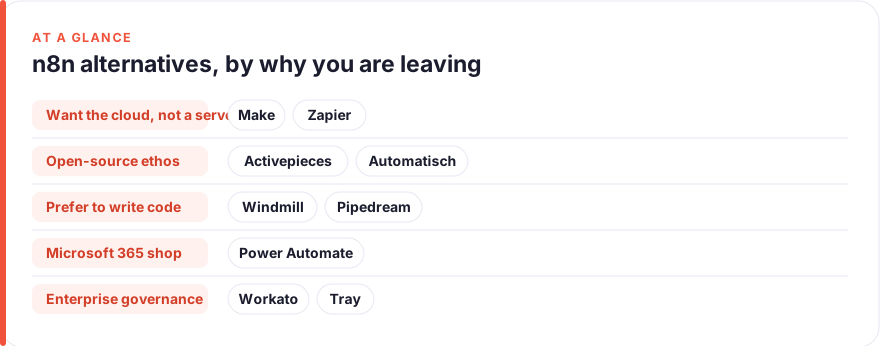
Why people look for an n8n alternative (three honest reasons)
Reason one: the self-hosting keeps you up at night. n8n’s appeal is that you can run it yourself, and its trap is exactly the same thing. Someone has to handle upgrades, queue mode, database backups, scaling workers when a workflow gets busy, and the 2am failure when a container falls over. For a solo builder or a lean team, that maintenance is a second job nobody signed up for. The fix isn’t a better self-hosted tool — it’s letting someone else run the servers.
Reason two: the learning curve is steeper than the job deserves. n8n is powerful because it exposes nodes, expressions and data mapping in detail. That same detail is why non-technical teammates bounce off it, and why simple automations sometimes take an afternoon. Some people want less surface area and more “it just connects these two apps.” Others want the opposite — they find the clicking slow and would rather just write the code. Both are learning-curve complaints; they point in opposite directions.
Reason three: a node or an integration you need isn’t there. n8n’s library is large but not infinite, and community nodes vary in quality and upkeep. If the one app your business runs on has a flaky node or none at all, no amount of elegance elsewhere helps. The fix is either a platform with a bigger first-party catalog, or one where dropping into raw code to hit any API is a first-class path rather than an escape hatch.
Keep those three in mind as you read. The comparison below sorts the nine alternatives by hosting model, price floor, and how hard they are to learn — the three axes that map directly onto the reasons above.
| Tool | Hosting | Starting price (Aug 2026) | Learning curve |
|---|---|---|---|
| Make | Cloud only | Free · paid ~$9/mo | Low–medium |
| Zapier | Cloud only | Free (100 tasks/mo) · from ~$20/mo | Low |
| Activepieces | Self-host or cloud | Open-source free · cloud from ~$16/mo | Low–medium |
| Windmill | Self-host or cloud | Open-source free · cloud from ~$120/mo | High (code-first) |
| Pipedream | Cloud (code-first) | Free · from ~$29/mo | Medium (code-first) |
| Automatisch | Self-host or cloud | Open-source free · paid cloud | Medium |
| Power Automate | Cloud (+ desktop RPA) | ~$15/user/mo | Medium |
| Workato | Cloud (enterprise) | Custom, from ~$10k/yr | Medium–high |
| Tray.ai | Cloud (enterprise) | Custom, no free tier | Medium |
The shortlist
Make
Best for: Visual builders who want n8n's flexibility without the serverFree · Core ~$9/mo · Pro ~$16/mo · Teams ~$29/mo
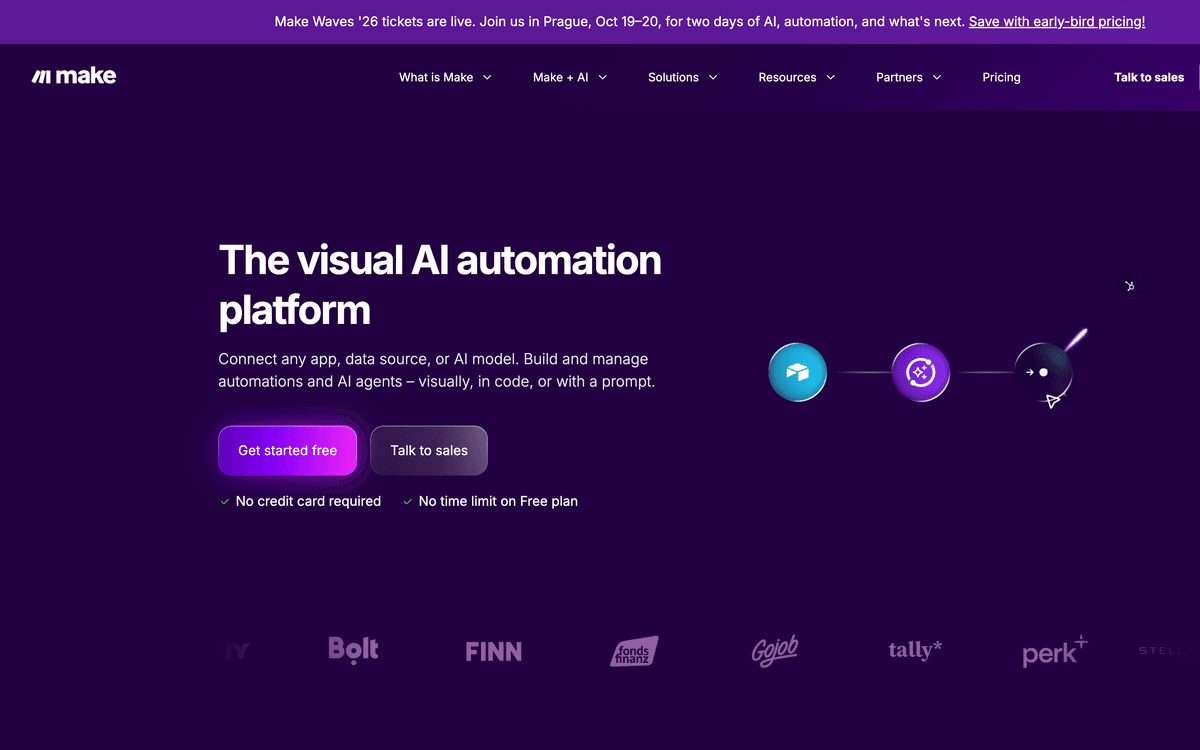
The most natural landing spot for someone whose real complaint was maintenance rather than the visual style. Make keeps the flow-on-a-canvas feel that n8n users are fluent in, but runs entirely on its own infrastructure, so the server babysitting simply disappears. Its module library is broad, and an HTTP module covers the long tail when a native connector is missing. The trade is the one you chose: your automations now live on someone else’s cloud. If you like building visually and just want the ops burden gone, start here.Pros
- Fully hosted — no upgrades, workers or backups to manage
- Large app library plus HTTP and webhook modules for anything missing
- Visual canvas that rewards the same mental model n8n users already have
Cons
- Cloud only; if you left n8n specifically to keep your data in-house, this isn't the fix
- Operation-based billing can climb on busy, multi-step scenarios
/assets/screenshots/make.png Zapier
Best for: Non-technical teams who just want it to connect and stay upFree (100 tasks/mo) · Professional from ~$20/mo · Team from ~$69/mo
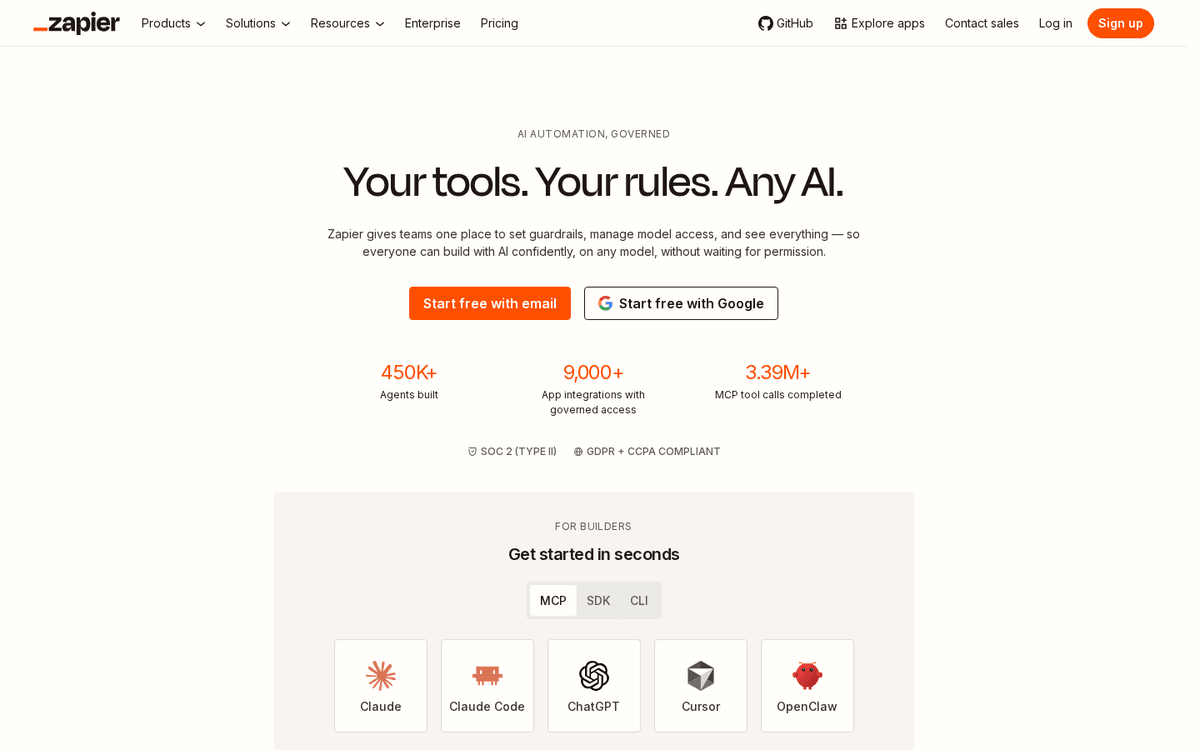
The answer when two of the three reasons bite at once: you’re done hosting, and the integration you need has to exist. Zapier’s catalog is the largest in the category, which is why it’s the safe pick when your stack includes something niche. It’s also the least intimidating tool here, so the people who actually own the process can maintain it without an engineer. You give up some of n8n’s power for complex logic, and the per-task meter is a real cost to watch. But for “just make these apps talk, reliably,” nothing has fewer sharp edges.Pros
- The widest first-party app catalog, so the missing-node problem largely evaporates
- Gentle enough that non-technical teammates can build and maintain their own Zaps
- Fully managed reliability — nothing to host, patch or scale
Cons
- Task-based pricing adds up quickly as automations get busy
- Less depth for branching, code and complex data shaping than n8n
/assets/screenshots/zapier.png Activepieces
Best for: Teams who loved that n8n is open source but want a gentler toolOpen-source self-host free · Cloud Free · Plus ~$16/mo · Team ~$166/mo
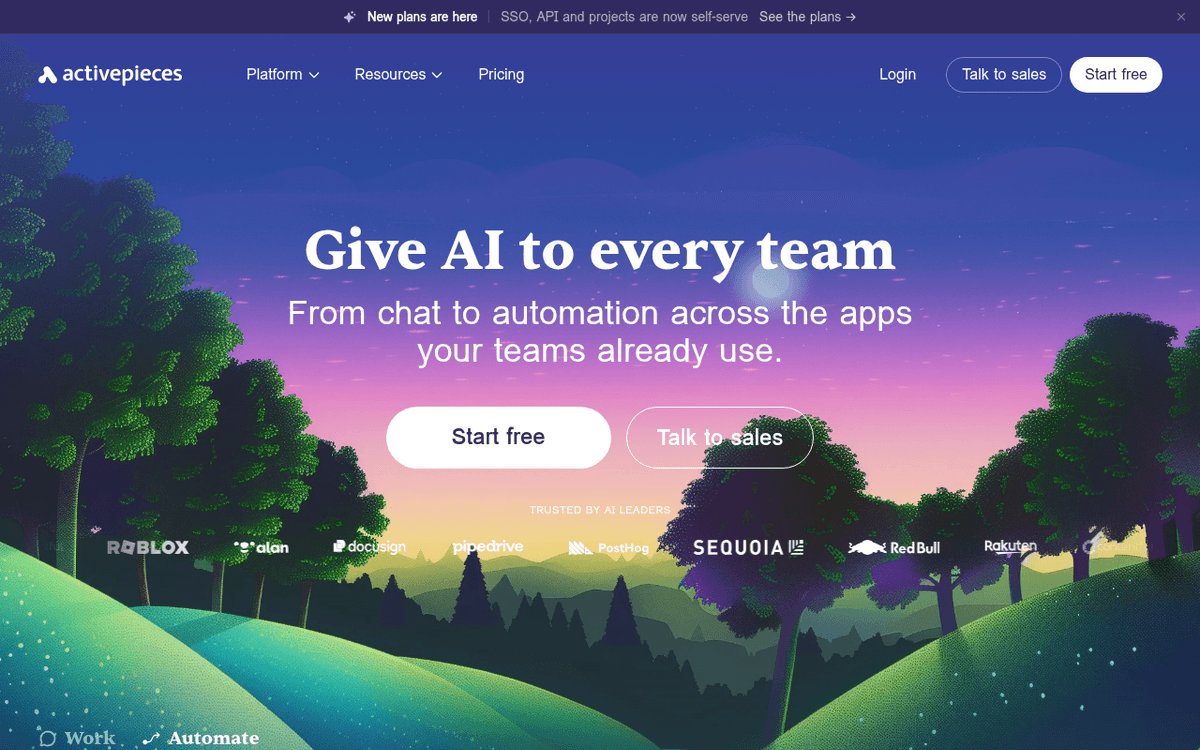
The closest spiritual successor for people who left n8n but not open source. Activepieces gives you the same “run it yourself, own your data” model with a noticeably friendlier interface, which addresses the learning-curve complaint without forcing you onto a proprietary cloud. You can self-host the Community edition for free, and move to their cloud later if the maintenance stops being worth it. The catalog is thinner than Zapier’s or Make’s, so check your critical apps are covered first. But if the appeal of n8n was the ethos and the sticking point was the UI, this is the most direct swap.Pros
- Genuinely open source with a free, uncapped self-hosted Community edition
- Cleaner, more approachable builder than n8n for everyday automations
- AI-native pieces and a cloud option if you later want the ops handed off
Cons
- Smaller integration library than the incumbents, though it's growing fast
- Advanced governance features sit behind the paid tiers
/assets/screenshots/activepieces.png Windmill
Best for: Engineers who'd rather write scripts than drag nodesOpen-source self-host free · Cloud/Enterprise from ~$120/mo (+ ~$20/developer)
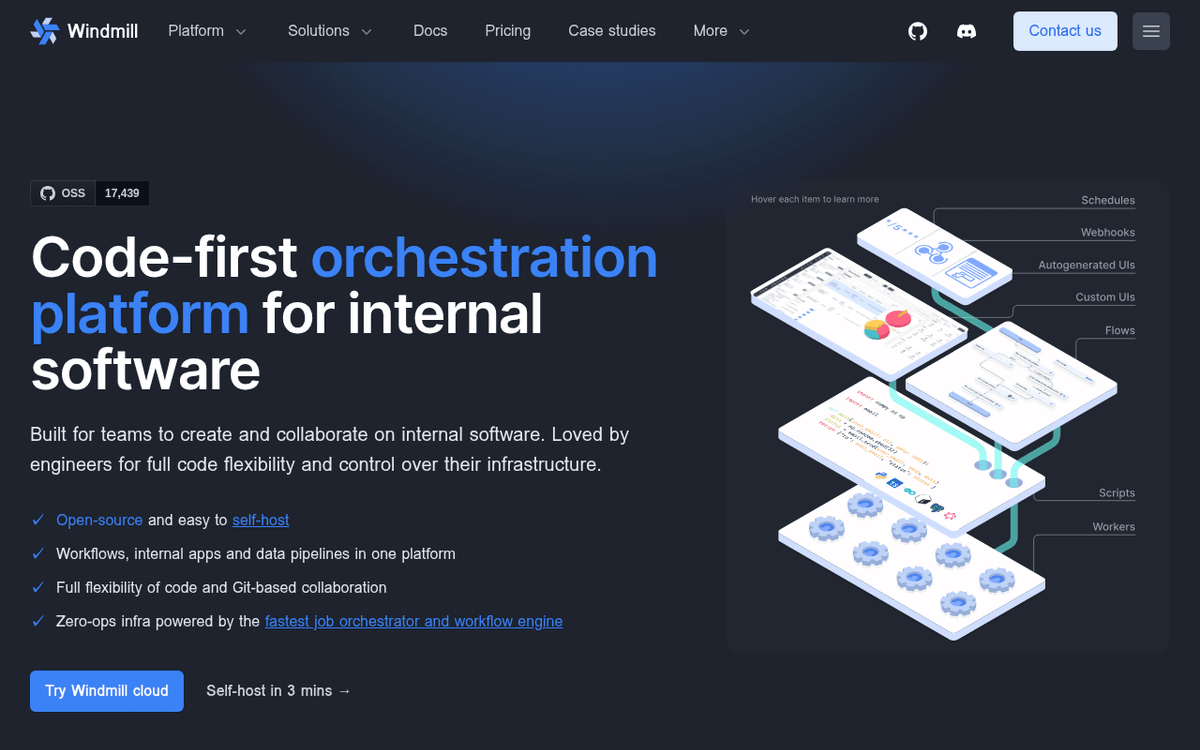
For the n8n leavers whose complaint was the opposite of “too hard” — they found the clicking slow and wanted to just write the logic. Windmill inverts the model: you write scripts, and it wraps them in a UI, schedules them, and chains them into flows. It’s open source and self-hostable, so it also satisfies the keep-my-data crowd, and execution is quick enough for serious workloads. This is squarely a developer’s tool; hand it to a marketer and you’ll both be frustrated. Hand it to an engineer who resented dragging nodes, and it feels like a relief.Pros
- Code-first: build in TypeScript, Python, Go or Bash with a UI generated on top
- Open source and self-hostable with unlimited executions on the free tier
- Fast execution and strong for turning scripts into internal tools and workflows
Cons
- The wrong tool for non-technical builders — it assumes you write code
- Cloud pricing is per-developer plus compute, so costs need modelling
/assets/screenshots/windmill.png Pipedream
Best for: Developers who want to drop into code inside a hosted workflowFree (100 credits/day) · Basic ~$29/mo · Advanced ~$49/mo
The middle path for developers who want code without hosting anything. Pipedream lets you drop a raw Node.js or Python step into any workflow, so the missing-node problem is solved by writing three lines against the API directly. It manages authentication for a large catalog of services, and the free tier is generous enough to run real automations. Billing is credit-based and tracks how much compute your steps use, so memory-hungry work costs more — worth modelling before you scale. If you liked n8n’s code node but not its server, this is that node as an entire platform.Pros
- Hybrid: pre-built triggers and actions, plus arbitrary Node.js or Python steps
- Huge catalog of API integrations with managed auth
- Generous free tier and no servers to run
Cons
- Credit-based billing scales with compute, so heavy steps cost more
- Less of a visual canvas than n8n or Make — it's code-forward by design
/assets/screenshots/pipedream.png Automatisch
Best for: Privacy-bound teams who must self-host but want something lighterOpen-source self-host free · paid cloud (check the vendor)
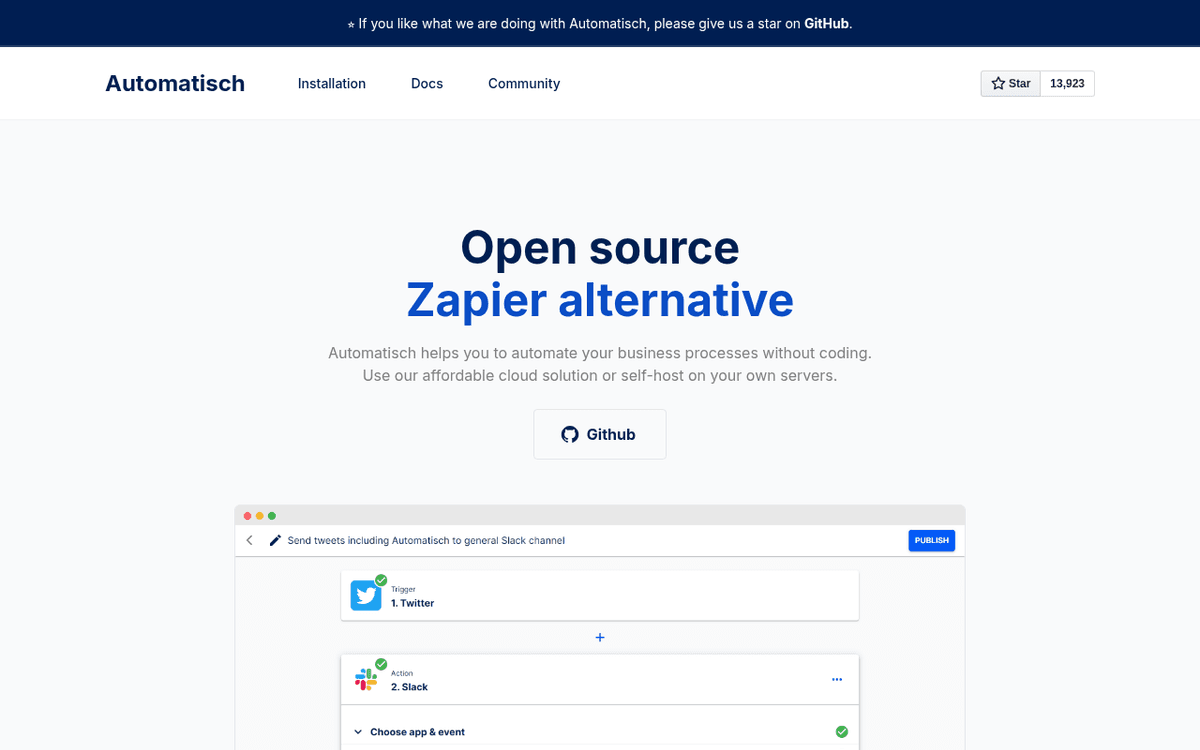
The pick when the reason you self-hosted n8n was compliance, not preference. Automatisch is an open-source, self-hostable automation tool that leads with data sovereignty — the pitch is aimed at teams in regulated industries or under GDPR who cannot send data through a third-party cloud. It’s lighter and more focused than n8n, which helps if you found n8n heavier than your use case needed, but the integration library is correspondingly smaller. Verify your required connectors exist before committing. For a privacy-first team that wants less machinery than n8n, it’s a clean fit.Pros
- Open source and self-hostable, built explicitly around data privacy and GDPR
- Keeps sensitive data on your own servers — useful in healthcare and finance
- Simpler, more focused scope than n8n for straightforward connections
Cons
- Smaller, younger project with a more limited integration set
- Cloud pricing isn't published openly, so budget requires a conversation
/assets/screenshots/automatisch.png Power Automate
Best for: Organisations already living inside Microsoft 365Premium ~$15/user/mo · Process (RPA) ~$150/bot/mo
For the n8n user whose integration gap was really a Microsoft gap. If your organisation runs on Office, Teams, SharePoint and Dynamics, Power Automate closes that gap by default because it’s built into the same stack — and its desktop flows add real RPA for the legacy apps that have no API at all. It’s frequently part of licensing you already pay for, which makes the effective cost lower than the sticker suggests. Outside the Microsoft world its appeal fades fast. But inside it, it turns the whole 365 estate into something you can automate without a single custom node.Pros
- Deeply wired into Microsoft 365, Teams, Dynamics and SharePoint
- Desktop flows add genuine RPA for automating legacy or UI-only apps
- Often partly bundled into licences your organisation already holds
Cons
- Most valuable inside the Microsoft ecosystem; less compelling outside it
- Premium connectors and RPA sit behind higher-tier licensing
/assets/screenshots/power-automate.png Workato
Best for: Large teams whose real need is enterprise governance and SLAsCustom — typically from ~$10,000/yr
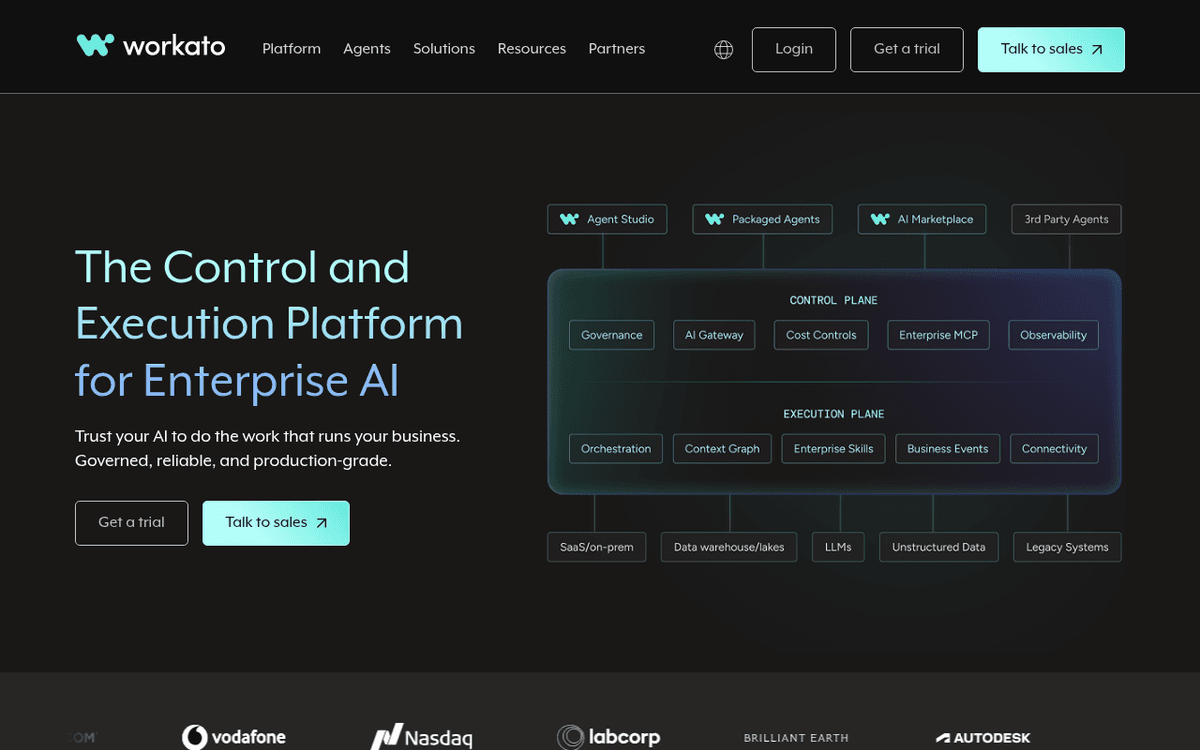
A different category of purchase, listed here because teams sometimes outgrow n8n rather than dislike it. When automation becomes business-critical and needs formal governance — audit trails, staged environments, role-based access, an SLA someone will answer for — Workato is built for that weight. It’s a full enterprise integration platform, and it’s priced like one, typically starting in five figures annually behind a sales conversation. Nobody should reach for this to solve a solo builder’s maintenance gripe. But when the org has scaled past what a self-hosted tool can responsibly carry, it’s the grown-up option.Pros
- Enterprise-grade governance, audit, environments and role controls
- Deep library of connectors with reusable, managed recipes
- Handles high-volume, business-critical integration with support to match
Cons
- Priced for enterprise; wildly overkill for individuals and small teams
- Opaque, sales-led pricing that starts around five figures a year
/assets/screenshots/workato.png Tray.ai
Best for: Enterprise teams building AI-agent-driven automations on a low-code canvasCustom — no free tier; Pro tiers commonly quoted from ~$595/mo
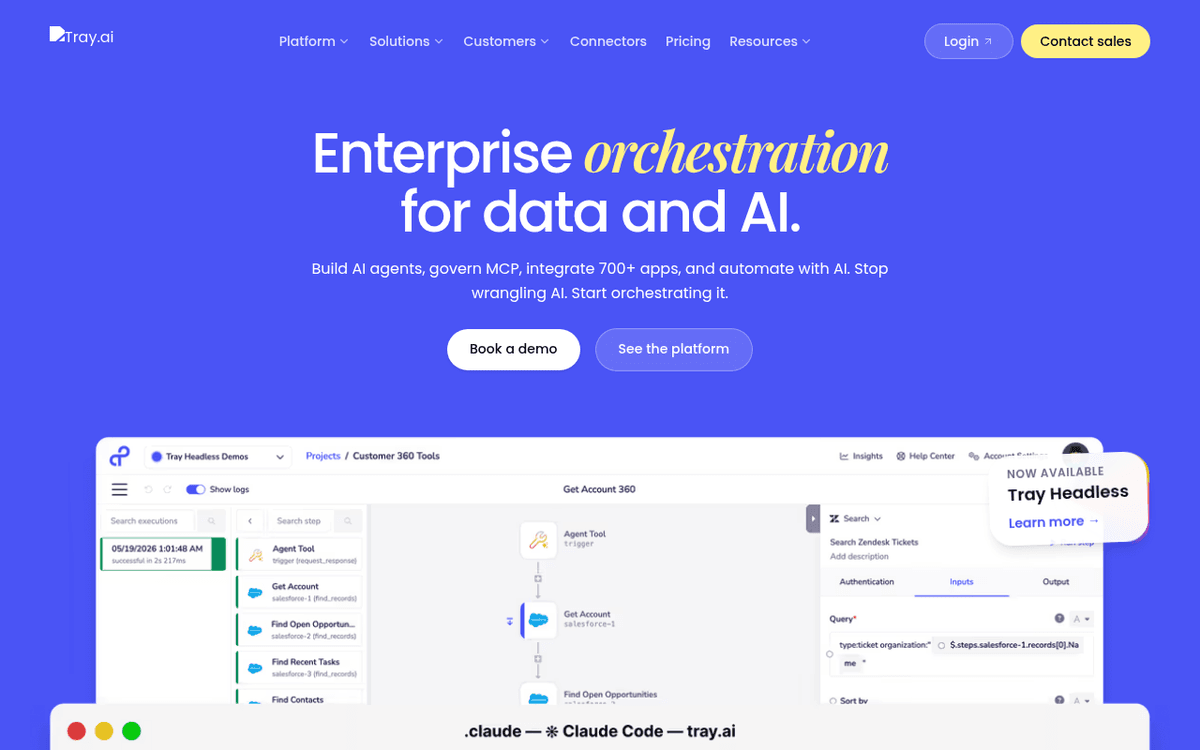
The other enterprise option, tilted toward teams that want AI agents doing the automating. Tray.ai pairs a genuinely capable low-code canvas with an AI-agent layer, aimed at organisations building sophisticated, cross-functional automation rather than point-to-point Zaps. Like Workato, it’s a sales-led, no-free-tier product priced for companies, and its task-based billing means complex flows carry real cost. It earns a place on this list only for the specific enterprise buyer who wants an agent-driven platform with room to grow. For everyone lower down the scale, it’s more platform than the problem requires.Pros
- Low-code canvas with serious depth for complex, multi-step logic
- Strong, AI-forward positioning for agent-style automation
- Enterprise controls and scalability for cross-team deployments
Cons
- No free tier and sales-led pricing; not for hobby or small-team budgets
- Task-based billing means each workflow step counts toward cost
/assets/screenshots/tray.png When you should just stay on n8n
Switching has a cost that’s easy to forget when you’re annoyed at a tool: rebuilding working automations, retraining the people who use them, and re-testing every edge case you’d already ironed out. Before you migrate, be honest about whether the friction is really n8n or just the current setup.
If your only complaint is self-hosting, the cheapest fix might be n8n’s own cloud rather than a different product — you keep every workflow and simply stop running the server. If the complaint is the learning curve, a few hours with the docs and one well-built template often does more than starting over somewhere new. And if it’s a missing node, check whether a generic HTTP request or a community node closes the gap before you rebuild your entire stack elsewhere. n8n’s flexibility, code node and self-hosting remain a strong combination, and for a lot of teams the honest move is to stay and get better at it. The broader habit — automating the repetitive work at all — matters far more than which logo runs it, as we argue in our guide to automating repetitive tasks.
FAQ
What is the best n8n alternative?
There isn’t a single best one — it depends on why you’re leaving. If you’re tired of self-hosting, Make or Zapier remove that burden entirely. If you liked that n8n is open source, Activepieces or Automatisch keep that model with a friendlier or more privacy-focused spin. If you’d rather write code than drag nodes, Windmill or Pipedream flip the tool around your preference. Pick by friction, not by leaderboard.
n8n vs Make — which is better?
They’re closer than most comparisons admit; the deciding factor is hosting. Both use a visual, node-style canvas, so n8n users feel at home in Make quickly. The real difference is that n8n can be self-hosted, giving you data control at the cost of maintenance, while Make is cloud-only and hands that maintenance to the vendor. Choose n8n if owning your infrastructure matters; choose Make if you’d rather never think about a server again.
What is the best open source workflow automation tool?
Among the alternatives here, Activepieces and Windmill are the strongest open-source options, with Automatisch a good privacy-first choice — and n8n itself remains a leading open-source tool, so “leaving” open source isn’t required. Activepieces suits people who want a gentler visual builder, Windmill suits engineers who prefer writing code, and Automatisch suits teams whose main driver is data sovereignty and GDPR compliance. All three can be self-hosted for free if you’re willing to run the servers.
Are there genuinely no-code alternatives to n8n?
Yes. Zapier is the most no-code-friendly tool on this list, built so non-technical people can create and maintain automations without help. Make is close behind and gives you more power for branching and data shaping while staying largely no-code. Both are fully hosted, so there’s no server, upgrade or backup work — the parts of n8n that most often require technical comfort simply aren’t present.
Is Make cheaper than n8n?
It depends how you count. Make’s paid plans start around $9/month (August 2026 — check the vendor), and n8n’s cloud starts higher, but n8n can be self-hosted where the software is free and you pay only for the server plus your own time. Once you price in the hours spent maintaining a self-hosted instance, a hosted tool like Make is often cheaper in practice for small teams, even when its sticker price looks similar. Model your real usage, including your time, before deciding.
Do I still have to self-host with these alternatives?
Only if you want to. Make, Zapier, Pipedream, Power Automate, Workato and Tray.ai are fully hosted, so there’s nothing to run yourself. Activepieces, Windmill and Automatisch give you a choice: self-host for free and own your data, or use their cloud and hand off the maintenance. If escaping the server was your whole reason for leaving n8n, the hosted-only tools are the cleanest fix.