
AI Tool Guides
No-Code Automation Tools: The Honest Shortlist
Some links in our roundups are affiliate links: if you buy through them we may earn a commission, at no extra cost to you. It never changes which tools we recommend or where they rank — we only list tools we would genuinely tell a friend to use.
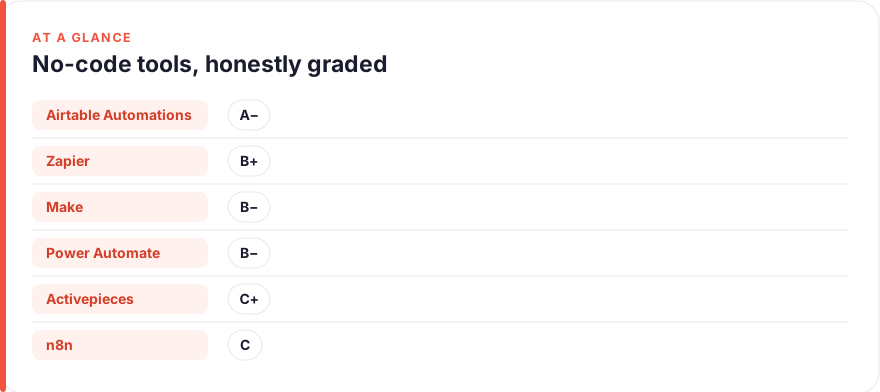
The short answer: If you can’t read code and won’t learn to, start with Airtable Automations or Zapier — both let a non-technical person build a working automation the same afternoon. Make and Power Automate are more powerful but ask more of you. n8n and Activepieces are the open-source options: cheap or free to self-host, genuinely capable, but the least “no-code” of the six. No tool on this list stays 100% no-code once your workflow gets ambitious; the honest question is how far you get before you hit the wall.
Almost every automation tool markets itself as “no-code.” Very few mean it all the way down. You build the first two steps by clicking dropdowns, feel like a wizard, and then step three asks you to paste a webhook URL, map a JSON payload, or write a one-line expression to reformat a date. That’s the moment most non-technical people quietly give up — not because the tool is bad, but because “no-code” turned out to mean “no-code until it isn’t.”
This shortlist grades six popular tools on how honestly they keep that promise. The frame isn’t raw power or app count — it’s how far a person who can’t and won’t write code gets before the tool demands something technical. We call it a no-code grade, A through D, and we’re strict about it. Prices are an August 2026 snapshot, quoted before annual discounts and enterprise deals, and every figure here was checked against the vendor’s own pricing page — but always confirm on the vendor before you buy. We have no affiliate relationships with any tool here; see our disclosure and more on how we test tools.
- “No-code” is a spectrum, not a checkbox. Every tool here breaks the promise somewhere — the difference is how soon and how badly.
- The most genuinely no-code options are the ones scoped to a job you already do: Airtable Automations (if your data lives in Airtable) and Zapier (moving data between apps).
- Make and Power Automate trade some of that ease for much more power — worth it only if you’ll grow into the complexity.
- n8n and Activepieces are the open-source picks: near-free at scale and self-hostable, but they expect some technical comfort. Grade them honestly and you’ll pick the right one.
- Buy for the wall you’ll actually hit, not the demo you watched.
What “no-code” actually means (and where most tools cheat)
No-code should mean this: you can build, run, and fix a useful automation using only a visual interface — dropdowns, toggles, plain-language fields — without ever touching a webhook, an API key, a JSON path, or a line of expression syntax. By that definition, almost nothing is fully no-code once you push past the happy path.
Here’s where tools quietly cheat. The first is the webhook wall: the visual builder covers the popular apps, but the one app you actually need connects only via a webhook or a raw HTTP request, and now you’re reading API docs. The second is data reshaping: two apps “connect,” but one sends a date as 2026-08-03T14:00:00Z and the other wants August 3, 2026, so you’re handed a formatting step that expects a formula. The third is conditional logic that looks friendly until you need an AND-inside-an-OR and the interface can’t express it without a code node.
None of this makes these tools dishonest exactly — it’s the nature of connecting messy systems. But it means the useful question isn’t “is it no-code?” (they all claim yes). It’s “how far do I get before it stops being no-code, and is that far enough for my job?” That’s what the grades below measure. If the wider goal is simply getting repetitive work off your plate, our guide to automating repetitive tasks starts from the problem rather than the tool.
The shortlist at a glance
| Tool | No-code grade | Best for | Free tier | Where the no-code promise strains |
|---|---|---|---|---|
| Airtable Automations | A− | Automating a database you already keep in Airtable | Yes | Optional scripting step for anything advanced |
| Zapier | B+ | Moving data between two apps, fast | Yes (100 tasks/mo) | Webhooks, formatter formulas, multi-branch logic |
| Make | B− | Visual multi-step workflows with real branching | Yes (1,000 credits/mo) | JSON mapping and functions surface early |
| Power Automate | B− | Teams already living in Microsoft 365 | Trial only | Expressions and premium connectors get technical |
| Activepieces | C+ | Open-source, self-hosted, MIT-licensed automation | Yes (self-host free) | Self-hosting setup; code piece for edge cases |
| n8n | C | Powerful, low-cost automation at scale | Self-host free | Self-hosting, expressions, frequent code nodes |
Grades reflect how long a non-technical person stays inside the visual interface — not how capable or how good-value the tool is. A lower no-code grade is not a worse tool; n8n is superb, it’s just not where a code-averse beginner should start.
Airtable Automations
Best for: Automating a database you already keep in AirtableFree · Team ~$20/user/mo · Business ~$45/user/mo (billed annually)
The quiet winner on pure no-code honesty, because it’s scoped to one job and does it without ever asking you to think like a developer. If your projects, content calendar, or CRM already sit in an Airtable base, its built-in Automations trigger on record changes and fire actions — email, Slack, a field update — entirely through menus. The catch is the flip side of that strength: it only automates Airtable-shaped work, and the moment you want something the menus don’t cover, it offers a “run a script” step that is very much code. Stay inside the dropdowns and it earns its A−. Prices are an August 2026 snapshot — check the vendor.Pros
- The most genuinely no-code option here: triggers and actions are plain dropdowns inside a tool you already use
- No separate app to learn — the automation lives next to your data
- Great for record-based jobs: notify on a status change, send a digest, update a linked field
Cons
- Only automates work that already lives in Airtable; it's not a general app connector
- Anything advanced pushes you toward the optional scripting step
- Per-seat pricing adds up for larger teams
/assets/screenshots/airtable.png Zapier
Best for: Moving data between two apps, fastFree (100 tasks/mo) · Professional from ~$19.99/mo · Team from ~$69/mo (billed annually)
The default no-code automator, and the one that most defines the “no-code until it isn’t” trap. For the thing most people want — when X happens in app A, do Y in app B — Zapier is close to effortless, and the free tier (100 tasks/mo) is enough to prove the idea. It slips from an A to a B+ the moment your workflow needs a branch, a reshaped field, or an app that only exposes a webhook; then you’re in Formatter and Paths, which are learnable but no longer truly no-code. Buy it when connecting many apps is the job. Prices are an August 2026 snapshot — check the vendor.Pros
- The widest app catalogue here — if two tools exist, Zapier probably links them
- A simple two-app 'Zap' is genuinely buildable by anyone in ten minutes
- AI can now draft a Zap from a plain-English description
Cons
- The webhook wall is real: niche apps connect only via webhooks or raw HTTP
- Reformatting data leans on Formatter steps that expect formula-like input
- Task-based pricing climbs quickly as automations get busy
/assets/screenshots/zapier.png Make
Best for: Visual multi-step workflows with real branchingFree (1,000 credits/mo) · Core ~$9/mo · Pro ~$16/mo · Teams ~$29/mo
The power-user’s visual tool, and a genuine step up in what you can build — with a genuine step up in what it asks of you. Make’s node-and-line canvas is the best way here to see a branching workflow at a glance, and its pricing (from ~$9/mo) undercuts Zapier once you run real volume. But it earns a B− on honesty because data mapping, array handling, and functions appear early and often; the interface is visual, yet the thinking it demands edges toward developer-shaped. Pick Make when your workflows are genuinely multi-step and you’re willing to climb the curve. Prices are an August 2026 snapshot — check the vendor.Pros
- A visual canvas that makes complex, multi-branch workflows genuinely legible
- Cheaper at volume than Zapier for equivalent runs
- Powerful data handling once you're comfortable with it
Cons
- JSON mapping and built-in functions surface earlier than beginners expect
- The canvas is more to learn than a linear Zap
- 'No-code' here really means 'low-code once you scale'
/assets/screenshots/make.png Power Automate
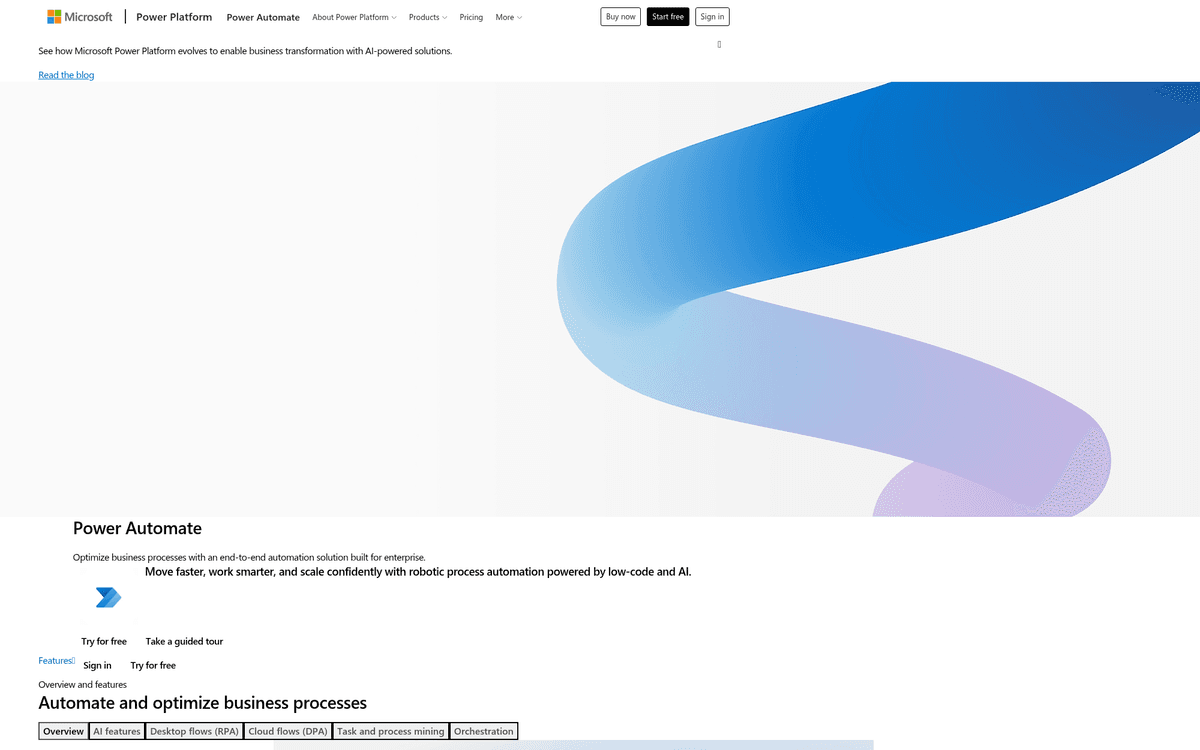
Best for: Teams already living in Microsoft 365Premium ~$15/user/mo · Process (unattended RPA) ~$150/bot/mo · 30-day free trial
The obvious pick if your work already lives in Microsoft 365, and a poor one if it doesn’t. For routine office automation — file an attachment, post to Teams on approval, sync a list — templated cloud flows get you moving without code. It lands at a B− because the moment you need real conditional logic you meet Power Automate’s expression language, which is a formula syntax by another name, and the genuinely powerful RPA layer starts at ~$150/bot/mo. Choose it for Microsoft-native automation; skip it otherwise. Prices are an August 2026 snapshot — check the vendor.Pros
- Deeply wired into Microsoft 365 — Outlook, Teams, SharePoint, Excel
- Cloud flows cover a lot of office automation through templates
- Adds desktop RPA for automating legacy apps that have no API
Cons
- Expressions (the formula language) show up fast for anything conditional
- Premium connectors and RPA sit behind pricier tiers
- Little reason to choose it unless you're already in the Microsoft world
/assets/screenshots/power-automate.png Activepieces
Best for: Open-source, self-hosted, MIT-licensed automationSelf-host Community Edition free (MIT) · Cloud Free · Cloud Plus ~$16/mo · Team ~$166/mo
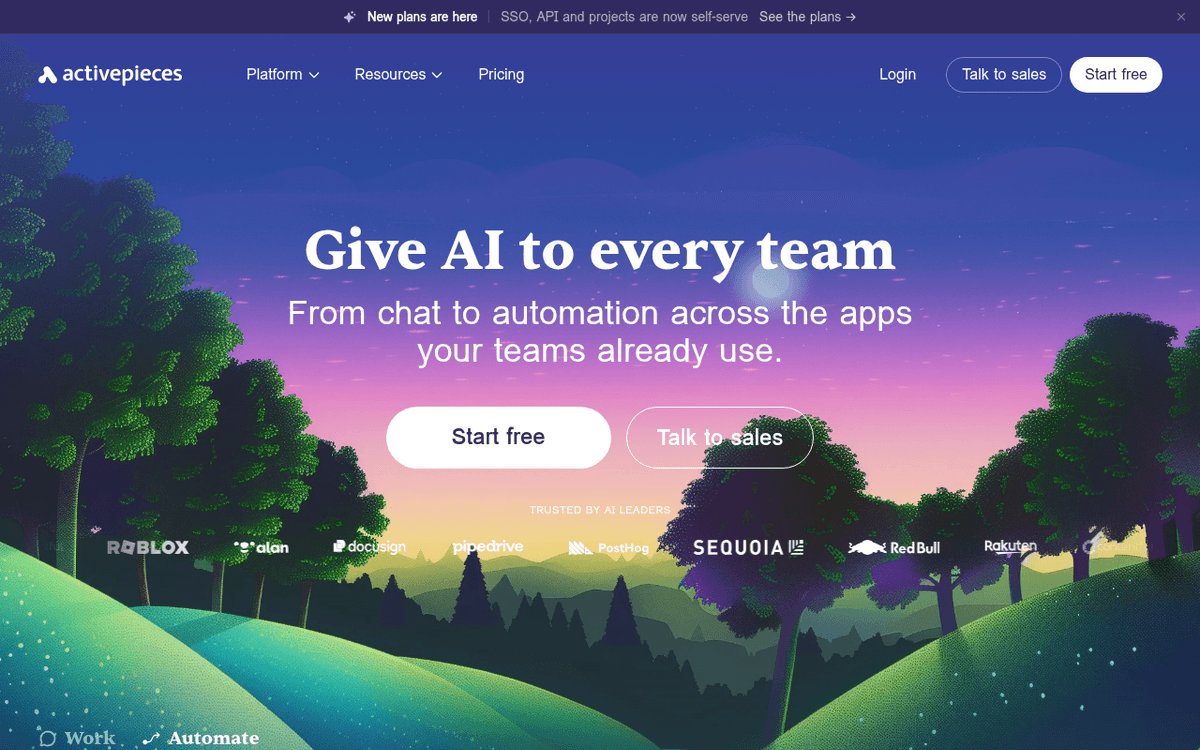
The most approachable of the open-source options, and the honest choice if you want to own your automation stack without n8n’s steeper learning curve. The Community Edition is MIT-licensed and free to self-host with no run cap, and the builder is deliberately friendlier than most developer-first tools. It grades C+ rather than higher for one reason non-technical readers should weigh: self-hosting is a technical project in itself, and the hosted Cloud free tier, while no-code to use, has a smaller catalogue than the commercial giants. A strong pick for the technically-curious; see how it stacks up in our n8n alternatives comparison. Prices are an August 2026 snapshot — check the vendor.Pros
- Genuinely open source under an MIT licence — self-host free with no cap on runs
- A cleaner, friendlier builder than most open-source automators
- Cloud free tier lets you try it without touching a server
Cons
- Self-hosting is itself a technical task (a server, a deploy, updates)
- Fewer ready-made 'pieces' than Zapier or Make's catalogues
- Edge cases fall back to a code piece
/assets/screenshots/activepieces.png n8n
Best for: Powerful, low-cost automation at scaleSelf-host free (fair-code source-available) · Cloud Starter ~€20/mo · Pro ~€50/mo
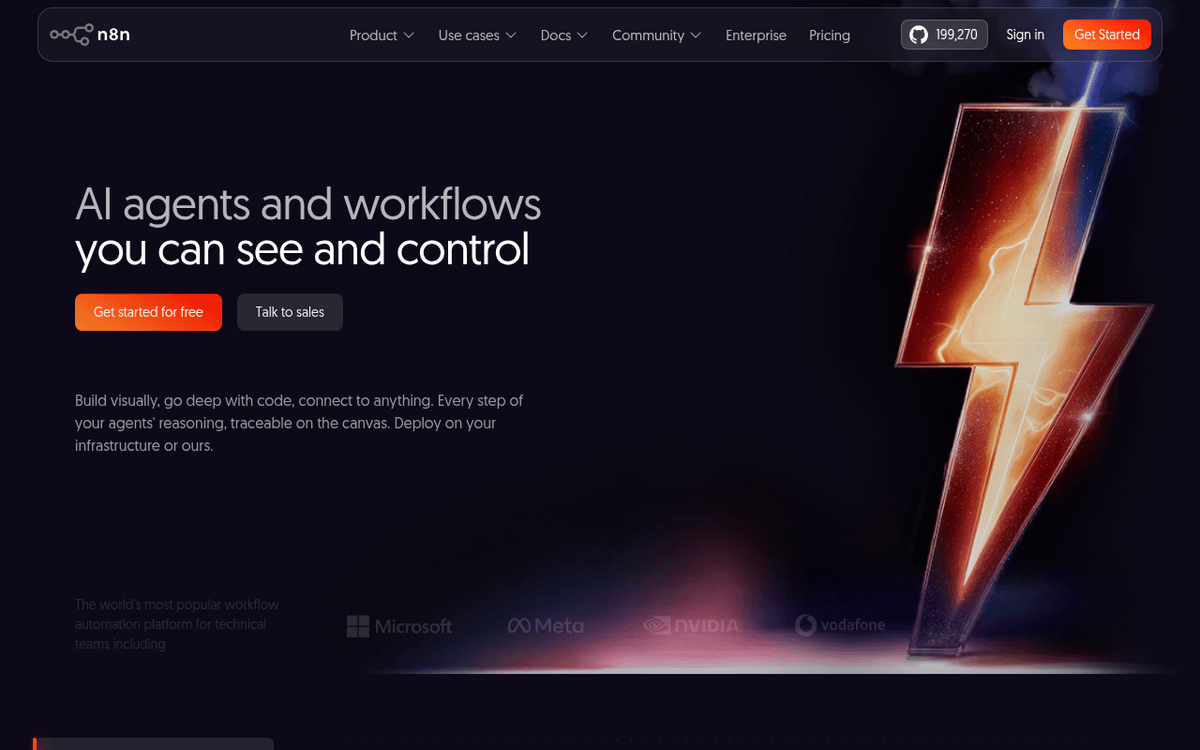
The most powerful and cost-effective tool on the list, and the least suited to someone who refuses to touch code — which is exactly why it grades a C. n8n is source-available under a fair-code licence (not strictly OSI open source), self-hostable for free, and beloved by technical teams who need workflows the mainstream tools can’t express. But its comfort zone assumes you’ll write the occasional expression, drop in a code node, and manage your own instance. If that describes you, nothing here offers more per dollar. If it doesn’t, start higher up this list. Prices are an August 2026 snapshot, and n8n’s cloud tiers are quoted in euros — check the vendor.Pros
- Enormously capable and cheap to run at volume, especially self-hosted
- Source-available (fair-code) with a large community and integration library
- Handles complex, code-touching workflows other tools can't
Cons
- The least no-code option here — expressions and code nodes are routine
- Self-hosting and setup assume real technical comfort
- Cloud pricing is quoted in euros; convert before you budget
/assets/screenshots/n8n.png How to pick in under ten minutes
Skip the feature comparisons and answer three questions honestly.
Where does the work already live? If your data is in an Airtable base, start with Airtable Automations — it’s the most no-code option precisely because it doesn’t make you leave. If your team lives in Microsoft 365, Power Automate is the path of least resistance. Matching the tool to where you already work removes half the learning curve before you start.
How many apps are you connecting? For the classic “when X in app A, do Y in app B,” Zapier is the fastest to a working automation and has the widest catalogue. If the workflow is genuinely multi-step with real branching, Make gives you more power for less money — provided you’ll invest the afternoon to learn its canvas.
Do you care about owning it? If self-hosting, open licensing, or cost-at-scale matters more than hand-holding, look at Activepieces (friendlier, MIT) or n8n (more powerful, fair-code) — but budget for the reality that “free to self-host” still costs you a server and some technical time. For a non-technical solo user, that trade rarely pays off; for a small team with one willing tinkerer, it can.
The mistake to avoid is buying on the strength of a polished demo. Demos always show the happy path. Your job is the edge cases — the odd app, the weird date format, the three-way condition — and that’s where the no-code promise is really tested. If your bottleneck is admin overload more than app-wiring, our roundup of AI tools for executive assistants covers a different slice of the same problem.
FAQ
What does “no-code” really mean for automation tools?
It should mean you can build, run, and fix an automation using only a visual interface — no webhooks, API keys, JSON, or formula syntax. In practice, most tools are no-code for simple workflows and quietly become “low-code” the moment you need to reshape data, handle a niche app, or express complex conditions. The realistic question is how far you get before that happens, which is what the grades in this guide measure.
Which no-code automation tool is easiest for a non-technical beginner?
For most beginners it’s Airtable Automations (if your data is already in Airtable) or Zapier (for connecting two apps). Both let you build a working automation the same afternoon using only menus. They start to demand technical steps — webhooks, formatters, branching — only once your workflow gets ambitious, which is later than most rivals.
Are open-source automation tools like n8n and Activepieces truly free?
The software is. Activepieces is MIT-licensed and n8n is fair-code (source-available), and both can be self-hosted at no licence cost. But “free to self-host” isn’t free to run: you need a server, a deployment, and someone comfortable maintaining it. Their paid cloud plans exist precisely so you can skip that technical overhead. For a non-technical user, the hosted tiers or a mainstream tool are usually the better trade.
Is Zapier or Make better for no-code automation?
Zapier is easier to start with and has the larger app catalogue, so it wins for simple, connect-two-apps jobs. Make is more powerful and cheaper at volume, with a visual canvas built for multi-step, branching workflows — but its data mapping and functions surface earlier, so it asks more of a beginner. Start with Zapier if you’re new; move to Make when your workflows outgrow a simple linear Zap.
Do I need any technical skills to use these tools at all?
For the basics, no — a simple Zapier Zap or Airtable automation needs none. But be realistic: as your automations grow, every tool here eventually asks for something technical, whether a reformatted field, a webhook, or a conditional expression. The skill that actually helps isn’t coding — it’s a willingness to read the tool’s help docs and experiment when you hit that first wall.
How accurate are the prices in this guide?
They’re an August 2026 snapshot, checked against each vendor’s own pricing page, and quoted before annual discounts and enterprise deals. Automation pricing changes often — and tools like Zapier and Make price by usage (tasks or credits), so your real cost depends on volume. Always confirm the current figure and the usage limits on the vendor’s site before you buy.