
AI Tool Guides
AI Tools for Job Seekers, Ranked
Some links in our roundups are affiliate links: if you buy through them we may earn a commission, at no extra cost to you. It never changes which tools we recommend or where they rank — we only list tools we would genuinely tell a friend to use.
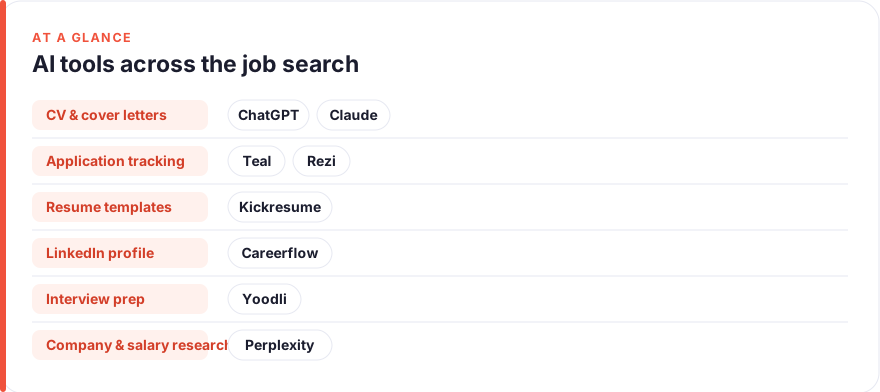
The short answer: For most job seekers in 2026, start with a general assistant (ChatGPT or Claude) to tailor your CV and draft cover letters, add a tracker-plus-builder like Teal or an ATS checker like Rezi to keep applications organised, and only reach for interview coaches or LinkedIn optimisers once those jobs become your bottleneck. Ranked by impact on an actual job search: ChatGPT, Claude, Teal, Rezi, Kickresume, Careerflow, Yoodli, Perplexity.
A job search is mostly writing and judgement under pressure: rewording the same experience for a dozen different roles, drafting cover letters you half-believe, chasing where each application stands, and rehearsing answers you hope sound natural. That is exactly the shape of work AI has become useful for — and exactly where it is easy to produce output that screams “generated by a machine.”
This guide ranks eight tools by how much they realistically help a job seeker across the full pipeline — CV tailoring, cover letters, application tracking, interview prep and salary research — and it is blunt about which ones produce obviously templated results. The ranking is opinionated: if you adopt only the top two, you have covered most of the leverage, and everything below earns its place only when a specific job starts eating your week.
- A general assistant (ChatGPT or Claude) is the single highest-impact tool for a job seeker — it tailors CVs, drafts cover letters, and rehearses interview answers for any role, including niche ones like business analyst.
- Dedicated résumé tools (Teal, Rezi, Kickresume) are worth it mainly for ATS keyword matching and staying organised across many applications — not for their writing, which tends to read as generic.
- LinkedIn optimisers like Careerflow help polish a profile, but bulk-automating LinkedIn messages or connection requests breaks LinkedIn’s rules and risks your account. Optimise, don’t automate.
- Interview coaches (Yoodli) and research tools (Perplexity) are cheap, narrow wins — add them only when interviews or salary negotiation become the thing you are stuck on.
How we picked these
We ranked on one question: how much does this tool move a real job search forward, accounting for what it costs and how likely you are to keep using it under stress. A tool that produces a polished-looking cover letter but one every hiring manager recognises as AI-written can actively hurt you, so “looks impressive in a demo” counted for nothing.
Three things counted heavily. First, breadth — does it help across the whole search or just one narrow step. Second, honesty of output — will the result pass as your own voice, or will it flag you as someone who let a bot apply on their behalf. Third, whether the paid tier beats the free tier or a general assistant you already pay for.
Prices are an August 2026 snapshot and shift constantly, often mid-quarter and with heavy weekly-billing traps on the résumé tools. Treat every figure as “roughly, per user, before annual discounts” and check the vendor before you pay. We have no affiliate relationships with any tool here; see our disclosure and more on how we test tools.
The shortlist
ChatGPT
Best for: Tailoring CVs and drafting cover letters for any roleFree · Plus ~$20/mo · Business ~$25/user/mo (about $20 annual) — August 2026, check the vendor
The highest-leverage single tool for a job seeker because it touches every stage of the search. Paste your CV and a job posting and ask it to surface the overlapping keywords, rewrite your bullets around them, and flag gaps. It drafts cover letters, rehearses interview answers, and explains an unfamiliar role’s expectations before you apply. The free tier is genuinely enough to start; Plus mainly buys speed and better models. The one rule: feed it your real achievements rather than asking it to imagine them, and never send anything you haven’t rewritten in your own words.Pros
- Rewrites one master CV to match any job description in seconds
- Drafts cover letters, follow-up notes and 'tell me about yourself' answers
- Handles role-specific prep, from product manager to business analyst
Cons
- Will invent metrics and job titles if you let it — every fact needs checking
- Default output reads as generic; you must push it toward your own voice
/assets/screenshots/chatgpt.png Claude
Best for: Careful CV tailoring and cover letters that sound humanFree · Pro ~$20/mo (about $17 annual) · Team ~$25/seat/mo (about $20 annual) — August 2026, check the vendor
A close peer to ChatGPT rather than a rival, and many job seekers keep both open. Claude is the one to reach for when the input is large — your entire work history plus a two-page job description — and the output must stay faithful to what you actually did. Its more restrained tone is an asset for cover letters, which are ruined faster by hype than by anything else. Pick between the two on voice preference and which free tier you hit limits on first; either covers the writing that dominates a search. For the other side of the table, our AI tools for recruiters roundup shows what hiring teams now screen with.Pros
- Strong with long inputs: paste your full history and a long job spec at once
- Tends toward measured prose, so cover letters read less like marketing copy
- Holds a nuanced brief without flattening your experience into clichés
Cons
- Same verification burden — check every date, title and number
- Fewer third-party integrations than ChatGPT if you want plugins
/assets/screenshots/claude.png Teal
Best for: Tracking applications and matching your CV to each postingFree (unlimited résumés and job tracking) · Teal+ ~$29/mo, with weekly and quarterly options — August 2026, check the vendor
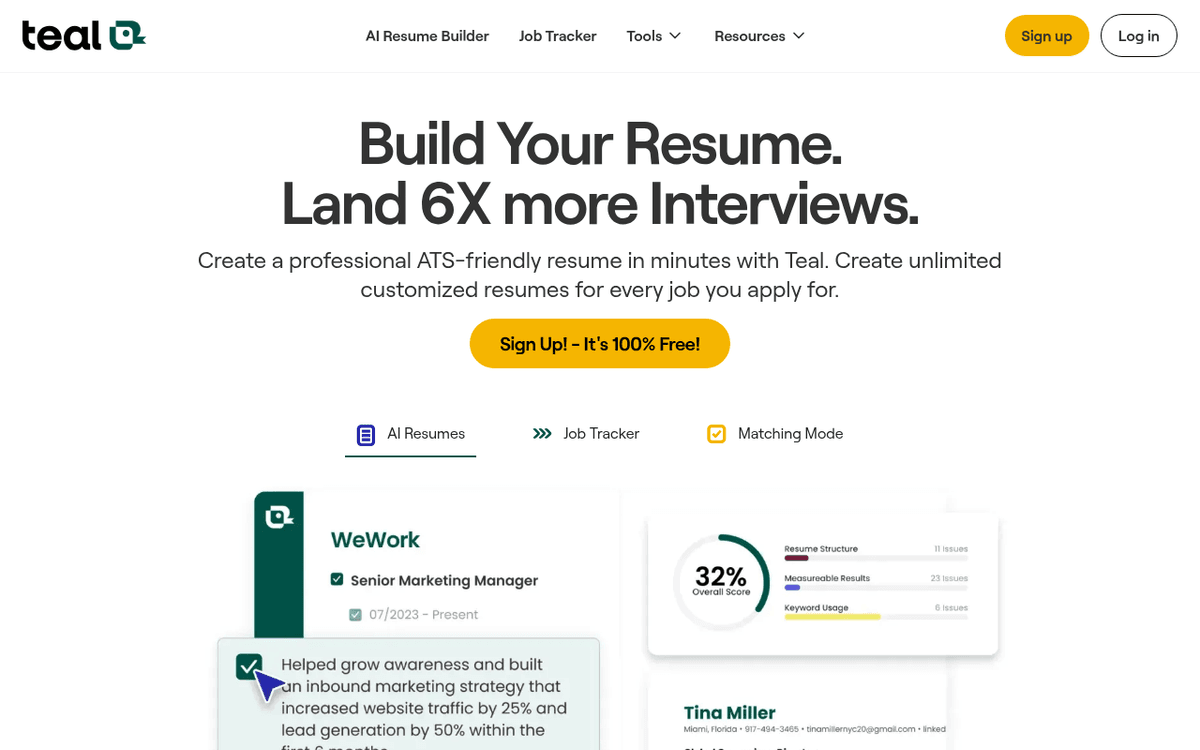
The best tool here for the unglamorous part of a search: staying organised. Teal’s free tracker pulls in postings, records where each application stands, and shows a keyword-match score so you can see what your CV is missing for a given role. That match view is the real value — it turns “tailor my CV” from a vague chore into a checklist. Pay for Teal+ only during an intense stretch of applying, and set a reminder to cancel, because the weekly pricing is designed to keep charging. For the writing itself, a general assistant still gives you a more human result.Pros
- Chrome extension saves jobs and keeps every application in one board
- Keyword-matching scores your CV against a specific posting
- Genuinely useful free tier for tracking, even if you never pay
Cons
- Teal+ leans on weekly billing that adds up fast if you forget to cancel
- The AI writing is competent but generic — treat it as a first draft
/assets/screenshots/teal.png Rezi
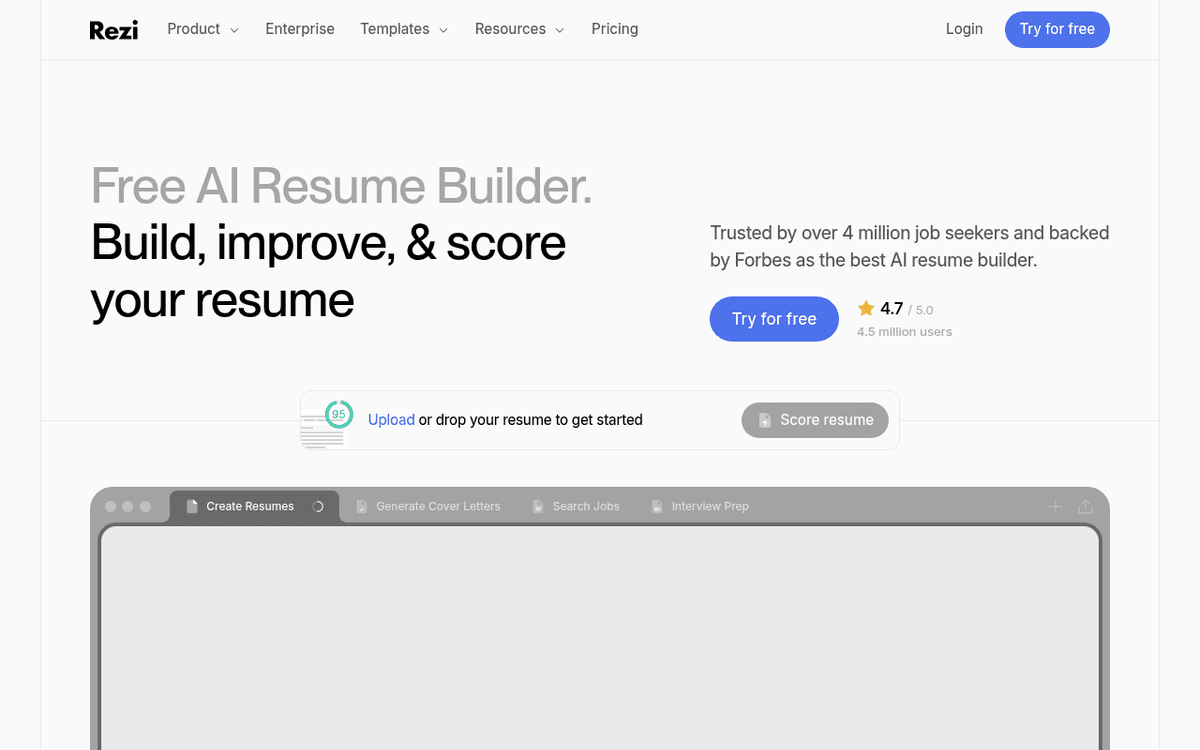
Best for: ATS-focused résumé formatting and keyword checksFree · Pro ~$29/mo · Lifetime ~$149 one-off — August 2026, check the vendor
A résumé builder whose whole pitch is getting past the automated screen before a human ever sees you. Rezi’s formatting is deliberately ATS-safe, and its content analysis grades your résumé against a posting and lists the keywords you are missing. That checklist is useful; its auto-generated phrasing is not — it produces the kind of interchangeable bullet points recruiters skim past. Use Rezi for structure and keyword coverage, then rewrite the actual sentences yourself or with an assistant. The one-off Lifetime price is worth weighing if you expect to be searching, on and off, for a while.Pros
- Built around applicant-tracking-system parsing, so formatting stays clean
- Scores your résumé against a job description and flags missing keywords
- Lifetime option can beat monthly billing if your search runs long
Cons
- AI-written bullet points are formulaic and need heavy editing
- Overlaps with what a general assistant already does on keywords
/assets/screenshots/rezi.png Kickresume
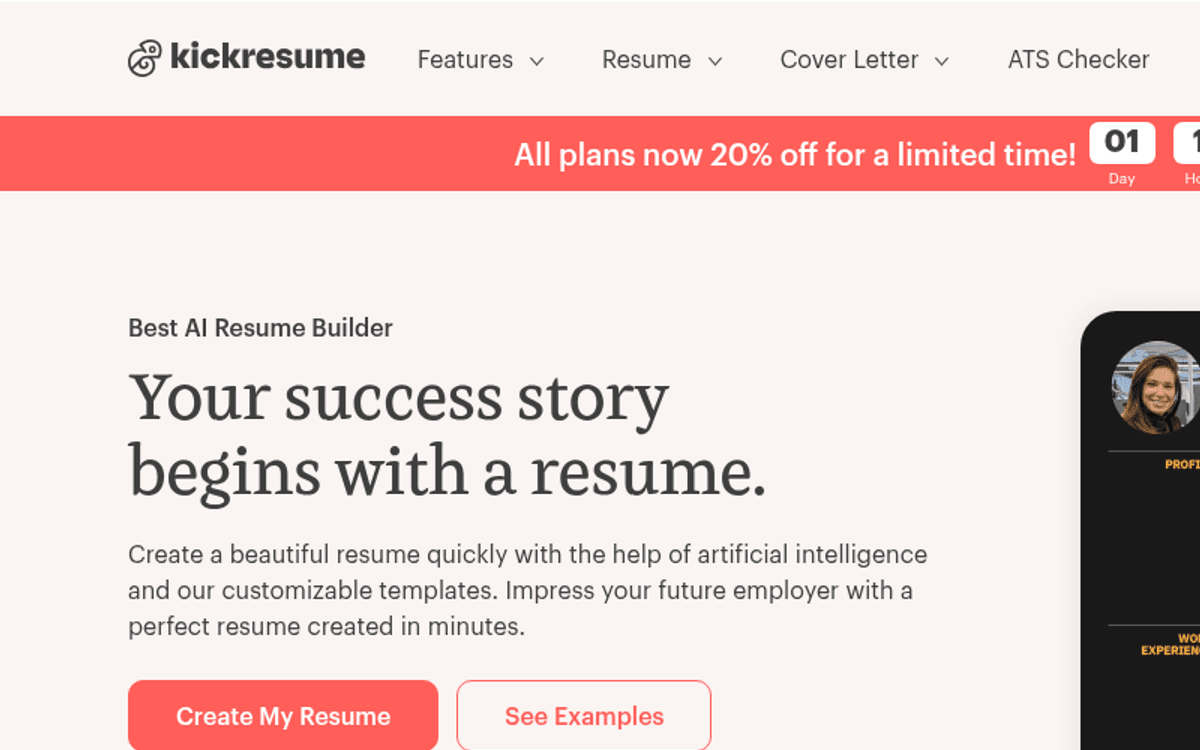
Best for: Good-looking templates and a fast first draftFree · Premium from ~$8/mo (annual) up to ~$24/mo (monthly) — August 2026, check the vendor
The pick if you are starting from a blank page and want something that looks professional fast. Kickresume’s strength is design and breadth — dozens of templates plus a bundled cover-letter builder and ATS check — which makes it friendly for a first job or a career switch. Be honest with yourself about the output, though: its AI cover letters are the clearest example of writing a hiring manager will recognise as machine-made. Use the templates for structure and the checker for keywords, and write the words that matter — your summary and cover letter — as yourself.Pros
- Large template library gets a presentable résumé built quickly
- Bundles résumé, cover letter and a basic ATS checker in one place
- Cheapest of the résumé builders if you commit annually
Cons
- Templated design can look 'off-the-shelf' to experienced recruiters
- AI cover letters are the most obviously generated output on this list
/assets/screenshots/kickresume.png Careerflow
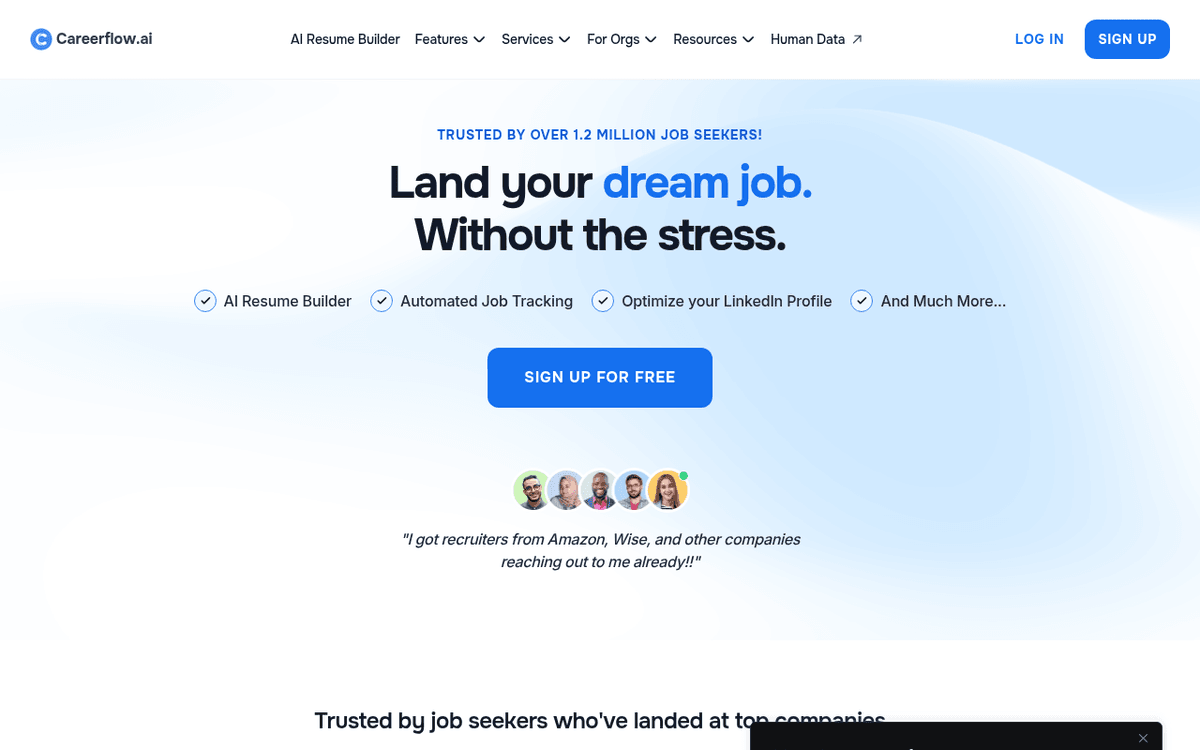
Best for: Polishing a LinkedIn profile and light application trackingFree · Premium ~$24/mo (about $14/mo annual) · Premium Plus ~$45/mo — August 2026, check the vendor
The most useful of the LinkedIn-focused tools, and the one that absorbs the common search for “AI tools for LinkedIn.” Careerflow audits your profile — headline, About section, keyword density — and gives concrete fixes so recruiters searching LinkedIn actually surface you. The free tier covers that audit for most people. What it should not be used for, and what no reputable tool should promise, is bulk-automating messages or connection requests: that breaks LinkedIn’s User Agreement and risks getting your account restricted. Optimise the profile, then do outreach by hand — our guide to automating follow-up emails covers the safe way to stay on top of replies.Pros
- Scores your LinkedIn profile and suggests headline and About-section fixes
- Bundles a job tracker and résumé tools alongside the LinkedIn work
- Free tier covers the core profile audit most people need
Cons
- Profile suggestions can feel formulaic if you apply them verbatim
- Heavier interview and mock features sit behind the pricier Plus tier
/assets/screenshots/careerflow.png Yoodli
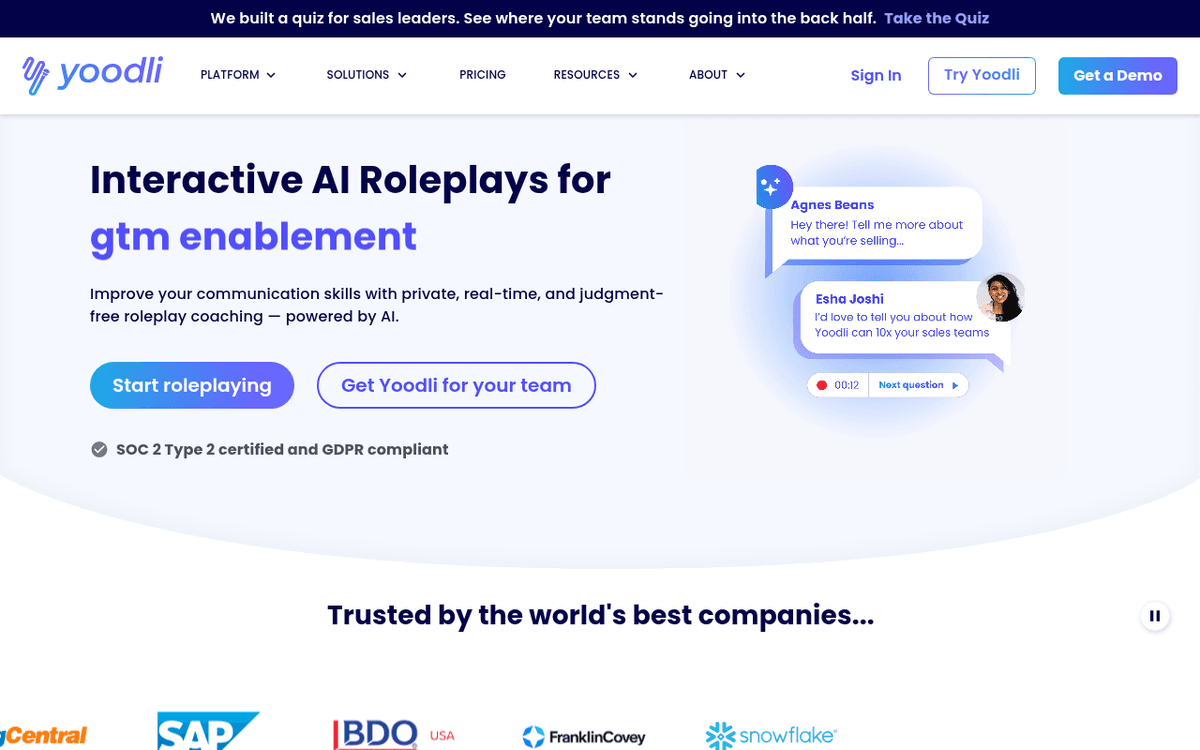
Best for: Rehearsing interview answers and deliveryFree (5 lifetime roleplays) · Pro ~$8/mo (annual) · Advanced ~$20/mo — August 2026, check the vendor
A speech coach for the part of the search a résumé tool can’t touch: how you sound when it’s live. Yoodli records your mock answers and gives feedback on filler words, speaking pace and whether you’re rambling, and it can spin up questions tailored to a specific job description. For anyone whose nerves show up as “um” every ten seconds, deliberate practice against it genuinely helps. It ranks here rather than higher because it only matters once interviews are landing — and because it improves how you say things, not what you say, which is still your job to prepare.Pros
- Records mock answers and flags filler words, pace and rambling
- Generates role-specific questions from a pasted job description
- Cheap, and the free tier is enough to feel the difference
Cons
- Coaches delivery, not substance — your actual answers still need work
- Only relevant once you are landing interviews, not while applying
/assets/screenshots/yoodli.png Perplexity
Best for: Company and salary research with cited sourcesFree · Pro ~$20/mo (about $17/mo annual) — August 2026, check the vendor
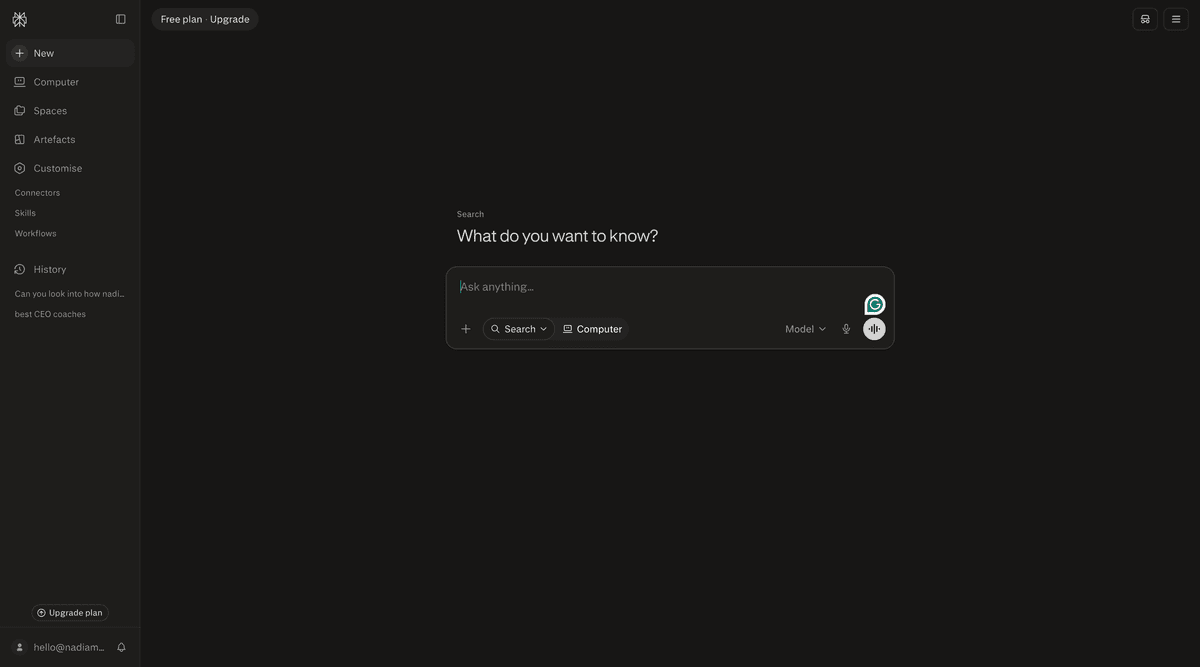
The tool for the homework around a search: what a company actually does, how a team is structured, and what a role pays. Perplexity answers in plain language but attaches sources, which matters when you’re about to quote a salary band in a negotiation or reference a company detail in an interview. That citation habit makes it safer than asking a general assistant to recall figures it might invent. It ranks last only because its job is narrow and periodic — you research a handful of companies a week, not all day. When you’re heading into a salary conversation, it’s the fastest way to walk in informed.Pros
- Answers company and salary questions with links you can verify
- Cited results make it safer than a chatbot for facts you'll act on
- Free tier handles most everyday research a job seeker needs
Cons
- Salary figures still need cross-checking against real listings
- Narrow use case — it's a research aid, not a search-management tool
/assets/screenshots/perplexity.png Which should a job seeker use first?
Work in layers rather than signing up for the whole list in week one.
Layer one, this week. Pick one general assistant — ChatGPT or Claude — and use it for the two jobs that repeat most: tailoring your CV to each posting and drafting cover letters you then rewrite in your own voice. This single step covers the majority of the leverage and costs at most one subscription, often nothing.
Layer two, when volume climbs. Once you’re juggling more applications than you can track in your head, add one organiser — Teal for tracking plus keyword matching, or Rezi if getting past the ATS is your specific worry. Don’t buy both; they overlap heavily.
Layer three, the targeted wins. Tidy your LinkedIn profile once with Careerflow’s free audit. Add Yoodli only when interviews start landing, and lean on Perplexity’s free tier for company and salary research before each conversation. Each of these is a narrow fix for a specific moment, not a daily tool.
The mistake to avoid is letting AI apply for you — mass-generated cover letters and automated LinkedIn blasts are easy to spot and easy to filter out. Use these tools to do your own work faster and better, not to hand the search to a bot.
FAQ
What is the single best AI tool for a job seeker?
For most people it’s a general assistant — ChatGPT or Claude — because it helps at every stage: tailoring your CV to each role, drafting cover letters, rehearsing interview answers and explaining unfamiliar job types. Specialist résumé and interview tools only beat it inside their narrow lane, and only once that lane becomes a real bottleneck.
Will hiring managers know I used AI on my CV or cover letter?
Often, yes — if you paste the raw output. AI defaults to generic, slightly over-polished phrasing that experienced recruiters recognise instantly, and cover letters are the biggest giveaway. The fix is to use AI for structure, keywords and a first draft, then rewrite the actual sentences in your own voice with your real specifics. Used that way, the result reads as you, only sharper.
Can I use AI to automate LinkedIn messages and connection requests?
You can, but you shouldn’t. Bulk-automating messages or connection requests breaks LinkedIn’s User Agreement and can get your account restricted or banned — a serious risk while you’re job hunting. Use tools like Careerflow to optimise your profile so recruiters find you, and send outreach and follow-ups by hand. Personal, low-volume messages outperform automated blasts anyway.
Are these prices accurate?
They’re a rough August 2026 snapshot, quoted per user before annual discounts. Résumé tools in particular love weekly billing that adds up fast, so read the checkout screen carefully and set a cancellation reminder. Always confirm the current figure on the vendor’s site, and check whether a free tier covers what you actually need before paying.
Which AI tools help for a specific role like business analyst?
A general assistant handles role-specific prep best. Paste the job description for a business analyst — or any role — and ask it to explain the core responsibilities, the keywords to mirror on your CV, and the questions you’re likely to face. That works far better than hunting for a tool built for one job title, because the assistant adapts to whatever posting you give it.
Do I need to pay, or is the free tier enough?
Usually the free tier is plenty to start. Free ChatGPT and Claude cover most CV tailoring and cover-letter drafting; Teal tracks applications for free; Careerflow audits your LinkedIn for free; Perplexity researches companies for free. Pay only when you hit a real wall — heavy application volume, ATS keyword scoring, or interview coaching — and cancel once that phase of the search is over.