
AI Tool Guides
AI Tools for Coaches, Ranked
Some links in our roundups are affiliate links: if you buy through them we may earn a commission, at no extra cost to you. It never changes which tools we recommend or where they rank — we only list tools we would genuinely tell a friend to use.
The short answer: For business, life and executive coaches in 2026, the AI tools worth paying for — ranked by hours they give back to a coaching practice — are ChatGPT or Claude as an everyday thinking-and-writing assistant, Fathom for session notes and recall, Calendly to handle client booking, Notion as your client knowledge base and program home, Canva for the content that attracts clients, Gamma for packaging programs into proposals and lead magnets, and Zapier to wire the admin together. Buy one general assistant first, add the rest as your caseload grows, and never let a tool near a client’s words without their consent and a confidentiality check.
Coaching is a relationship business dressed up with a lot of admin. The value a client pays for happens in the room — the questions, the listening, the reflection that shifts how they think. Everything around that room, though, quietly eats the week: booking and rescheduling, writing up what was said, staying in touch between sessions, and marketing yourself so the next client shows up at all. AI can’t coach. What it can do is clear the scaffolding, so more of your day goes to the work only you can do.
This is a shortlist, not a catalogue. Every tool here earns its place by doing one part of running a practice genuinely well, and we’ve flagged where a client’s trust needs real care — because a coaching conversation is confidential by default, and “I ran your session through an app” is not something you want to explain after the fact.
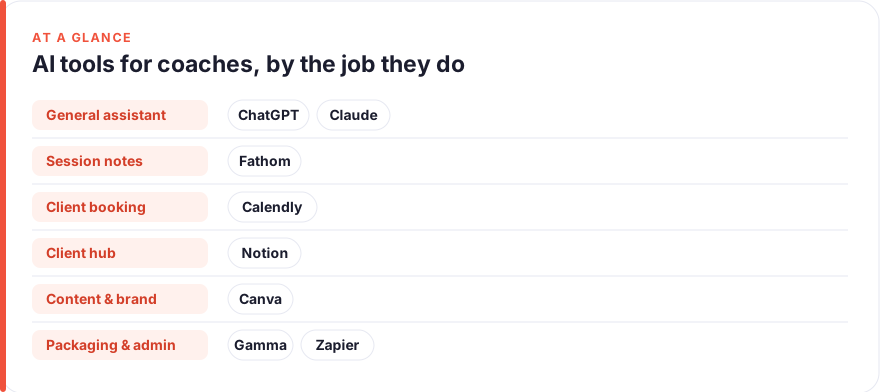
- Start with one general assistant. ChatGPT or Claude helps you prep sessions, reframe a stuck client’s story, and draft your newsletter — the widest coverage for the lowest spend, and the single biggest hours-saver here.
- Stop scribbling in sessions. Fathom records, transcribes and recaps calls so you can be present with the client, then hands you the themes and follow-ups.
- Let clients book themselves. Calendly ends the back-and-forth of finding a time and quietly protects the hours you don’t want booked.
- Confidentiality is a setting, not an afterthought. Get consent before recording, use a paid business tier that excludes your inputs from training, and keep client-identifiable notes access-controlled. See how affiliate links work here.
- Ranked by hours saved, not price. The right stack depends on whether your week is session-heavy, admin-heavy or marketing-heavy.
How we picked these
We started from the coach’s actual week — not a feature list — and grouped tools by the jobs that eat it: thinking and writing, session notes and recall, client booking, knowledge management and program design, content and marketing, packaging your offers, and admin automation. Each tool below is one we’ve used hands-on or watched independent coaches and small practices run in earnest. Pricing was read from each vendor’s own page at the time of writing (roughly, July 2026) — treat every figure as a snapshot, because plan names and prices move fast, and check the live vendor page before you buy. We have no affiliate relationships with any tool here; for our method see our editorial standards, and for how affiliate links work our disclosure.
One thread runs through all of it: client confidentiality. A coaching conversation is held in confidence, and many coaches work to an ethics code that makes that explicit. Most of the tools below offer a business tier that excludes your inputs from model training and gives tighter data controls — use those tiers for anything client-identifiable, get consent before recording a session, and read the confidentiality note on each card.
The shortlist
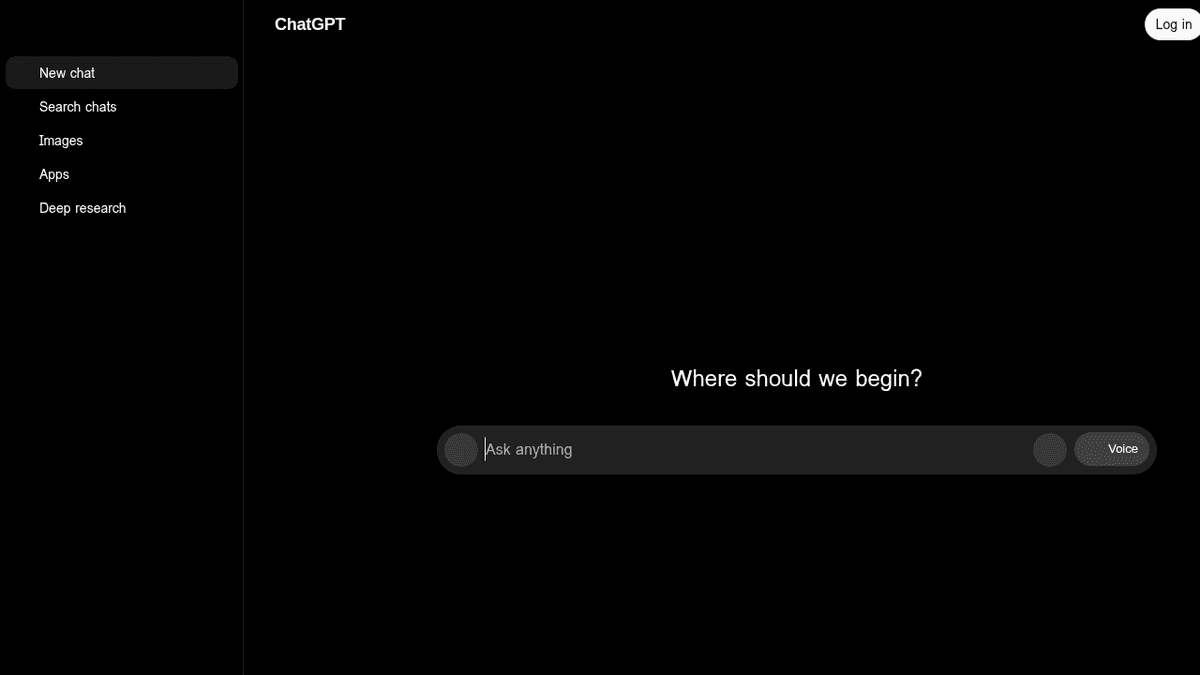
ChatGPT
Best for: Session prep, reframes & everyday writingFree · Plus ~$20/mo · Business ~$20–25/user/mo
If you buy one tool, buy this one. A coach’s week is full of small thinking-and-writing jobs — draft powerful questions for tomorrow’s session, turn my messy notes into a client recap, write this week’s newsletter, reframe how I’m explaining this concept — and a general assistant does all of them. Talk to it like a thinking partner when you’re planning a client’s arc, or hand it your framework once and every draft starts closer to done. On confidentiality: a paid Business or Enterprise plan excludes your data from training and is the minimum before anything a client said goes near it — and even then, anonymise where you can.
Pros
- Handles session prep, reflective questions, content drafts and admin writing in one place
- Turns a rough voice memo of your thoughts into a structured plan or email
- Cheapest way to cover the widest range of practice tasks
Cons
- General-purpose — it isn't your calendar or your notes app unless you wire it up
- Free tier trains on your inputs; use a paid Business/Enterprise plan for anything client-identifiable
/assets/screenshots/chatgpt.png Claude
Best for: Synthesising notes & designing programsFree · Pro ~$17–20/mo · Team ~$20–25/user/mo
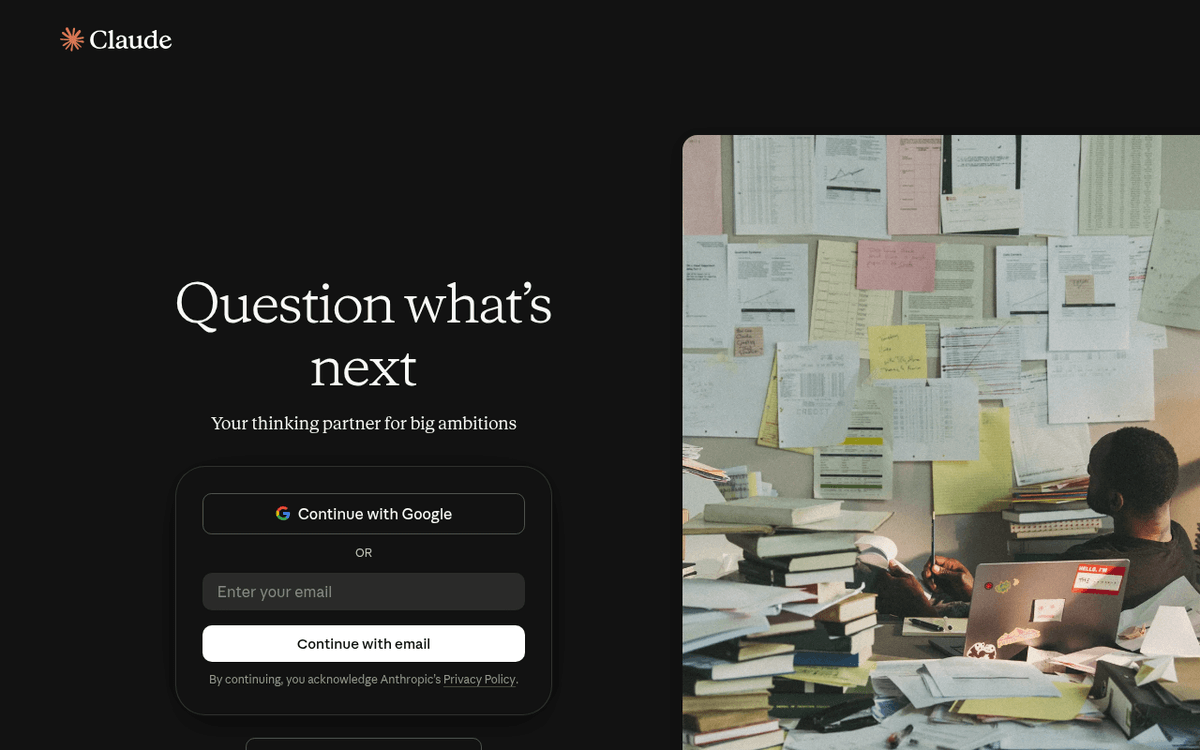
Claude is the other half of the “general assistant” decision, and it earns its rank when the input is long: paste a client’s anonymised notes across several months and ask it to surface the recurring themes, or drop in your draft program and ask where the arc sags. It’s also candid — ask it to challenge how you’ve structured a six-week engagement and it will. Many coaches keep both ChatGPT and Claude and use whichever suits the task; if you’re picking one, choose on the work you do most. Consultants face the same either/or — our AI tools for consultants roundup weighs it up in more depth.
Pros
- Large context window digests a season of session notes or a whole program outline at once
- Measured, less hype-y prose that suits considered coaching content
- Projects keep a client's context or a program's design on hand across chats
Cons
- Same general-purpose caveat — it drafts and reasons, it doesn't own a workflow
- Two assistant subscriptions is redundant for most solo coaches
/assets/screenshots/claude.png Fathom
Best for: Session notes & recallFree · Premium ~$16–20/mo · Team ~$15–19/user/mo
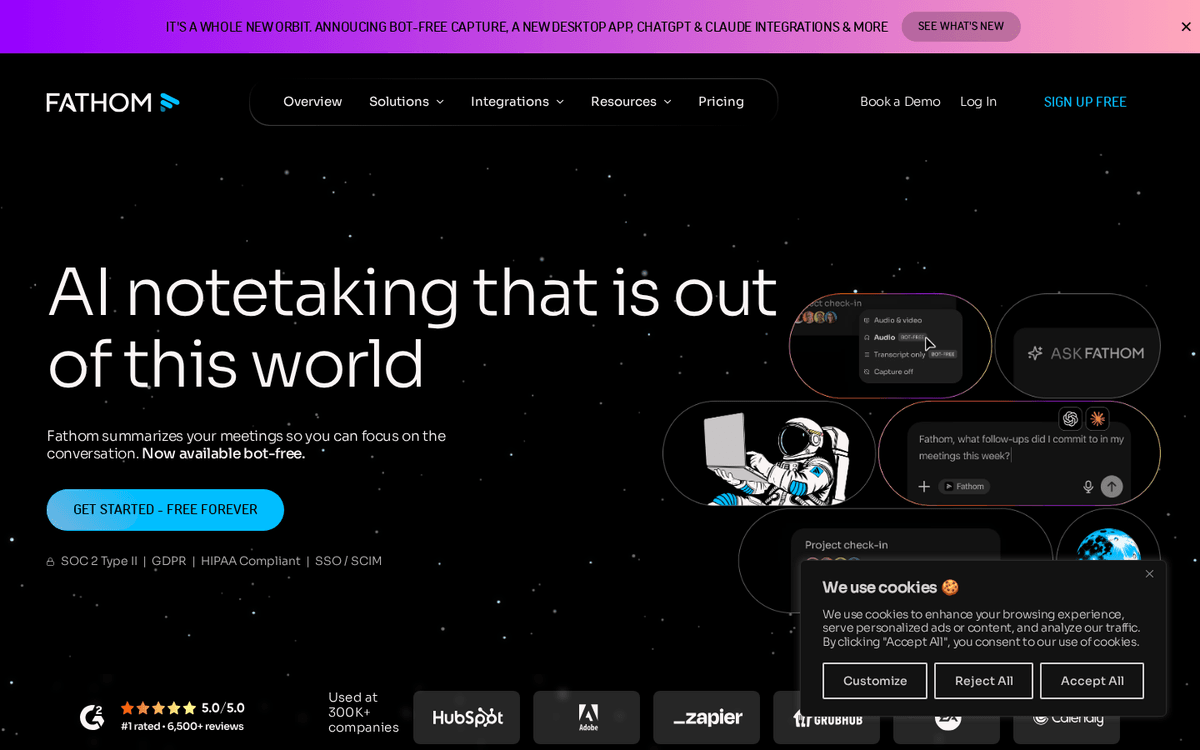
Note-taking during a session is a false economy — you either listen or you write, and coaching lives entirely in the listening. Fathom joins the call, transcribes it, and produces a clean recap with the themes, commitments and next steps, so you leave with a shareable summary and a searchable record instead of half-legible scribbles. That record is where recall gets its value: before the next session, you can remind yourself exactly what the client committed to. Otter and Fireflies do much the same job; pick on price and which video platform you use. One rule that isn’t optional: tell the client they’re being recorded and get their agreement first — it’s both basic coaching ethics and, in many places, the law.
Pros
- Records, transcribes and auto-summarises sessions so you can stay present
- A genuinely generous free tier that covers a solo coach's needs
- Makes recall between sessions effortless — search what a client said weeks ago
Cons
- Recording a client requires their explicit consent — never a silent default
- Cloud transcripts of sensitive coaching calls need a real confidentiality check
/assets/screenshots/fathom.png Calendly
Best for: Client booking & reschedulingFree · Standard ~$10/seat/mo · Teams ~$16/seat/mo
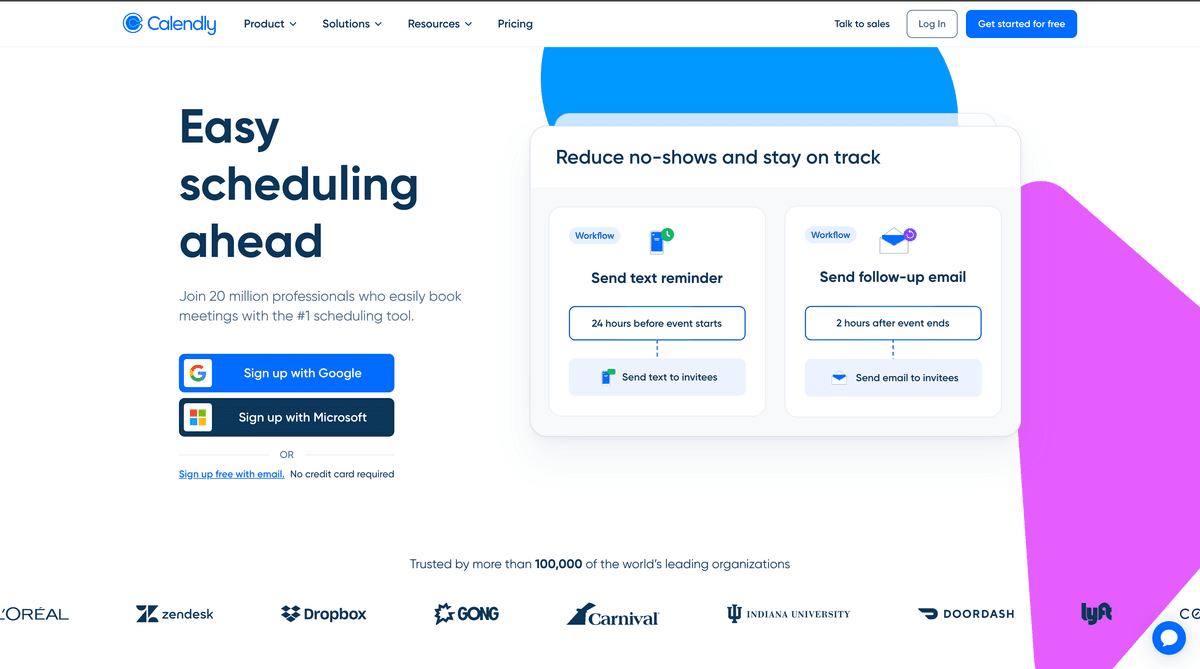
Scheduling is the most quietly draining admin a coach does, and Calendly removes almost all of it. Share a link, set your real availability with buffers around each session, and clients pick a slot without a single back-and-forth email. It handles time zones for remote clients, sends the reminders that cut no-shows, and lets people reschedule themselves without going through you. Set up different event types for a discovery call versus a full session so the right length and questions attach automatically. For executive clients who expect a human touch, keep the link for logistics and the relationship for everything else.
Pros
- Ends the email tennis of finding a session time — clients book themselves
- Protects the hours you don't want booked and adds buffers between sessions
- Handles reminders, reschedules and time zones automatically
Cons
- The free tier is limited to one event type — most coaches want the paid plan
- A booking link can feel impersonal for high-touch executive clients; use it selectively
/assets/screenshots/calendly.png Notion
Best for: Client knowledge base & program designFree · Plus ~$10/user/mo · Business ~$20/user/mo (full AI)
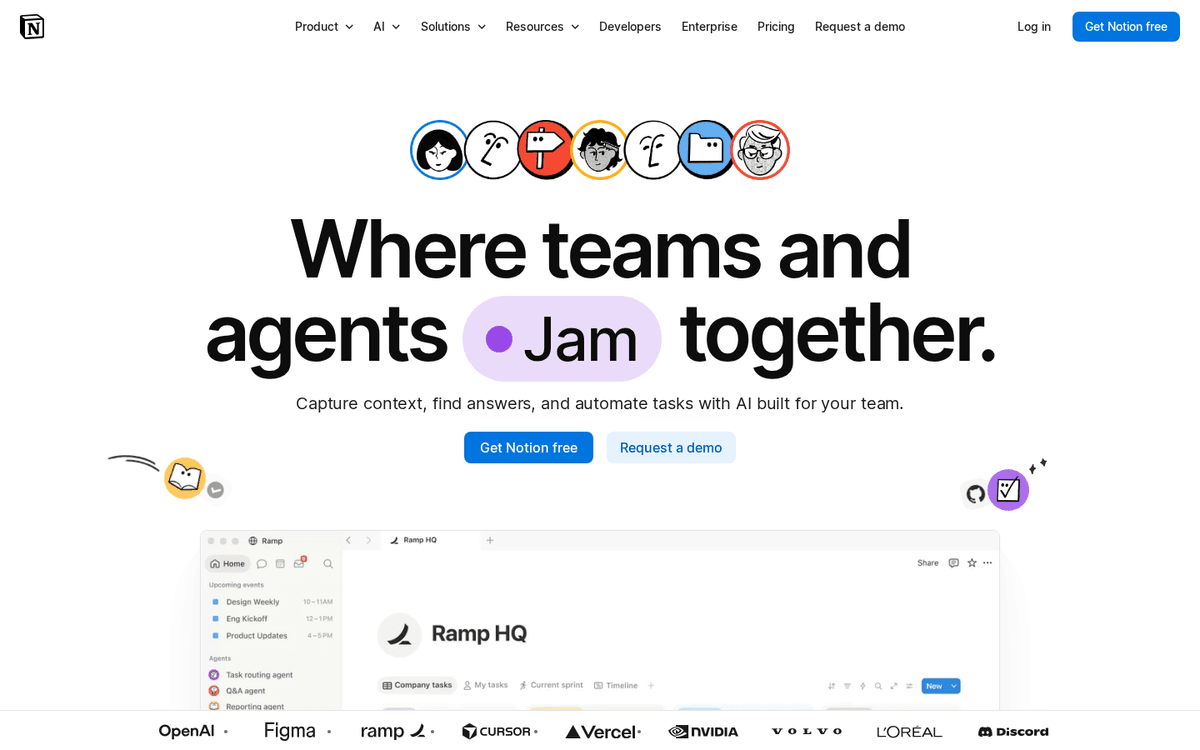
Every coach accumulates reusable value — session frameworks, intake questions, program outlines, worksheets — and most of it rots in scattered docs. Notion is where it becomes a queryable practice hub: a page per client with their goals and history, a database of your programs, and templates you reuse for every new engagement. Its built-in AI can summarise a long set of notes or answer “what did we agree this client would focus on?” from your own material. Start from a template so you don’t over-build the setup, and keep anything client-identifiable in access-controlled spaces rather than an open team workspace.
Pros
- One flexible home for client notes, program templates, worksheets and progress
- Built-in AI summarises long notes and answers questions from your own workspace
- Databases turn scattered client files into a searchable practice hub
Cons
- Blank-canvas freedom can become an organisation time sink
- Client-identifiable notes in a shared workspace need deliberate access controls
/assets/screenshots/notion.png Canva
Best for: Content that attracts clientsFree · Pro ~$15/mo · Teams from ~$10/user/mo
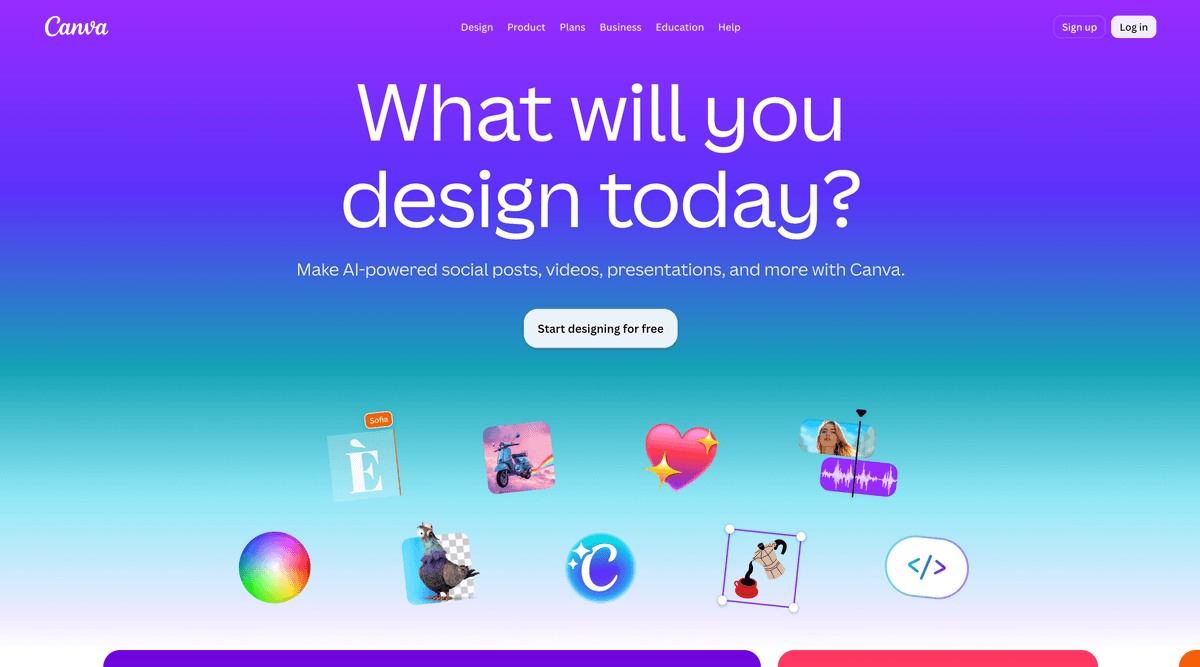
Most coaches get clients through content — the post, the carousel, the free worksheet that shows how you think — and Canva is where that gets made without a designer. Give it your colours and a template, and turning a session insight into a shareable graphic or a downloadable exercise takes minutes rather than an afternoon. Its AI can draft a layout, resize one design for Instagram and LinkedIn at once, and clean up images. Treat the output as a strong start: keep your brand consistent, and don’t let fiddling with a gradient eat the hour you meant to spend writing.
Pros
- Turns a blank page into on-brand social posts, worksheets and lead magnets fast
- AI features draft layouts, resize for every platform and remove backgrounds
- A capable free tier covers most of a solo coach's marketing needs
Cons
- AI-generated design still needs a human eye to look truly professional
- Easy to spend more time designing than the marketing actually warrants
/assets/screenshots/canva.png Gamma
Best for: Packaging programs & proposalsFree · Plus ~$8–10/mo · Pro ~$15–18/mo
When you package a coaching program — a proposal for a corporate engagement, a slide deck explaining your six-month arc, a polished lead magnet — the blank slide is where the time goes to die. Gamma takes an outline, or a prompt describing the offer you want to present, and returns a structured, formatted draft you can react to. For pitching executive coaching to an organisation, or turning your methodology into a clean downloadable, it’s a genuine hours-saver. Treat the output as a scaffold: sharpen the message, drop in the real outcomes, and give it a final polish before a prospect sees it.
Pros
- Turns an outline into a formatted program deck or proposal in minutes
- Handles the layout so you spend time on the offer, not the alignment
- Good for lead-magnet mini-guides and pitch decks for corporate work
Cons
- AI-generated design needs a human pass before it goes to a paying client
- Overkill if a simple one-page document would do the job
/assets/screenshots/gamma.png Zapier
Best for: Wiring the admin togetherFree · Professional from ~$20/mo · Team from ~$69/mo
Admin is the least valuable thing a coach does, and most of it is just moving information between apps. Zapier sits between the tools above and passes the batons for you: a new Calendly booking creates the client’s Notion page and fires a welcome email; a finished Fathom recap lands in the right folder. It ranks last because it only earns its keep once you have a stack worth connecting — but for a busy practice, it quietly removes the small manual steps that add up to hours. Executive assistants lean on the same wiring; our AI tools for executive assistants roundup goes deeper on automating the admin layer.
Pros
- Connects your booking, notes and knowledge base so hand-offs happen automatically
- A booked Calendly call can create a client page and send a welcome email on its own
- Removes the copy-paste admin between the tools above
Cons
- Most valuable once you have a few tools worth connecting — not on day one
- Another tool to configure; a light practice may not need it yet
/assets/screenshots/zapier.png Which should a coach buy first?
You don’t need all eight. Layer them by where your week actually goes:
- If you’re just starting out: ChatGPT or Claude, plus Calendly’s free plan. That covers your thinking, writing and booking for roughly the price of one subscription.
- If your week is session-heavy: add Fathom so calls produce recaps and a searchable record on their own — with client consent every time.
- If you’re building a body of clients: add Notion so each client has a home and your programs become reusable templates.
- If marketing is the bottleneck: lean into Canva for the content that brings clients in, with Gamma for the lead magnets and proposals that convert them.
- If admin is swallowing your evenings: add Zapier last, once you have enough tools that connecting them saves real time.
Once your tools are chosen, the next win is wiring them together so a booked call flows into your client hub and a session recap files itself — that’s where the admin layer finally stops eating your evenings. If you also advise organisations rather than individuals, the AI tools for consultants roundup covers an adjacent stack worth knowing.
FAQ
What are the best AI tools for coaches?
The best AI tools for business, life and executive coaches are ChatGPT or Claude as an everyday thinking-and-writing assistant, Fathom for session notes and recall, Calendly for client booking, Notion for your client knowledge base and program design, Canva for the content that attracts clients, Gamma for packaging programs and proposals, and Zapier for automating the admin between them. For most coaches the top pick is a general assistant — ChatGPT or Claude — because it covers the widest range of prep, writing and content tasks for the lowest spend. Add the specialists as your practice grows.
What is the single best AI tool for a coach?
There isn’t one, because running a coaching practice has several distinct jobs. For the widest coverage at the lowest cost, a general assistant — ChatGPT or Claude — is the best first buy: it helps you prep sessions, reframe a client’s story, draft your newsletter and handle admin writing. From there, add Fathom for session recaps, Calendly for booking, Notion for client records, Canva for marketing content and Gamma for packaging offers, in whatever order matches where your hours actually go. The right combination depends on whether your week is session-heavy, admin-heavy or marketing-heavy.
How do I keep client sessions confidential when using AI tools?
Treat confidentiality as something you set up before any client work, not an afterthought. Four rules cover most of it. First, get explicit consent before recording a session, and tell the client what the recording is used for — this is both coaching ethics and, in many places, the law. Second, use a paid business or enterprise tier on the major assistants, because these exclude your inputs from model training whereas free consumer tiers often do not. Third, anonymise identifying details where you can; the tool rarely needs the real name to help. Fourth, keep transcripts and client notes in access-controlled spaces, not an open shared workspace. When in doubt, keep the raw session out of the tool entirely and work from your own de-identified notes.
How much should a coach expect to spend on AI tools?
A solid solo stack often lands around $30–70 per month: roughly $20 for a general assistant, a Calendly or Fathom subscription once booking and session notes matter, and free tiers for the rest to begin with. Calendly, Fathom, Notion and Canva all have genuinely usable free plans, so you can prove the value before upgrading. These are rough July 2026 snapshots — plan names and prices change often, so check each vendor’s live page before you buy.
Can AI tools replace a coach?
No. AI can automate the scaffolding around coaching — booking, session recaps, content drafts, admin — but not the coaching itself. The value a client pays for is the relationship, the presence, and the questions that shift how they think in real time, and none of that survives being handed to a chatbot. In practice, coaches who adopt these tools become more available to their clients, because the hours saved on admin go back into the work in the room. The tools change what surrounds a session; they don’t change what happens inside one.
Should I use AI to write session notes for clients?
Cautiously, and with consent. A tool like Fathom can transcribe a session and draft a clean recap far faster than writing it up by hand, which is a real time-saver and improves your recall between sessions. But the client must agree to being recorded first, the transcript should live somewhere access-controlled, and you should read and edit the summary before it becomes your record — an AI recap can miss nuance or over-weight something said in passing. Used this way, AI handles the transcription and first draft; your judgement still decides what actually mattered.