
AI Tool Guides
AI Tools for Freelancers, Ranked
Some links in our roundups are affiliate links: if you buy through them we may earn a commission, at no extra cost to you. It never changes which tools we recommend or where they rank — we only list tools we would genuinely tell a friend to use.
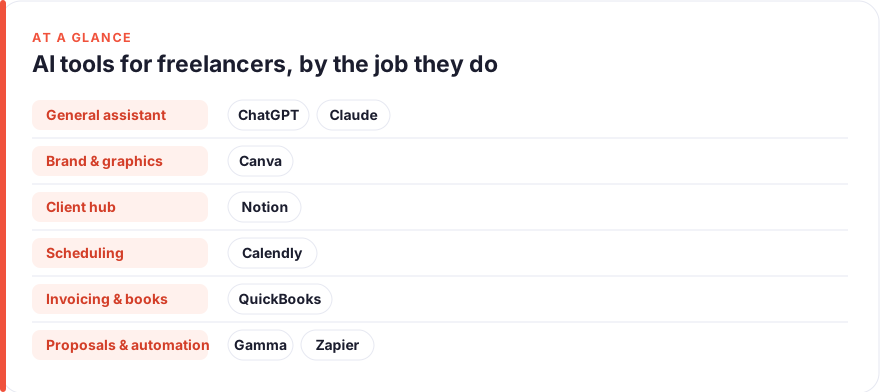
The short answer: For most freelancers in 2026, the highest-leverage purchase is a strong general assistant — ChatGPT or Claude — because one subscription helps you write proposals, answer clients and do the actual billable work. From there, add tools by the job that eats your week: Canva for client-facing visuals, Notion to keep every client and project straight, Calendly to stop the scheduling email tag, QuickBooks to invoice and get paid, Gamma for fast pitch decks, and Zapier to wire it together. Ranked by impact on a freelancer’s week: ChatGPT, Claude, Canva, Notion, Calendly, QuickBooks, Gamma, Zapier.
When you freelance solo, you don’t just do the work you get paid for. You also find the client, write the proposal, schedule the call, chase the invoice and keep the books — all before you touch the thing you’re actually good at. Every hour spent on that unpaid overhead is an hour you can’t bill, and there’s no colleague to hand it to.
That’s the specific problem this list solves. These aren’t tools for a marketing team or a funded startup; they’re for one person running the whole business between deliverables. We’ve ranked eight by how much time and friction each realistically removes from a normal freelance week — winning work, running the admin, and delivering client projects on your own — and hedged every price, because AI pricing moves constantly. Adopt the top three or four and you’ve covered most of the leverage.
- Buy a general assistant first. ChatGPT or Claude touches every part of freelancing — proposals, client emails, and the billable work itself — for the lowest spend. Most freelancers need one, not both.
- Then add tools by the job that hurts. Canva for deliverables, Notion for client and project hygiene, Calendly for scheduling, QuickBooks for getting paid, Gamma for pitches.
- Getting paid is the job freelancers neglect until it stings. A proper invoicing and bookkeeping tool pays for itself the first time it saves you a late-payment chase or a tax-season scramble.
- Lean on free tiers. Almost everything here has a genuinely useful free plan — prove the value before you pay, and upgrade only what buys back billable hours.
- Ranked by impact on a solo freelancer’s week. See how we test and rank tools.
How we picked these
We ranked on one question: how much time and mental load does this tool remove from a typical solo freelancer’s week, accounting for what it costs and how likely you are to keep using it. A tool that saves an hour on every proposal beats one that shines only during a job you do twice a year.
Three things counted most. First, breadth — does it help across the whole freelance loop, or just one slice of it. Second, fit — does it slot into how you already work, or demand a new habit you’ll abandon by week three. Third, honest value for one person — whether the paid tier is worth it over the free tier when you’re the only seat and paying out of your own pocket.
Prices are a July 2026 snapshot, read from each vendor’s own pages, and they change often — especially as AI features get folded into existing plans. Treat every figure as “roughly, per user, before annual discounts, promos and regional differences,” and check the vendor before you buy. We have no affiliate relationships with any tool here; see our disclosure and more on how we test tools.
The shortlist
ChatGPT
Best for: Proposals, client comms and the billable work itselfFree · Plus ~$20/mo · Business ~$25/user/mo
If you buy one AI tool as a freelancer, buy a general assistant, and ChatGPT is the default. A freelance day is a stream of small language tasks: turn a discovery call into a scoped proposal, soften a “the deadline slipped” email, draft the first version of whatever you’re being paid to write, design or plan. Set your custom instructions once — what you do, who you serve, how you price — and every answer lands closer to usable. Just keep a human eye on any number, claim or client-specific detail before it leaves your outbox.
Pros
- Covers the whole loop: proposals, scoping emails, and the actual deliverables
- Custom instructions hold your niche, rates and tone so drafts start closer to done
- The cheapest way to cover the widest range of freelance tasks
Cons
- Will confidently invent facts and figures — verify anything client-facing
- Not wired into your other tools unless you connect it
/assets/screenshots/chatgpt.png Claude
Best for: Long client documents and careful writingFree · Pro ~$17–20/mo · Team ~$20–25/user/mo
Claude is the natural alternative to ChatGPT, and plenty of freelancers keep it as their main tool. Its strength is long, careful work: paste in a client’s entire onboarding pack, a scope document or a stack of feedback and ask for the throughline before you reply. The writing tends to come out calm and considered, which is exactly what you want in a statement of work or a delicate note about scope creep. Try both free tiers on your own real client work and keep whichever thinks the way you do.
Pros
- Strong with long, dense inputs — a full brief, contract or messy brand doc
- Measured, well-structured prose that suits anything a client will read
- Holds a nuanced brief without flattening it into generic copy
Cons
- Same category as ChatGPT — most freelancers need one, not both
- Same verification burden as any assistant
/assets/screenshots/claude.png Canva
Best for: Client deliverables and your own brand, without a designerFree · Pro ~$13–18/user/mo
Whatever you freelance in, some of what you hand over — or what sells you — is visual: a social pack for a client, a tidy one-pager, a proposal cover, your own portfolio. Canva is how one person makes that look professional without a designer on call. Its AI tools handle first-draft layouts, background removal and one-click resizing, so a scrappy idea becomes something you can send in minutes. Set up a Brand Kit for yourself and one per recurring client, and everything stays on-brand without you fiddling.
Pros
- Templates and AI turn a rough idea into a client-ready graphic fast
- Covers social posts, one-pagers, mock-ups, decks and your portfolio
- Brand Kit keeps every deliverable visually consistent
Cons
- AI-generated visuals can look generic without a human pass
- Not a substitute for real design craft on high-stakes brand work
/assets/screenshots/canva.png Notion
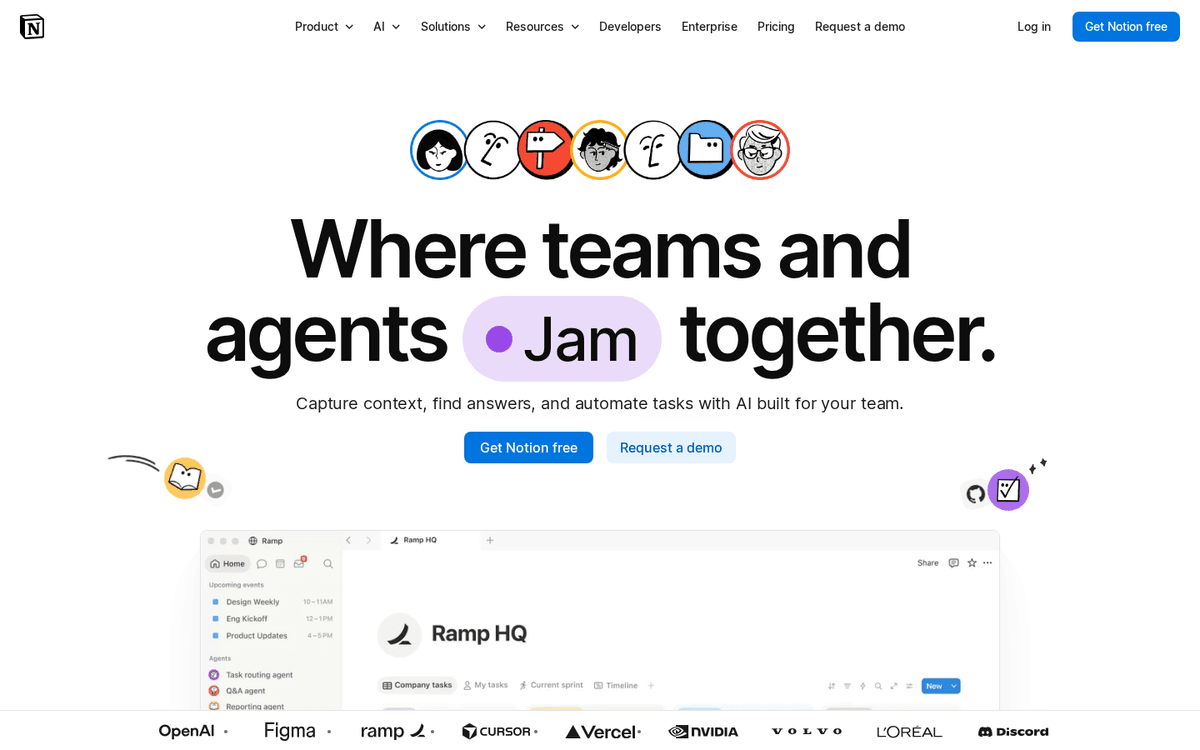
Best for: Keeping every client and project straightFree · Plus ~$10–12/user/mo · AI add-on extra
Juggling three or four clients from memory and a scattered notes app is how deadlines get missed and details get dropped. Notion is the single place to hold it all — who’s who, what’s due, where each project stands, and the running notes for each engagement. Its built-in AI can summarise a long brief or draft a status update without leaving the page. Start from a template so you don’t lose your first week building the perfect workspace instead of doing the work, and you’ll have a lightweight CRM that scales as your client list grows.
Pros
- One home for client details, project status, notes and a light CRM
- Built-in AI summarises briefs and drafts inside the page
- Templates for proposals, project trackers and client portals
Cons
- Blank-canvas freedom can become a time sink
- Some AI features cost extra on top of the base plan
/assets/screenshots/notion.png Calendly
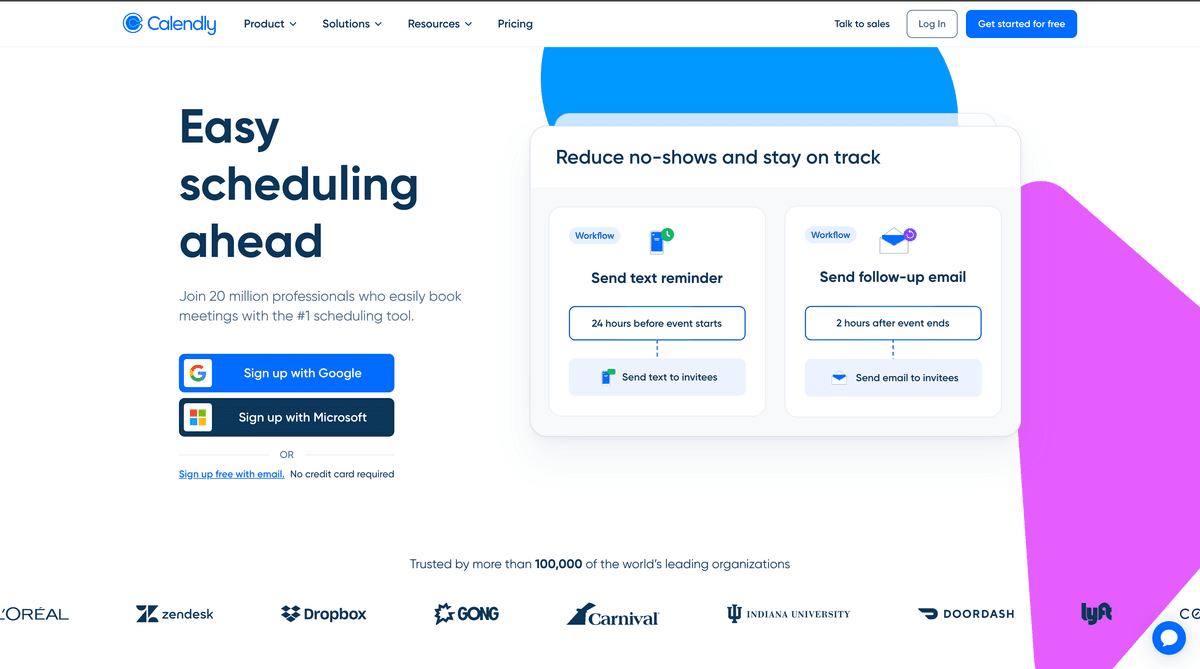
Best for: Booking client calls without the email tagFree · Standard ~$10/seat/mo · Teams ~$16/seat/mo
Scheduling is a small tax that adds up fast when every discovery call, kickoff and check-in starts with a volley of “how’s Thursday?” emails. Calendly hands the client a link, shows only the times you’re actually free, and books it straight into your calendar with reminders attached. Set daily limits and buffers so calls don’t shred your deliverable time. The free tier covers one meeting type, which is enough for many solo freelancers; upgrade only when you need several call types or payment collection at booking.
Pros
- Share one link and let clients pick a slot that fits your calendar
- Kills the 'does Tuesday work?' back-and-forth entirely
- Buffers, limits and reminders cut no-shows and protect focus time
Cons
- The free plan is capped to a single event type
- Overkill if you take only the occasional call
/assets/screenshots/calendly.png QuickBooks
Best for: Invoicing, getting paid and the booksPaid from ~$38/mo (frequent intro discounts)
Getting paid is the job freelancers put off until it hurts — and unpaid invoices and a shoebox of receipts are how a good year turns into a stressful tax season. QuickBooks uses AI to categorise transactions, match receipts and flag anything odd, turning the books from a dreaded weekend into a ten-minute weekly check. It sends and tracks invoices too, so getting paid and staying compliant live in one place. Xero is a strong alternative, and Wave is worth a look if you’re very early. To push further, see how to automate your accounting.
Pros
- AI categorises transactions and flags anomalies for a quick weekly review
- Invoicing, expense tracking and tax prep in one place
- Widely supported by accountants and other tools
Cons
- No meaningful free tier — it's a paid essential
- Xero or Wave may fit a very early or cost-sensitive freelancer better
/assets/screenshots/quickbooks.png Gamma
Best for: Fast pitch decks and visual proposalsFree · Plus ~$8–10/user/mo · Pro ~$15–20/user/mo
When winning a client means a proposal that looks the part, Gamma turns your outline into a clean, on-brand deck far faster than wrestling with slide software. For freelancers who pitch — designers, consultants, marketers — it’s a quick way to look credible without spending an evening nudging text boxes. It ranks here rather than higher because it’s a specialist: if you win work over email or a call, you may not need it. Draft the substance in your assistant first, then let Gamma handle the presentation.
Pros
- Turns a rough outline into a presentable deck in minutes
- Good default design so a solo freelancer looks polished without a designer
- Exports and shares as a link, deck or doc
Cons
- Only earns its place if you pitch with decks or visual proposals
- A general assistant already drafts the words — this is the layout layer
/assets/screenshots/gamma.png Zapier
Best for: Wiring your solo stack togetherFree · paid from ~$20/mo
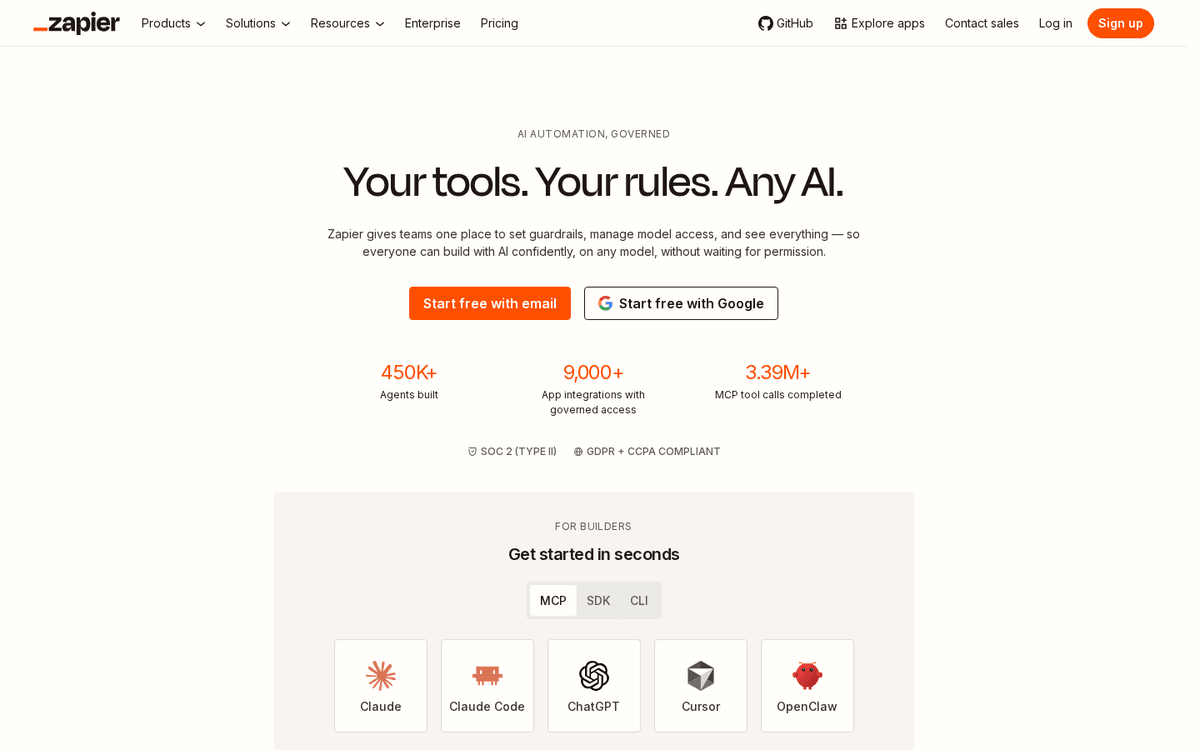
Each tool here saves time alone, but the compounding win for a one-person business is making them hand off automatically, so you stop being the copy-paste layer between your own apps. Zapier is the glue: a booked Calendly call creates a Notion project, a paid invoice logs itself, a new lead drops into your tracker with a draft reply waiting. It ranks last because it’s the layer you add once the others are in place, not on day one — but it’s where a good stack quietly becomes a system. Make is a capable, often cheaper alternative if you want more visual control.
Pros
- Connects thousands of apps with no code
- Automates the handoffs a solo freelancer does by hand
- AI steps can classify, draft and route inside a workflow
Cons
- Task-based pricing climbs as volume grows
- Someone — you — has to build and maintain the workflows
/assets/screenshots/zapier.png Which should a freelancer buy first?
You don’t need all eight, and buying them at once is the fastest way to waste money you haven’t billed yet. Layer them by where your week actually loses hours.
Layer one, this week. Pick one general assistant — ChatGPT or Claude — and use it for everything: proposals, client emails, scoping, and the billable work itself. This single subscription covers the widest surface area for the lowest spend, and it’s the tool you’ll open every day.
Layer two, when a job gets heavy. Add one tool for whichever part of the business is currently eating your week. Drowning in scheduling emails, get Calendly. Chasing payments or dreading tax season, set up QuickBooks. Handing over visual work, lean on Canva. Losing track of who owes what, build a simple Notion workspace. Add them one at a time — pay for three at once and you’ll master none.
Layer three, the polish and the plumbing. Add Gamma if you pitch with decks, and Zapier once you have a few tools that should be talking to each other. These are the wins that compound after the basics are working, not before.
The mistake to avoid is buying by category instead of by pain. As a freelancer paying with your own unbilled time, a tool that solves a problem you don’t have is just another subscription and another login to forget.
FAQ
What is the single best AI tool for a freelancer?
For most freelancers it’s a general assistant — ChatGPT or Claude — because it helps with nearly every part of the job: writing proposals, replying to clients, scoping projects and doing the billable work itself. Specialist tools beat it only inside their narrow lane, and only when that lane is a real, repeated part of your week. Start with the assistant, then add specialists as specific jobs start to hurt.
How much should a solo freelancer expect to spend on AI tools?
A capable solo stack usually lands around $40–90 a month once you’re past the free tiers: roughly $20 for a general assistant, a paid Canva or Notion seat if you need one, QuickBooks for the books, and free plans covering scheduling and light project tracking to start. Prove the value on free tiers first and upgrade only the tools that clearly buy back billable hours. Because most price per seat or per usage, the total rises slowly as your workload grows.
Are these prices accurate?
They’re a rough July 2026 snapshot, read from each vendor’s own pages and quoted per user before annual discounts, promos and regional differences. AI pricing shifts constantly, and features are increasingly bundled into plans you already pay for. Always confirm the current figure on the vendor’s site — QuickBooks in particular runs frequent introductory discounts, and several tools price lower on annual billing.
Do I need to pay, or is the free tier enough?
Often the free tier is plenty to start. Free ChatGPT and Claude handle most everyday writing, Canva and Notion have genuinely useful free plans, and Calendly’s free tier covers a single meeting type. Pay when you hit a real limit — usage caps, extra seats, or a capability like multiple call types or full bookkeeping that free tools can’t match. QuickBooks is the main exception: for most freelancers, proper invoicing and books are a paid essential.
How do I stop AI from inventing facts in a client proposal?
Treat every assistant as a fast, confident intern: brilliant at structure, unreliable on specifics. Never let it state a price, date, deliverable or client detail you haven’t checked. Give it the real numbers as input rather than asking it to recall them, and always read the final draft as the client will before you send it. The verification step is the price of the speed — it’s still far faster than writing from a blank page.
Will AI tools replace freelancers?
No. These tools remove the mechanical overhead — first drafts, scheduling, invoicing, formatting, summarising a brief — so you spend more of your day on the judgement, craft and client relationships you’re actually hired for. The freelancer who gets the most from AI treats it as leverage on the unpaid admin around the work, then wires the tools together so the business runs a little on its own. Our guide to automating your accounting is a good place to start on the money side.