
AI Tool Guides
AI Tools for Sales Teams, Ranked
Some links in our roundups are affiliate links: if you buy through them we may earn a commission, at no extra cost to you. It never changes which tools we recommend or where they rank — we only list tools we would genuinely tell a friend to use.
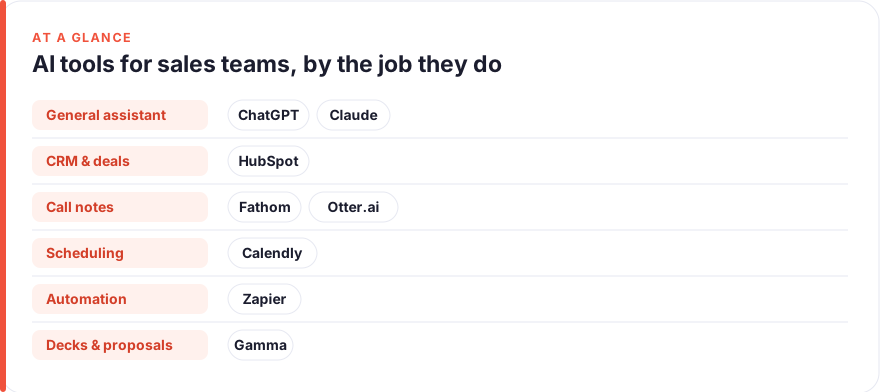
The short answer: For most sales teams in 2026, start with a general reasoning assistant (ChatGPT or Claude) for research, outreach and call prep, lean on the AI already inside the CRM you own (HubSpot), and add cheap, reliable helpers — a call notetaker, a scheduler — before buying anything heavier. Ranked by impact on a sales team’s week: ChatGPT, Claude, HubSpot, Fathom, Calendly, Otter.ai, Zapier, Gamma.
Selling is a job made of research, conversation and follow-through: working out who to call, saying the right thing on the call, and then doing all the admin that keeps a deal alive. Two of those three are exactly the shape of work AI is now good at, and the third is the shape of work it can quietly automate. The trap is that most teams buy a tool for every stage of the funnel, pay for all of them, and still watch reps spend half the week updating records instead of talking to buyers.
This guide ranks eight tools by how much time they realistically give back in a normal sales week, grouped by the job they do best: research and outreach, CRM and pipeline, call notes, scheduling, workflow automation, and proposals. It sits alongside our broader roundup for marketers, but the sales version is about conversations, pipeline hygiene and follow-up, not campaigns. The ranking is opinionated on purpose — if you adopt only the top three, you have covered most of the leverage.
- A general assistant (ChatGPT or Claude) is the highest-impact single purchase for a rep; it touches account research, outreach, call prep and objection handling.
- The AI inside the CRM you already pay for — HubSpot — is near-free leverage; switch it on before buying a standalone outreach tool.
- Call notetakers (Fathom, Otter.ai) and a scheduler (Calendly) are cheap, reliable and remove the most predictable daily admin, including the CRM updates reps hate most.
- Buy by bottleneck, not by category. A tool that solves a problem you don’t have is just another tab and another invoice.
How we picked these
We ranked on one question: how much time and mental load does this tool remove from a typical sales week, accounting for what it costs and how likely a rep is to actually use it. A tool that shines in a demo but only helps during a quarterly review ranks below one that shaves twenty minutes off every day and survives contact with a busy pipeline.
Three things counted heavily. First, breadth: does it help across the cycle or at one narrow stage. Second, fit: does it slot into where selling already happens — the inbox, the call, the CRM — or does it demand a new habit and a new login. Third, honest value: whether the paid tier beats the free tier, or the AI already bundled into a tool you own.
Prices are a July 2026 snapshot and change often, especially as AI features get folded into existing seats. Treat every figure as “roughly, per user, before annual discounts and enterprise pricing” and check the vendor before you buy. We have no affiliate relationships with any tool here; see our disclosure and more on how we test tools.
The shortlist
ChatGPT
Best for: Account research, outreach and call prepFree · Plus ~$20/mo · Business ~$20–25/user/mo
The single highest-leverage tool for a rep because it touches every job on this list at least a little. Use it to research an account before a call, draft ten cold-email variants, rehearse answers to a likely objection, or turn scrappy call notes into a clean recap. The free tier is genuinely useful; Plus mainly buys speed, longer context and better models. If you buy one AI subscription for the team, buy this or the next one — and pair it with a rule that no AI-written fact reaches a prospect unchecked.Pros
- Handles almost every pre-call job: account research, personalised outreach, discovery questions, objection scripts
- Turns a messy set of notes into a tidy follow-up email in seconds
- Voice and image input make it a fast scratchpad between meetings
Cons
- Will confidently invent company facts, figures and quotes; you must verify before it reaches a buyer
- Not connected to your CRM or deal data unless you wire it up
/assets/screenshots/chatgpt.png Claude
Best for: Deep account research and careful proposal writingFree · Pro ~$20/mo · Team ~$20–25/user/mo
A close peer to ChatGPT rather than a rival, and many teams keep both. Claude shines when the input is large and the output must stay faithful to it: digesting a long RFP, summarising a quarter of call transcripts to find a pattern, or drafting a careful proposal for a big account. Pick based on which voice you prefer and where your team already has seats. Either one covers the research and writing that eat most of a rep’s non-selling time.Pros
- Excellent with long inputs: paste a 40-page RFP or a stack of call transcripts and ask for the key points
- Tends toward measured, less hype-y prose that suits proposals and considered follow-ups
- Holds a detailed brief without flattening the nuance a complex deal needs
Cons
- Same verification burden as any assistant on facts and figures
- Narrower plugin and integration ecosystem than ChatGPT's
/assets/screenshots/claude.png HubSpot
Best for: CRM, pipeline and sales automationFree tools · Sales Hub Starter ~$15–20/seat/mo · Professional ~$90–100/seat/mo
The system of record where selling actually gets tracked. HubSpot’s AI drafts emails, summarises where a deal stands, and helps automate the nurture and scoring that otherwise swallow an afternoon. Like the AI in any platform, it’s leverage you likely already own rather than a new purchase — switch it on before buying a standalone outreach tool. If lead capture is your bottleneck rather than closing, pair it with the tactics in our guide to automating lead generation. Buy up the tiers only when pipeline volume and automation depth genuinely demand it; the jump to Professional is a real one.Pros
- AI (Breeze) drafts outreach, summarises deals and suggests next steps inside the CRM your data already lives in
- Sequences, scoring and automation reduce the manual follow-up that quietly eats a rep's week
- Free tools and a cheap Starter tier make it approachable for small teams
Cons
- Professional gets expensive fast — around $90–100 per seat plus a one-time onboarding fee
- AI is an accelerant on the platform, not a reason to switch CRMs
/assets/screenshots/hubspot.png Fathom
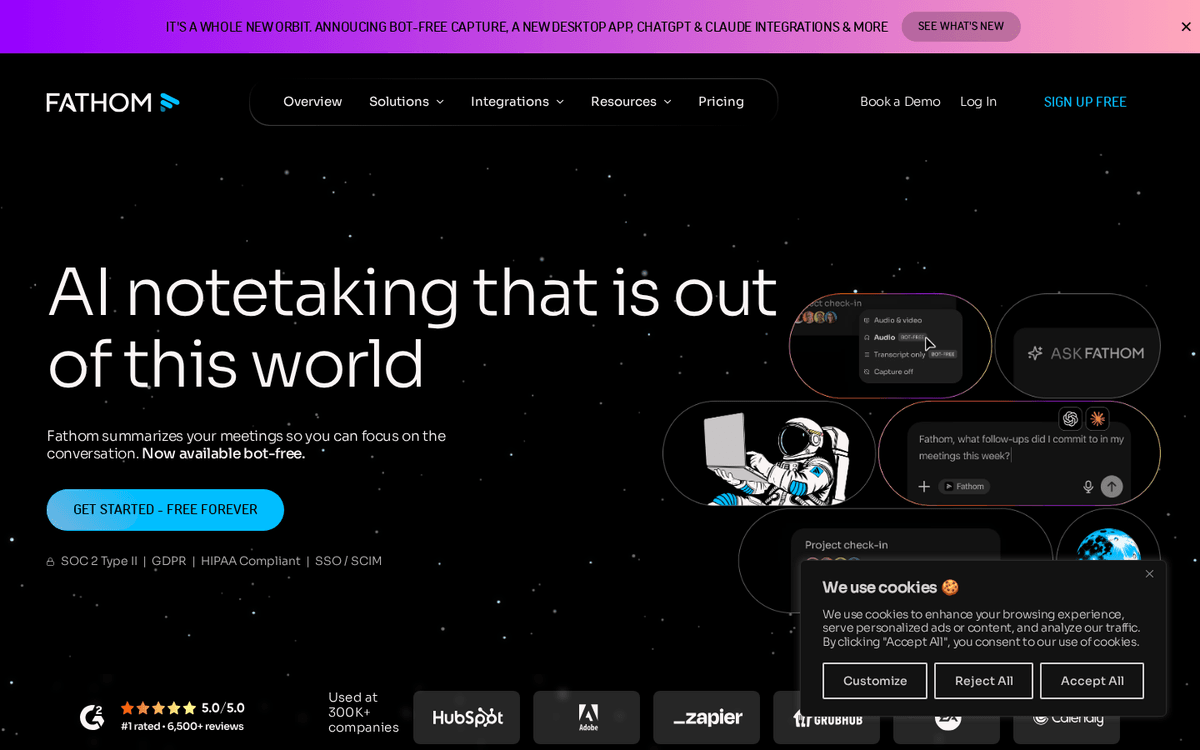
Best for: Call notes, action items and CRM auto-fillFree · Premium ~$16–20/mo · Business ~$25–34/user/mo
The most predictable time-saver on this list for a rep who lives on calls. Fathom captures the meeting, writes the summary, and pulls out the follow-ups, which removes the two chores reps skip most: careful notes and honest CRM updates. The free tier is unusually good; the paid tiers earn their keep once you want AI action items and, on Business, automatic CRM field sync. If your team’s biggest leak is what gets lost between the call and the record, this is the cheapest plug for it.Pros
- Records, transcribes and summarises sales calls so you stop half-listening while scribbling
- Auto-extracts action items and, on higher tiers, syncs fields straight into your CRM
- Generous free tier with unlimited recordings makes it easy to trial
Cons
- CRM field sync and coaching metrics sit on the pricier Business tier
- Transcription quality dips with heavy crosstalk or strong accents
/assets/screenshots/fathom.png Calendly
Best for: Booking demos without the email back-and-forthFree · Standard ~$10/seat/mo · Teams ~$16/seat/mo
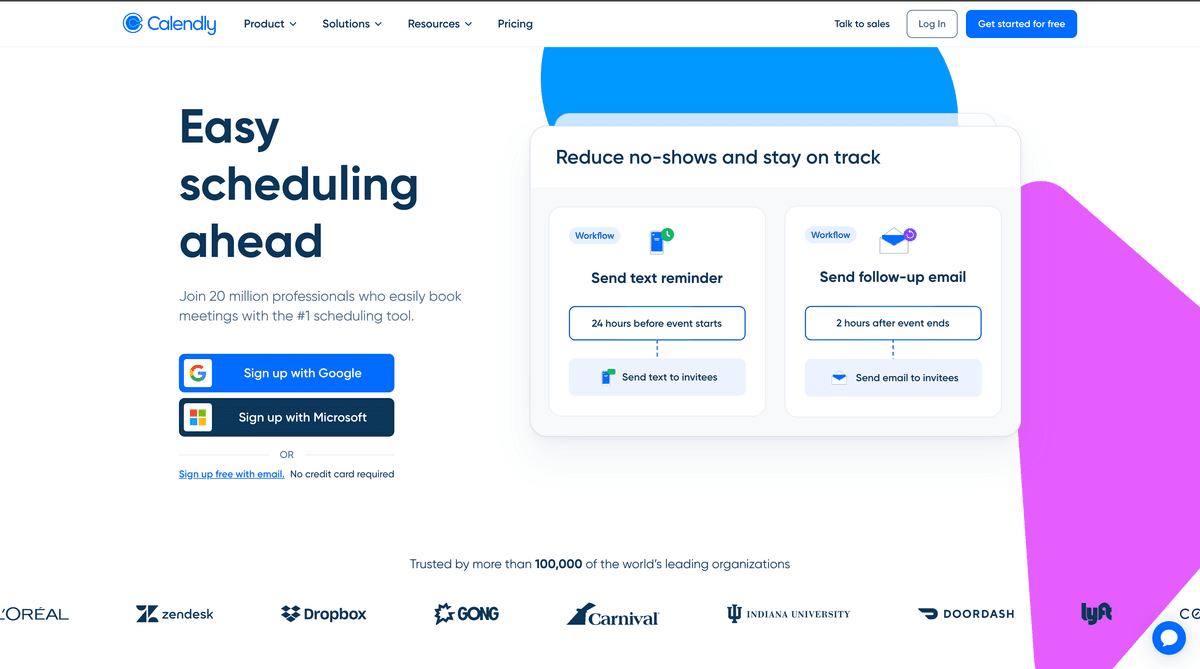
The unglamorous but essential job: turning interest into a booked meeting before it goes cold. Calendly removes the scheduling ping-pong that quietly delays deals, and on the Teams tier it routes an inbound lead to the right rep automatically instead of letting it sit in a shared inbox. It ranks in the middle because the highest-value routing feature is a paid one, but for any team where speed-to-meeting matters — and in sales it always does — a scheduler pays for itself in a week.Pros
- Kills the 'does Tuesday work?' thread that delays every demo
- Team tiers add routing so inbound leads land on the right rep automatically
- Integrates with the CRM and calendar you already use
Cons
- The real time-saver — lead routing to the right rep — sits on the Teams tier
- Overkill for a solo seller with a light meeting load
/assets/screenshots/calendly.png Otter.ai
Best for: Meeting transcription and searchable call archiveFree · Pro ~$8–17/mo · Business ~$20–30/user/mo
A capable alternative to Fathom for teams that want transcription and a searchable call history more than deep CRM sync. Otter records, transcribes and summarises, and its archive is genuinely useful when you need to find exactly what a buyer said three weeks ago. It ranks just behind Fathom for sales specifically because Fathom’s CRM auto-fill targets the exact admin reps avoid — but if your team already uses Otter, or Zoom and Meet’s built-in note-takers, there’s little reason to pay twice. Check what you already have before buying.Pros
- Reliable live transcription and a searchable archive of every call
- Auto-extracts summaries and action items you can paste into the CRM
- Cheap, with near-zero learning curve
Cons
- Overlaps heavily with Fathom and with note-takers built into your video tool
- Directional summaries still need a human read before they hit a deal record
/assets/screenshots/otter-ai.png Zapier
Best for: Connecting your sales stackFree (100 tasks/mo) · Professional from ~$20/mo · Team from ~$69/mo
The connective tissue of a modern sales stack. Zapier moves a new lead from an ad or web form into your CRM, assigns and tags it, and notifies the right rep — the invisible plumbing that otherwise eats an afternoon of manual entry and, worse, lets leads go cold in a shared inbox. Its AI now helps draft the automations themselves from a plain-English description. It ranks lower only because it’s infrastructure rather than a daily selling tool, but for the wider pattern of removing repetitive work, the same logic runs through our guide to automating lead generation.Pros
- Moves a new lead from a form into the CRM, tags it, and pings the rep who should act — no copy-paste
- AI features help build automations from a plain-English description
- Removes the small, repeated glue work between your tools
Cons
- Task-based pricing adds up as your automations get busy
- A broken Zap fails quietly, so lead-routing flows need testing and monitoring
/assets/screenshots/zapier.png Gamma
Best for: Pitch decks and proposals, fastFree · Plus ~$8–10/mo · Pro ~$15–20/mo
For reps who pitch in decks — enterprise proposals, quarterly business reviews, tailored one-pagers — Gamma turns a rough outline into something presentable fast enough to skip the usual slide grind. It’s genuinely useful for the recurring “make this look like a deck” job that swallows an afternoon before a big meeting. It ranks last only because plenty of sales motions close on conversations and email rather than presentations. If decks are part of yours, it’s a strong accelerant on work you already do, and its free tier is enough to judge the fit.Pros
- Turns a prompt or an outline into a polished pitch deck or one-pager in minutes
- Good-looking defaults save hours of slide fiddling before a big meeting
- Handy for tailored proposals and quarterly business reviews
Cons
- Less relevant if your deals close on calls and email rather than decks
- Generated layouts still need a human edit to stay on-brand and accurate
/assets/screenshots/gamma.png Which should a sales team buy first?
Work in layers rather than buying the whole list.
Layer one, this week. Pick one general assistant, ChatGPT or Claude, and use it for everything: account research, outreach drafts, discovery questions, objection handling, follow-up recaps. Turn on the AI already bundled in the CRM you own — HubSpot. This layer costs at most one subscription per rep and covers the majority of the leverage.
Layer two, the cheap daily wins. Add a call notetaker — Fathom or Otter.ai — so notes and CRM updates stop falling through the cracks, and a scheduler like Calendly so interested buyers book themselves before the moment passes. These are low cost and reliably useful, and they attack the admin reps most reliably skip.
Layer three, when a job gets heavy. Wire up Zapier once manual data entry between tools is a genuine drain, and add Gamma only if pitching in decks and proposals is a real part of how your team closes. Resist buying everything “to be safe” — you’ll pay for a stack and master none of it.
The mistake to avoid is buying by funnel stage instead of by pain. A tool that solves a problem you don’t have is just another tab and another invoice.
FAQ
What is the single best AI tool for a sales team?
For most reps it’s a general reasoning assistant, ChatGPT or Claude, because it helps with nearly every non-selling job: account research, personalised outreach, discovery prep, objection scripts and follow-up recaps. Specialist tools beat it only within their narrow lane — the CRM, the call, the calendar — and only when that lane is a big, repeated part of the week.
Do I need to pay, or is the free tier enough?
Often the free tier is plenty to start. Free ChatGPT and Claude handle most everyday research and writing; HubSpot has genuinely useful free tools, and Fathom’s free tier includes unlimited recordings. Pay when you hit a real limit — usually speed, longer context, CRM field sync on a notetaker, or lead-routing on a scheduler — rather than by default.
Are these prices accurate?
They’re a rough July 2026 snapshot, quoted per user before annual discounts and enterprise deals. AI pricing shifts constantly, and features are increasingly bundled into seats you already pay for. Always confirm the current figure on the vendor’s site, and check whether the AI you need is already included in your CRM or video plan before buying it separately.
Will AI replace salespeople?
No. These tools remove the mechanical parts of the job — research, note-taking, scheduling, CRM updates, moving data between apps — so reps spend more time on the parts that actually close deals: building trust, reading a room, and handling objections. The skill that matters more now is directing the tools well and verifying anything they produce before it reaches a buyer.
How do I stop AI from inventing facts about a prospect?
Treat every assistant as a fast, confident intern: brilliant at structure, unreliable on specifics. Never let it state a company metric, headcount, funding figure or quote you haven’t checked against a real source. Feed it verified information as input rather than asking it to recall details, and confirm anything account-specific before it goes into an email or a proposal.
How many AI tools does a sales team actually need?
Fewer than the market wants you to think. Start with one general assistant and the AI already built into your CRM, then add a call notetaker and a scheduler for the cheap daily wins. Layer in automation or deck tools only when a specific job becomes a repeated bottleneck. Most teams are better served by mastering three or four tools than by subscribing to a dozen and using each of them shallowly.