
AI Tool Guides
AI Tools for Marketers, Ranked
Some links in our roundups are affiliate links: if you buy through them we may earn a commission, at no extra cost to you. It never changes which tools we recommend or where they rank — we only list tools we would genuinely tell a friend to use.
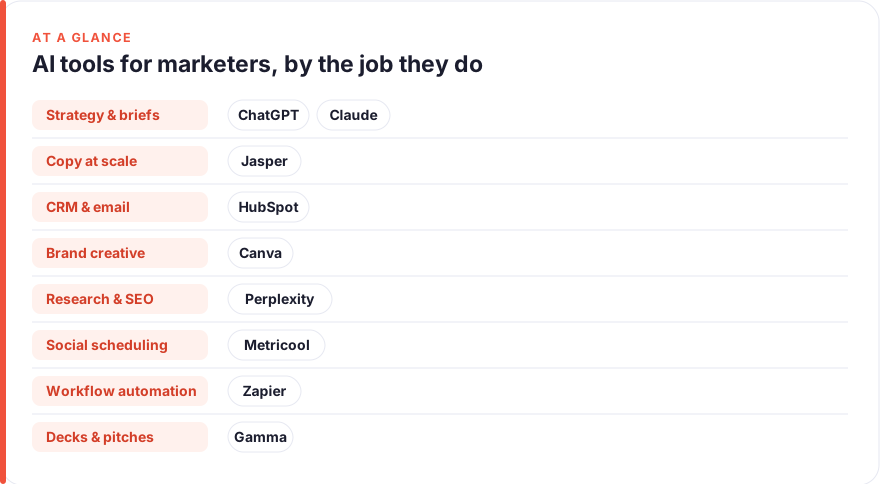
The short answer: For most marketers in 2026, start with a general reasoning assistant (ChatGPT or Claude) for strategy, briefs and first drafts, add a copy engine like Jasper only if you publish at real volume, and lean on the AI already baked into the platforms you own — HubSpot, Canva, Metricool — before buying anything new. Ranked by impact on a marketer’s week: ChatGPT, Claude, Jasper, HubSpot, Canva, Perplexity, Metricool, Zapier, Gamma.
Marketing is a job made of judgement and output: deciding what to say, to whom, and then producing it across a dozen channels faster than the calendar allows. That is exactly the shape of work AI is now good at. The trap is that most teams buy a tool for every channel, pay for all of them, and still feel underwater — because the bottleneck was never the number of tools, it was the thinking and the volume.
This guide ranks nine tools by how much time they realistically give back in a normal marketing week, grouped by the job they do best: strategy and briefs, copy at scale, CRM and email, brand creative, research and SEO, social scheduling, and workflow automation. It is deliberately broader than our content-creator roundup: this is about campaigns, funnels and analytics, not just making the next video. The ranking is opinionated on purpose — if you adopt only the top three, you have covered most of the leverage.
- A general assistant (ChatGPT or Claude) is the highest-impact single purchase for a marketer; it touches strategy, copy, analysis and every brief you write.
- Dedicated copy tools like Jasper earn their price only at real publishing volume with a locked brand voice — not for a team shipping a few emails a week.
- The AI inside tools you already pay for — HubSpot, Canva, Metricool — is near-free leverage; switch it on before buying anything new.
- Buy by bottleneck, not by category. A tool that solves a problem you don’t have is just another tab and another invoice.
How we picked these
We ranked on one question: how much time and mental load does this tool remove from a typical marketer’s week, accounting for what it costs and how likely you are to actually use it. A tool that dazzles in a demo but only helps during a quarterly campaign ranks below one that shaves twenty minutes off every day.
Three things counted heavily. First, breadth: does it help with one channel or many. Second, fit: does it slot into where your work already happens, or does it demand a new habit and a new login. Third, honest value: whether the paid tier beats the free tier, or a cheaper tool you already own.
Prices are a July 2026 snapshot and change often, especially as AI features get bundled into existing seats. Treat every figure as “roughly, per user, before annual discounts and enterprise pricing” and check the vendor before you buy. We have no affiliate relationships with any tool here; see our disclosure and more on how we test tools.
The shortlist
ChatGPT
Best for: Strategy, briefs and first draftsFree · Plus ~$20/mo · Business ~$20–25/user/mo
The single highest-leverage tool for a marketer because it touches every job on this list at least a little. Use it to draft a campaign brief from bullet points, spin up ten subject-line variants, or pressure-test your positioning before a review. The free tier is genuinely useful; Plus mainly buys speed, longer context and better models. If you buy one AI subscription, buy this or the next one.Pros
- Handles almost every marketing task: campaign concepts, ad and email copy, positioning, competitor summaries
- Turns a messy brief into a structured plan in seconds
- Voice and image input make it a fast strategic scratchpad
Cons
- Will confidently invent stats and quotes; you must verify every number
- Not connected to your brand data or analytics unless you wire it up
/assets/screenshots/chatgpt.png Claude
Best for: Long-form brand copy and nuanced messagingFree · Pro ~$20/mo · Team ~$25–30/user/mo
A close peer to ChatGPT rather than a rival, and many marketers keep both. Claude shines when the input is large and the output must stay faithful to it: writing a long landing page in an established voice, redlining a messaging framework, or shaping a nuanced narrative for a launch. Pick based on which voice you prefer and where your team already has seats. Either one covers the strategy and writing that eat most of your week.Pros
- Excellent with long inputs: paste a brand guide plus past campaigns and ask it to write in voice
- Tends toward measured, less hype-y prose that suits considered brand writing
- Holds a detailed brief without flattening the nuance
Cons
- Same verification burden as any assistant on facts and figures
- Narrower plugin and integration ecosystem than ChatGPT's
/assets/screenshots/claude.png Jasper
Best for: On-brand marketing copy at real volume7-day trial · Pro ~$59–69/mo per seat · Business custom
The specialist that earns its place when copy volume is the actual bottleneck. Jasper wraps a marketing-shaped workflow — brand voice, templates, campaigns — around the same underlying models you can prompt yourself, which is worth paying for when a team is shipping dozens of assets a week and consistency matters. If you write a handful of emails and the odd landing page, a general assistant with a good brand-voice prompt does most of the same job for a third of the price. Buy Jasper when the sheer quantity of on-brand copy is what’s slowing you down.Pros
- Purpose-built for marketing: ads, emails, landing pages and social from templates
- Brand-voice and knowledge features keep output consistent across a team
- Campaign workflows and a browser extension speed up repetitive copy jobs
Cons
- Noticeably pricier than a general assistant for overlapping capability
- Hard to justify unless you publish copy at genuine scale
/assets/screenshots/jasper.png HubSpot
Best for: CRM, email and marketing automationFree tools · Marketing Starter ~$7–20/mo/seat · Professional ~$800+/mo
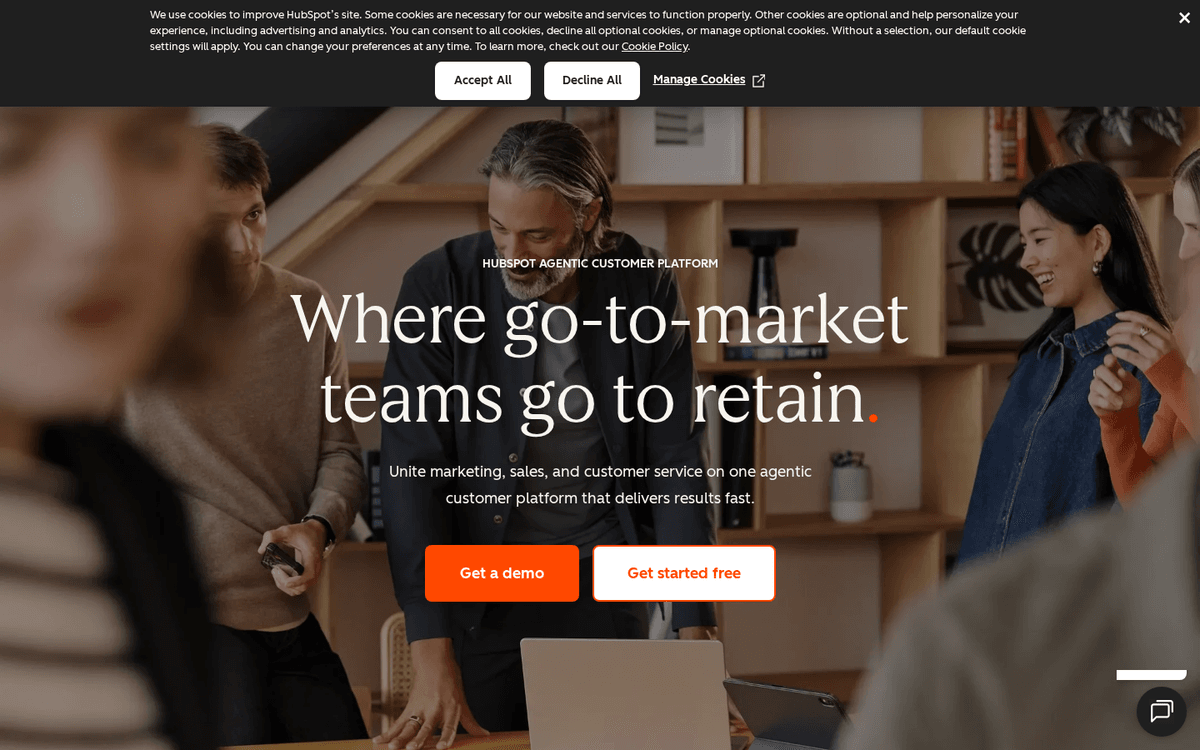
Where campaign execution meets the customer database. HubSpot’s AI drafts emails and landing pages, and helps automate the nurture and scoring that quietly eat a marketer’s week. Like the AI in any platform, it’s leverage you likely already own rather than a new purchase — switch it on before buying a standalone copy tool. If lead capture is your bottleneck, pair it with the tactics in our guide to automating lead generation. Buy up the tiers only when contact volume and automation depth genuinely demand it.Pros
- AI (Breeze) drafts emails, blog copy and social posts inside the CRM your data already lives in
- Automates lead nurture, scoring and segmentation without a separate tool
- Free tier and cheap Starter make it approachable for small teams
Cons
- Professional and Enterprise tiers get expensive fast, with onboarding fees
- AI is an accelerant on the platform, not a reason to switch CRMs
/assets/screenshots/hubspot.png Canva
Best for: Brand creative and social graphics at scaleFree · Pro ~$15–18/mo · Business ~$20–25/user/mo
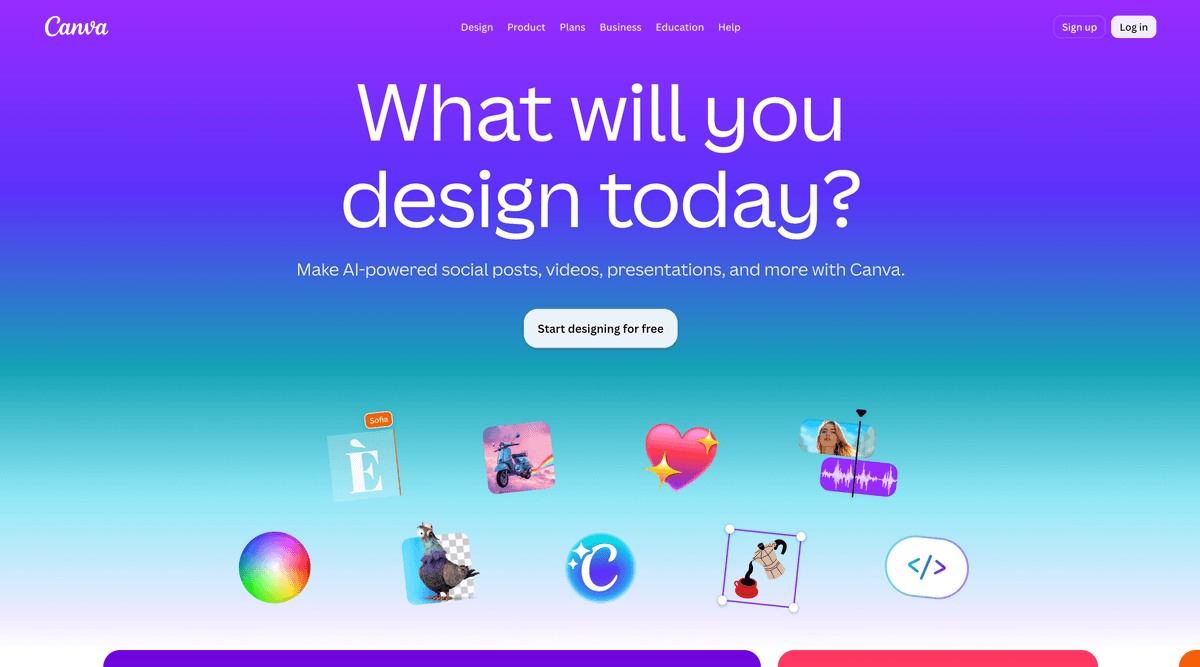
The practical default for social graphics, ad creative, one-pagers and channel art. Its AI features — background removal, resizing a design across every format at once, text-to-image — are woven into a tool most marketing teams already know, which keeps adoption cost near zero. The honest caveat is that template-heavy design blends in, so use it as scaffolding and then push the look somewhere that’s recognisably yours. For teams that produce a lot of visual content, the Brand Kit is what stops that scale from turning into chaos.Pros
- Enormous template library for every channel and format
- AI background remover, one-click resize and text-to-image built in
- Brand Kit keeps colours, fonts and logos consistent across a team
Cons
- Leaning on stock templates makes your brand look like everyone else's
- AI image generation is fine, not best in class
/assets/screenshots/canva.png Perplexity
Best for: Market research and SEO intelligenceFree · Pro ~$20/mo · Enterprise ~$40/user/mo
The research copilot for marketers who want answers with citations attached rather than a confident guess. Perplexity is strong for competitive scans, category briefings and early SEO work because it shows its sources, so you can verify before you build a strategy on it. It ranks in the middle because a general assistant with web search covers lighter questions, and the real value shows up when research is a frequent, load-bearing part of your week. Treat the citations as leads to confirm, not gospel.Pros
- Answers research questions with linked sources you can actually check
- Fast way to map a competitor, a category or a keyword landscape
- Cuts the time between a question and a defensible, cited answer
Cons
- Still needs a human to verify sources and judge quality
- Overlaps with a general assistant's web search for lighter questions

/assets/screenshots/perplexity.png Metricool
Best for: Social scheduling and cross-platform analyticsFree · paid from ~$20/mo
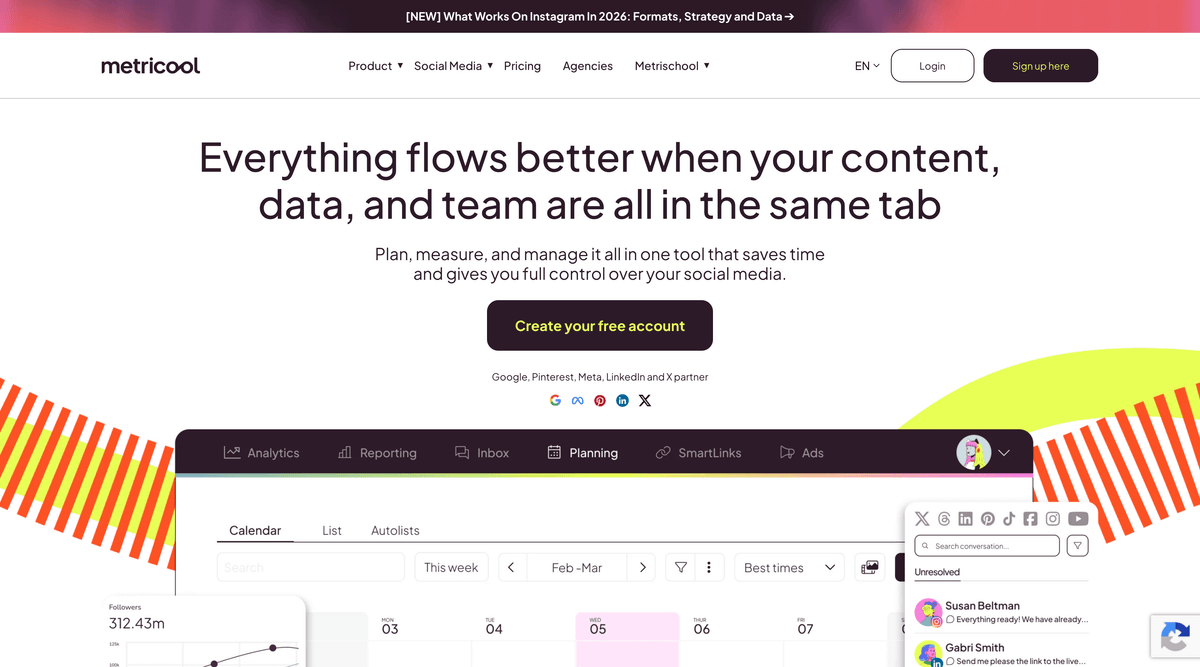
The unglamorous but essential job: getting content out on a schedule and seeing what worked without a daily tour of six apps. Metricool covers scheduling and analytics across the major platforms from a single view, which saves the context-switching that quietly drains a social marketer’s day. Buffer is a fine simpler alternative if you want less surface area. Either way, a scheduler is what turns a pile of finished posts into a consistent, measurable publishing habit.Pros
- Schedule across most major platforms from one dashboard
- Unified analytics and best-time-to-post suggestions in one place
- Reasonable free tier for a solo marketer or a small brand
Cons
- Some platform integrations are steadier than others
- Analytics are directional, not a replacement for native platform data
/assets/screenshots/metricool.png Zapier
Best for: Connecting your martech stackFree (100 tasks/mo) · Professional from ~$20/mo
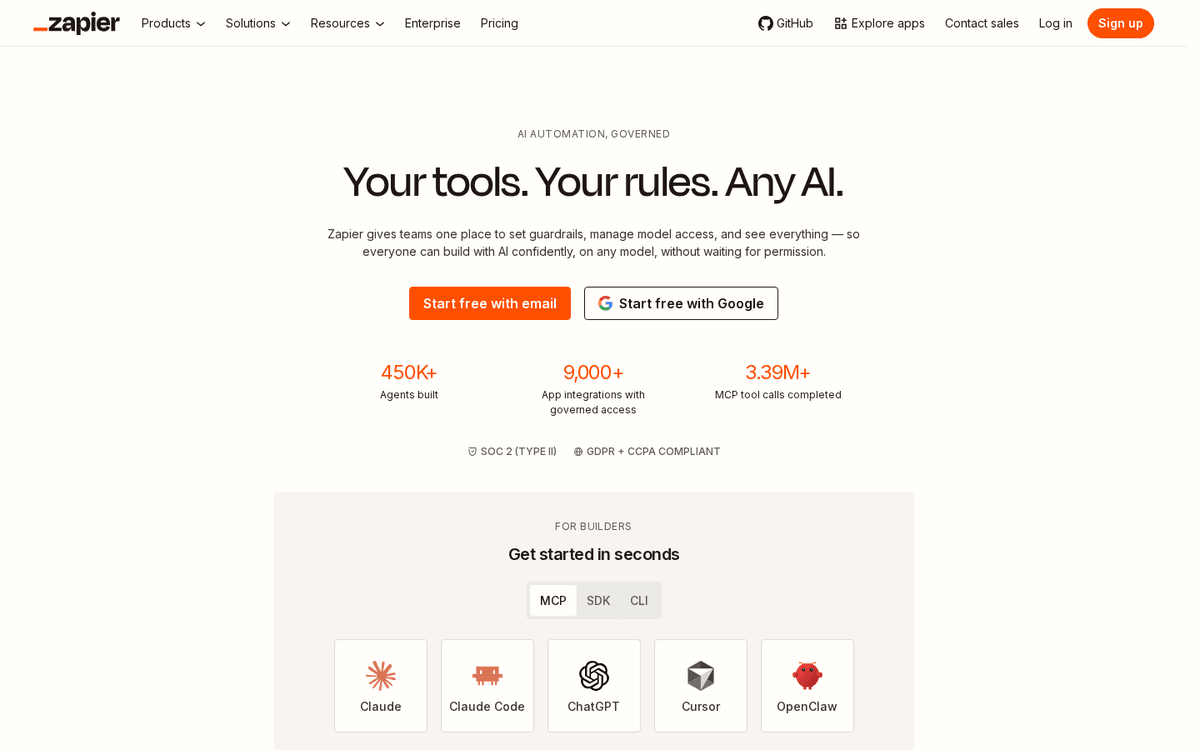
The connective tissue of a modern marketing stack. Zapier moves a new lead from an ad form into your CRM, tags it, and pings the channel where someone will act on it — the invisible plumbing that otherwise eats an afternoon of manual data entry. Its AI now helps draft the automations themselves from a plain-English description. It ranks lower only because it’s infrastructure rather than a daily creative tool, but for the wider pattern of removing repetitive work, see our guide to automating repetitive tasks.Pros
- Connects thousands of apps so leads and data move without copy-paste
- AI features help build and describe automations in plain English
- Removes the small, repeated glue work between your tools
Cons
- Task-based pricing adds up as your automations get busy
- A well-built workflow needs testing; a broken Zap fails quietly
/assets/screenshots/zapier.png Gamma
Best for: Campaign decks and pitches, fastFree · Plus ~$8–10/mo · Pro ~$15–20/mo
For marketers who live in decks — pitching a campaign, reporting results, aligning stakeholders — Gamma turns a rough outline into something presentable fast enough to skip the usual slide grind. It’s genuinely useful for the recurring “make this look like a deck” job that swallows an afternoon. It ranks last only because presentations aren’t a daily task for most marketers. If they are part of yours, it’s a strong accelerant on work you already do, and its free tier is enough to judge the fit.Pros
- Turns a prompt or an outline into a polished deck or one-pager in minutes
- Good-looking defaults save hours of slide fiddling
- Handy for pitches, campaign wrap-ups and internal alignment
Cons
- Less relevant if presentations aren't a regular part of your role
- Generated layouts still need a human edit to stay on-brand
/assets/screenshots/gamma.png Which should a marketer buy first?
Work in layers rather than buying the whole list.
Layer one, this week. Pick one general assistant, ChatGPT or Claude, and use it for everything: campaign briefs, ad and email copy, positioning, stuck-thinking. Turn on the AI already bundled in the platforms you own — HubSpot, Canva, Metricool. This layer costs at most one subscription and covers the majority of the leverage.
Layer two, when a job gets heavy. Add exactly one specialist for whichever job is currently eating your week. Drowning in copy volume, trial Jasper. Blocked on research, lean on Perplexity. Stuck doing manual data entry between tools, wire up Zapier. Resist buying all three “to be safe” — you’ll pay for three and master none.
Layer three, the cheap wins. A scheduler like Metricool is low cost and reliably useful, so add it once you’re posting consistently. Add Gamma only if pitching and reporting in decks is genuinely part of your role.
The mistake to avoid is buying by channel instead of by pain. A tool that solves a problem you don’t have is just another tab and another invoice.
FAQ
What is the single best AI tool for a marketer?
For most marketers it’s a general reasoning assistant, ChatGPT or Claude, because it helps with nearly every job you do: strategy, briefs, ad and email copy, competitive research and analysis. Specialist tools beat it only within their narrow lane, and only when that lane — copy at scale, research, or automation — is a big, repeated part of your week.
Do I need to pay, or is the free tier enough?
Often the free tier is plenty to start. Free ChatGPT and Claude handle most everyday strategy and copy; HubSpot, Canva and Metricool bundle useful AI into free or cheap plans. Pay when you hit a real limit, usually speed, longer context, brand-voice consistency at volume, or an automation depth the free tools can’t reach.
Are these prices accurate?
They’re a rough July 2026 snapshot, quoted per user before annual discounts and enterprise deals. AI pricing shifts constantly, and features are increasingly bundled into seats you already pay for. Always confirm the current figure on the vendor’s site, and check whether the AI you need is already included in a plan you own.
Can AI write on-brand marketing copy, or does it all sound the same?
It can sound the same if you let it write from a cold prompt. The fix is to feed it your brand: real past campaigns, a voice guide, and examples of what good looks like. A general assistant with a strong brand-voice prompt gets most teams there; a tool like Jasper adds saved brand voices and templates that keep a whole team consistent when the volume is high. Either way, a human edit for taste and truth is non-negotiable.
Will AI replace marketers?
No. These tools remove the mechanical parts of the job — drafting, resizing, scheduling, moving data between apps — so you spend more time on judgement, strategy and taste, which is where marketers add value. The skill that matters more now is directing the tools well and verifying what they produce, especially any statistic or claim before it goes near a customer.
How many AI tools does a marketing team actually need?
Fewer than the market wants you to think. Start with one general assistant and the AI already built into the platforms you own. Add a specialist only when a specific job — copy volume, research, or automation — becomes a repeated bottleneck. Most teams are better served by mastering two or three tools than by subscribing to nine and using each of them shallowly.